+
.svg)
Territory plan template for Salesforce teams
Plan account moves and owner changes safely before you touch Salesforce. See the account and ARR balance per rep before and after, with the impact of each move flagged automatically. For sales ops teams who need a clean reassignment list, not a messy export.
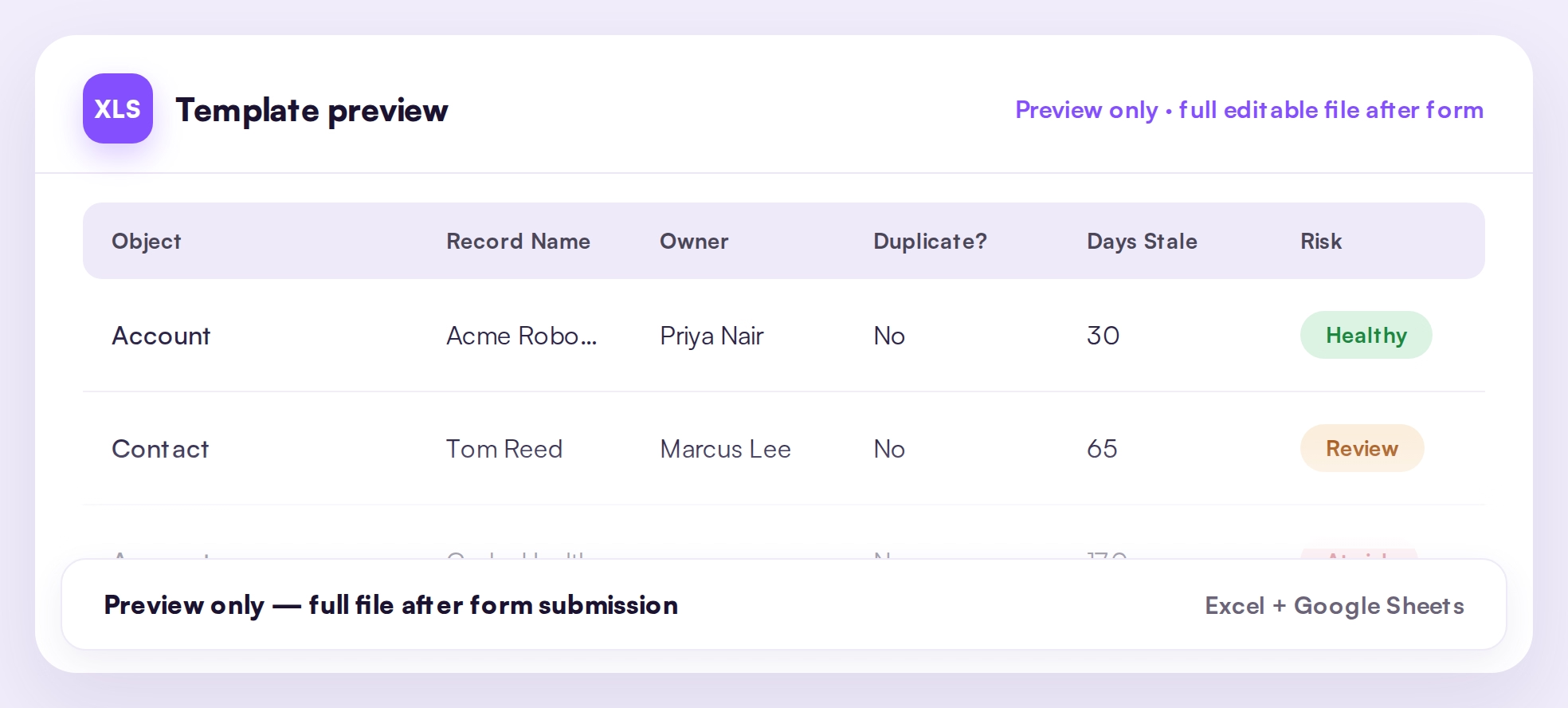
Free template
Get the template
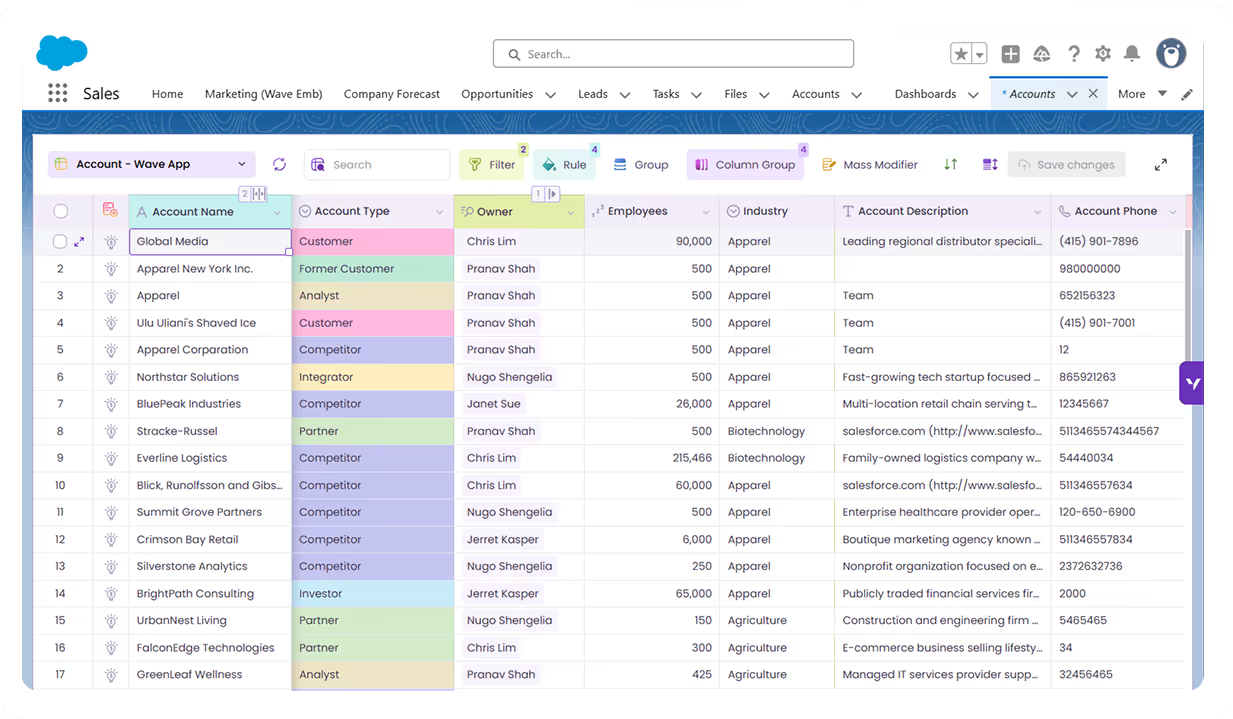
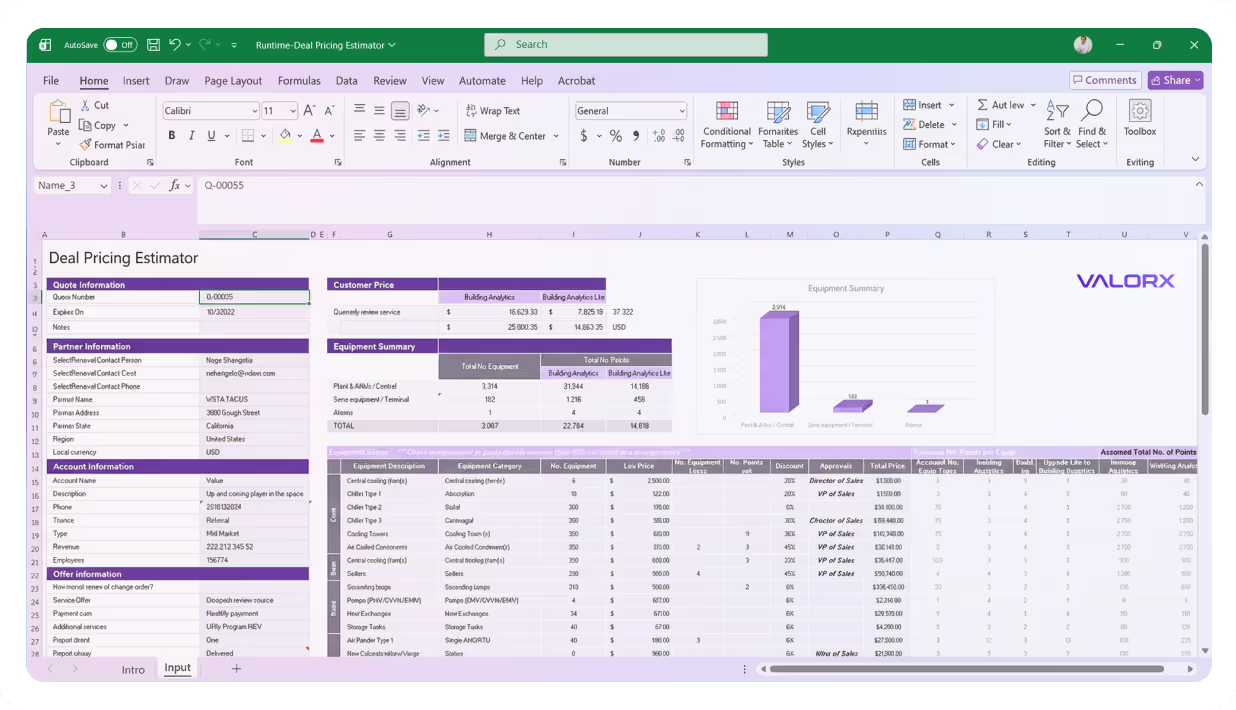
Bring the Salesforce information you need for reviews and planning into one structured working view.
Best for
Built for sales ops planning coverage changes
Use this template when you're rebalancing territories and need to see the impact before it's live. It gives you a clean before/after and a reassignment list you can act on.
- Annual territory planning — model next year's coverage before it goes live in Salesforce.
- Load balancing — make sure no rep is carrying too many accounts or too much ARR after the shuffle.
- Ownership changes — plan account moves with a clear reason and effective date for each.
- Segment or region realignment — reassign by segment or region and see the impact instantly.
What’s inside
Plan the moves, see the balance, then update
The template flags which accounts are moving, scores the impact, and shows the account and ARR load per rep before and after.
- Current vs proposed owner fields
- Account ARR, region, and segment
- Move flag (auto-calculated) and move impact
- Suggested action for each move
- Before/after balance summary per rep
Field mapping
Intro: The template uses common Salesforce fields plus planning fields many teams keep as custom fields or review notes.
Related templates
More Salesforce templates your team may need
Use these as next downloads on the main Valorx Templates page.
Sales Cloud
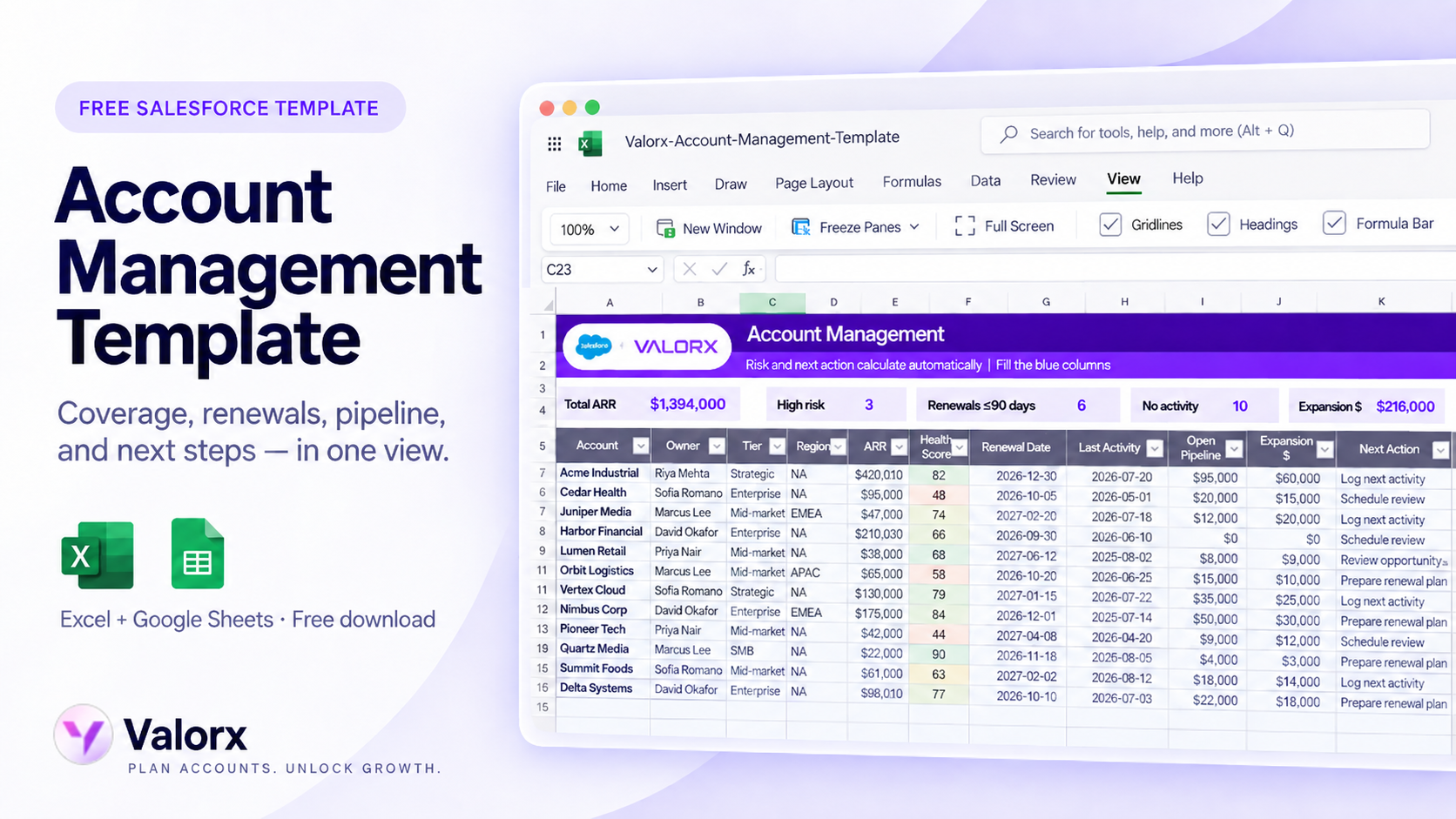
Salesforce Account Management Template
Sales Cloud
Territory plan template for Salesforce teams
Turn the template into a live workflow
A spreadsheet template is a good place to start. When the same work happens every week, Valorx lets your team work directly with Salesforce data, with fewer exports, uploads, and stale copies.