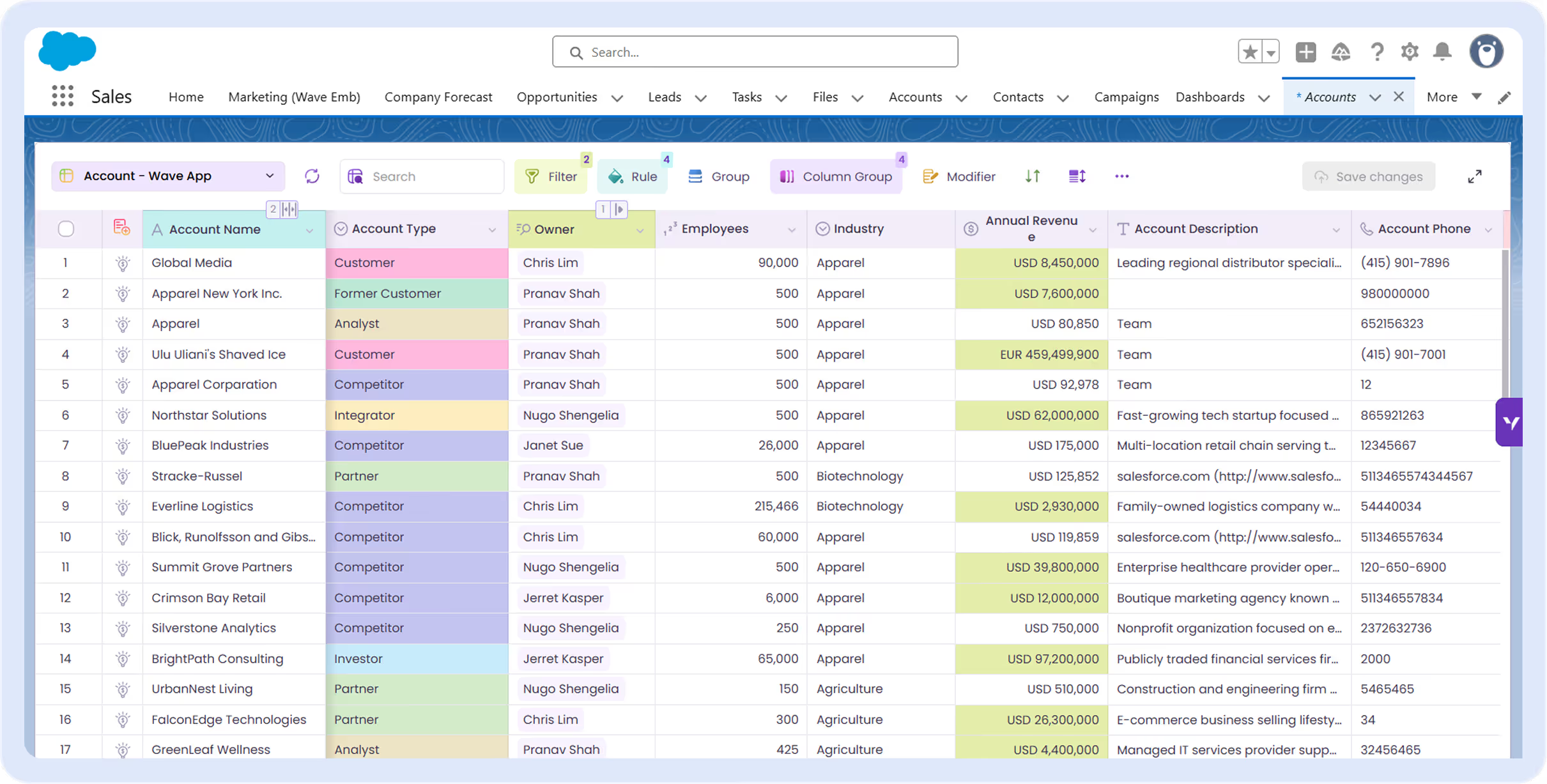
See every technician, skill and job in one grid
Find the right person by skill, spot who carries the most work, and dispatch jobs in bulk.
Trusted by leading Salesforce partners
Implementation and consulting partners choose Valorx to deliver spreadsheet experiences on top of Salesforce.













USE CASES
What your Salesforce resource planning is missing
Skills, assignments and appointments live on separate pages. Wave lines them up so you can staff the work.
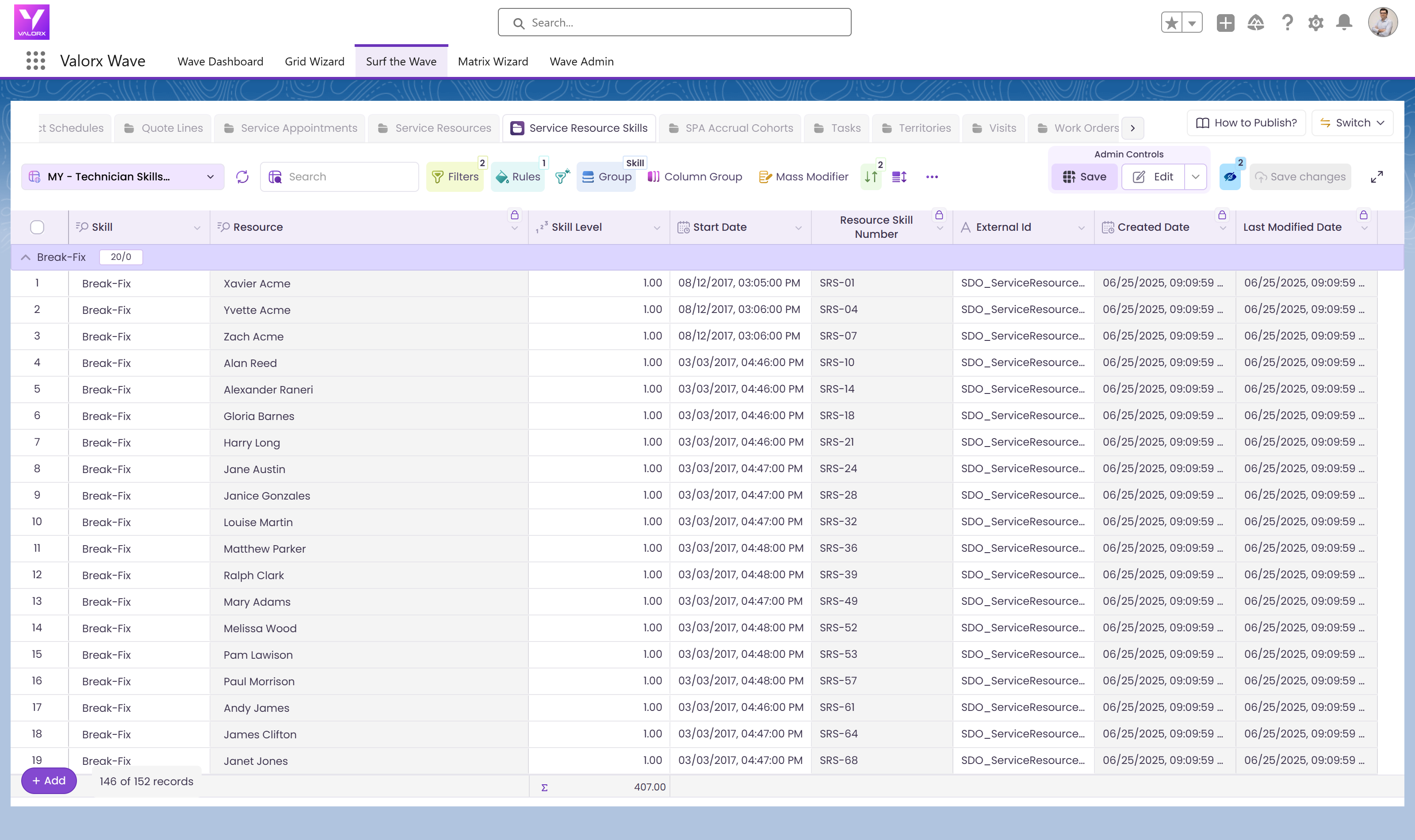
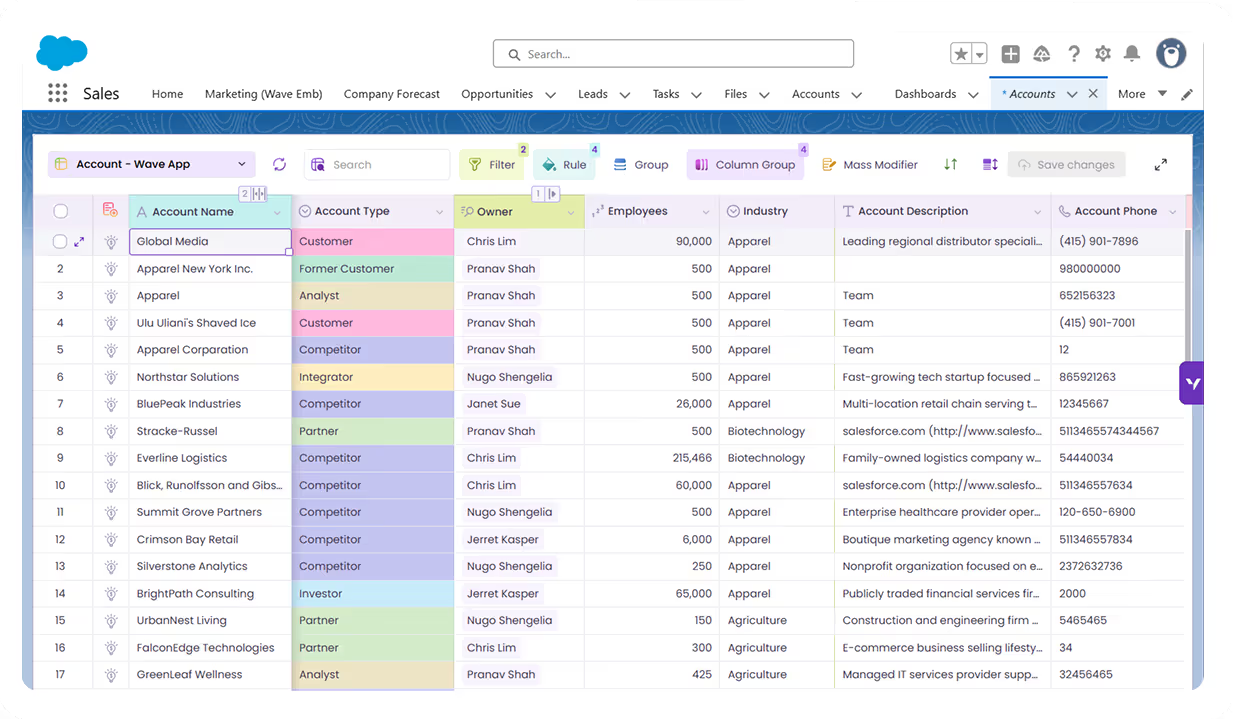
Every technician and their skills
- All active technicians in one grid
- Open a row to see their skills
- Edit skill levels in place
Find the right person for the job
- Skills grouped by skill
- Everyone who has it, by level
- No clicking through profiles
See who carries the most work
- Assignments grouped by technician
- A count on every person
- Spot who is free before you book
Dispatch jobs in bulk
- Select the appointments to dispatch
- Set the status once
- Save them all to Salesforce
Real results from enterprise teams
Book a demo
100%
data stays in Salesforce
10 x
Faster resource updates
50%
savings in staffing admin

See what Valorx adds to resource management in Salesforce
Without Valorx
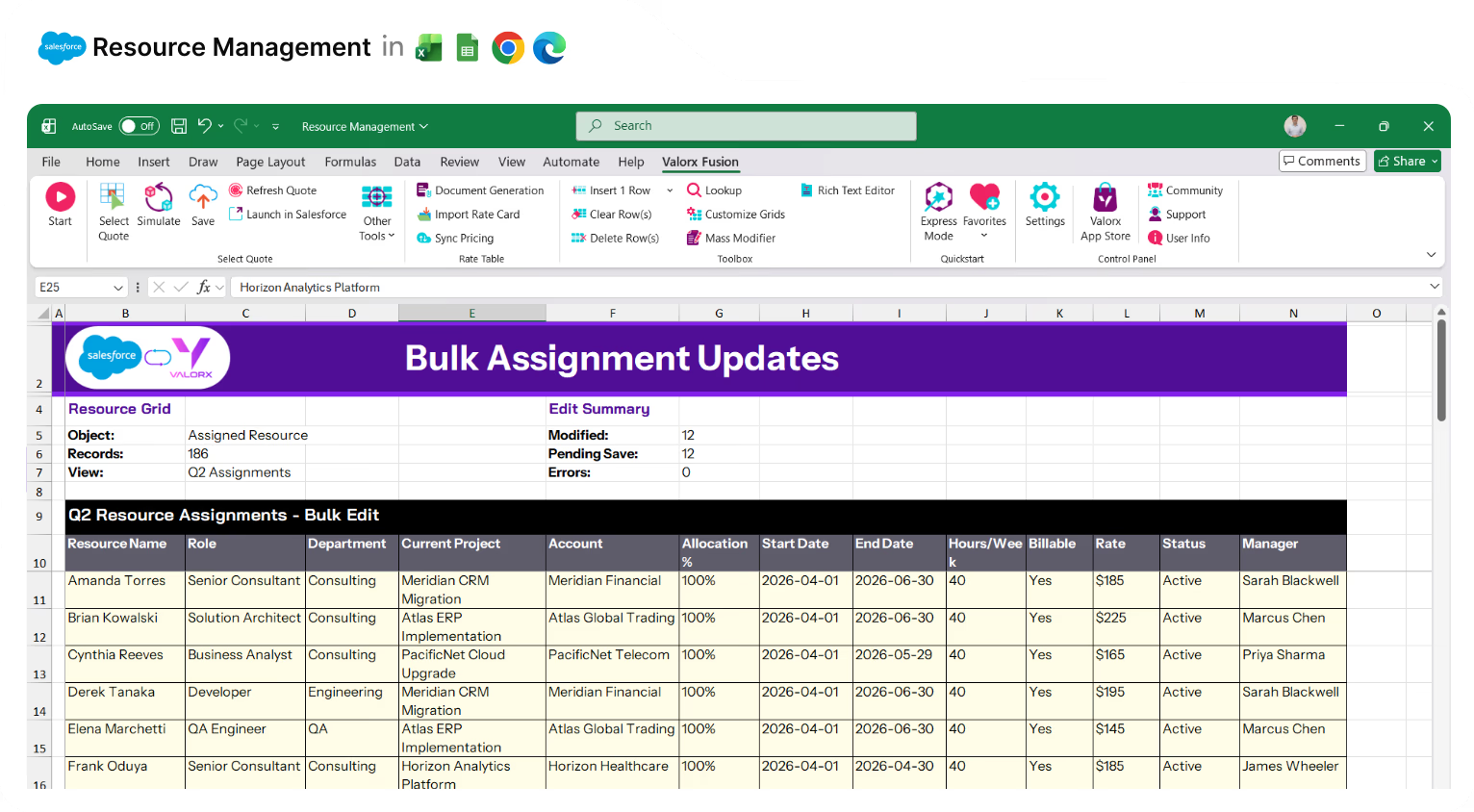
Edit resource assignments one at a time
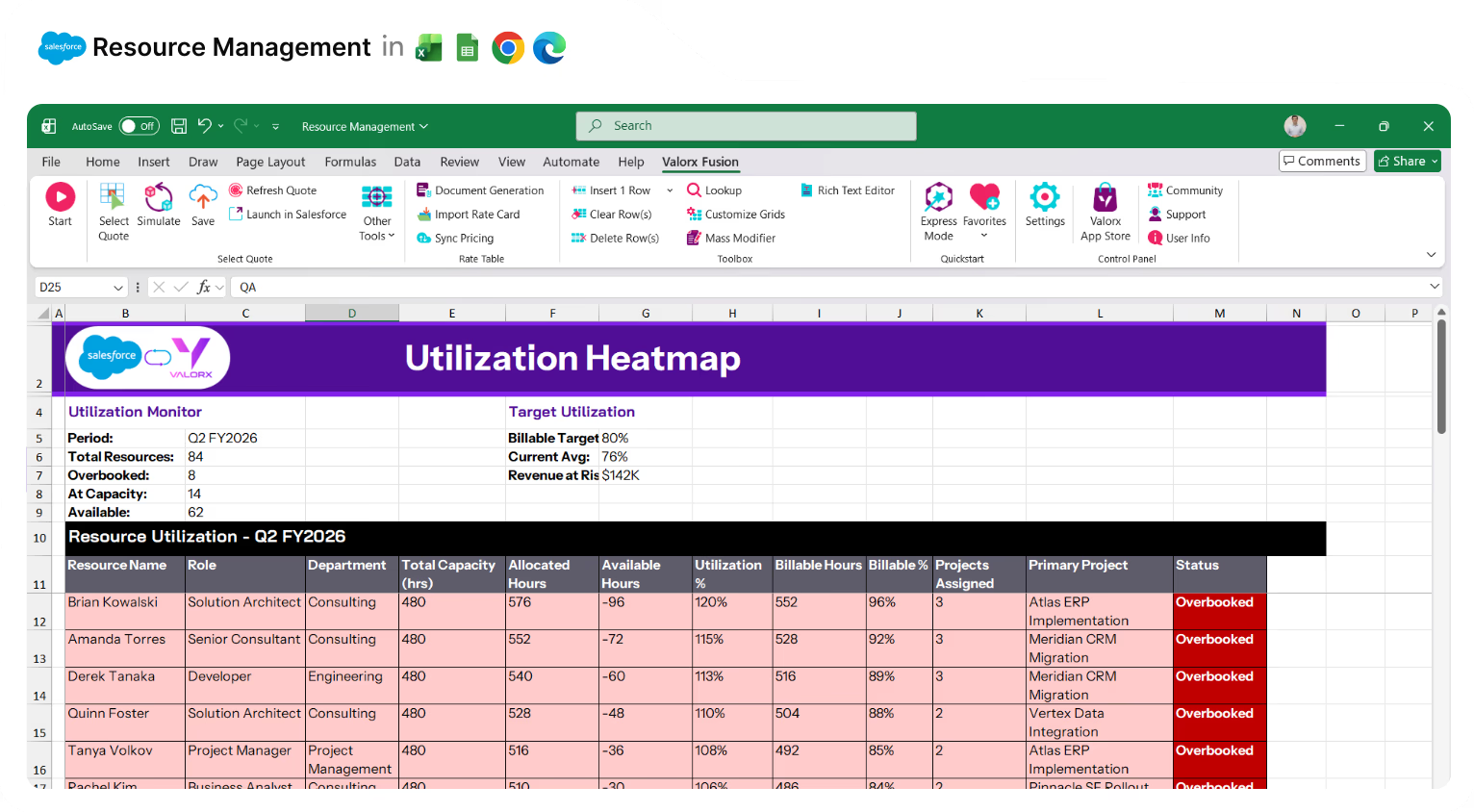
Utilization data in separate reports
Capacity data in spreadsheets
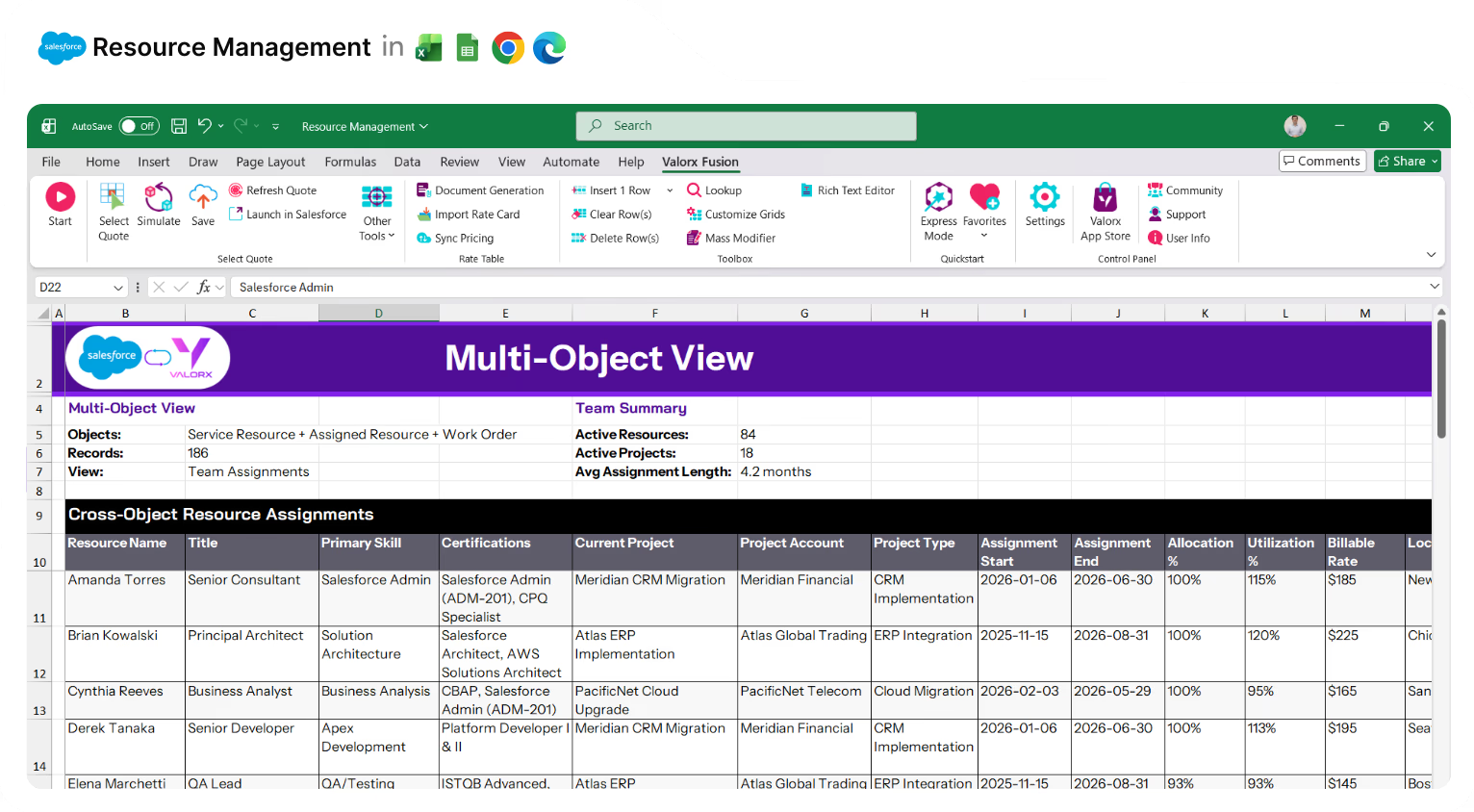
Related data across tabs
With Valorx
Bulk update allocations across projects
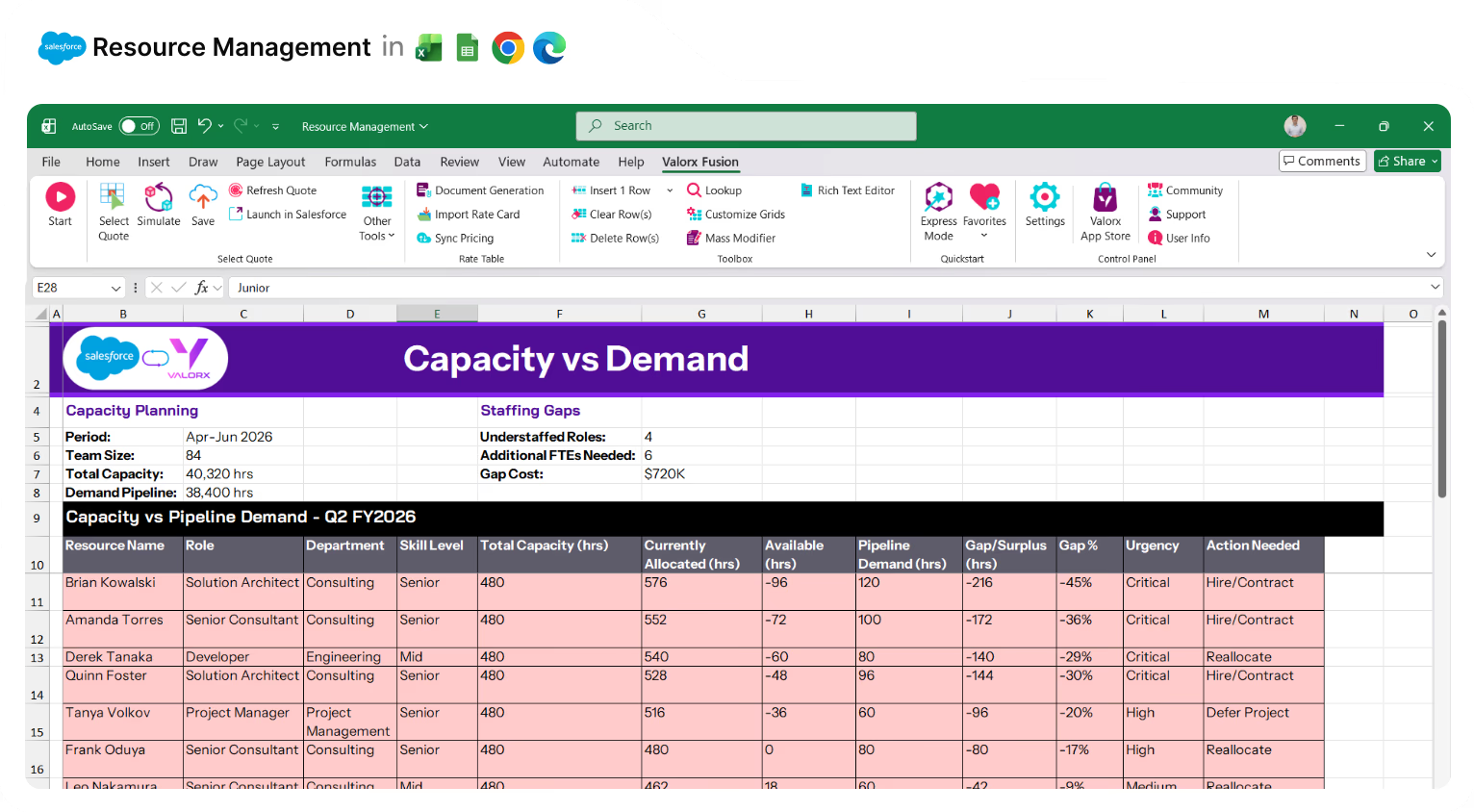
Overloaded resources highlighted in the grid
Capacity vs. demand side-by-side
Resources + Projects + Skills in one grid

Built for teams managing resources in Salesforce

Professional Services
Consultant staffing, billable utilization, project allocation.

Technology & IT Services
Developer assignments, skill matching, capacity planning.

Marketing Agencies
Creative team allocation, campaign staffing, workload balancing.

Field Services
Technician scheduling, territory management, appointment allocation.
Two ways to manage resources in Salesforce
Choose the approach that fits your workflow.
Real results with Valorx
Show your customers what's possible when they combine Salesforce with spreadsheet-native workflows.