Retail store and merchandising operations on Salesforce
Price the catalog, run promotions, forecast stores and clear service spikes in one Salesforce grid.
Retail and consumer teams working with Valorx





Customer story
Retail teams already run this in Salesforce
See how fast Salesforce
can actually feel.
If you can do it in spreadsheet,
you can do it in Valorx.
Book a demo
<00 days
to production
00x
faster updates than one record at a time
0+
departments aligned on one Salesforce view

Built for retail teams in Salesforce
Valorx works on the Salesforce objects your teams already use, from products and promotions to store visits and cases.
Grocery and specialty food
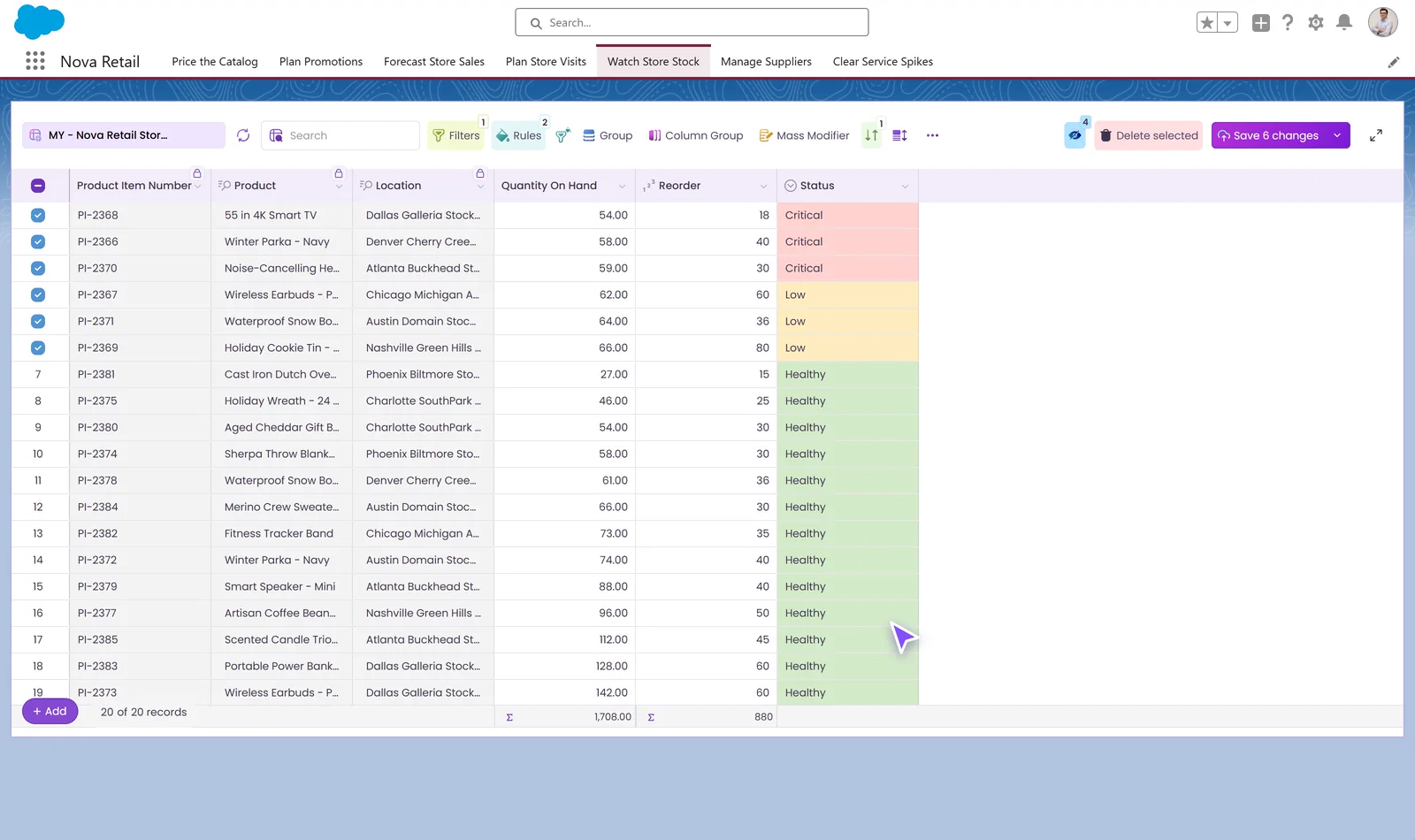
Promotions, stock
Apparel and fashion
Catalog pricing
Consumer electronics
Store stock
Department and mass
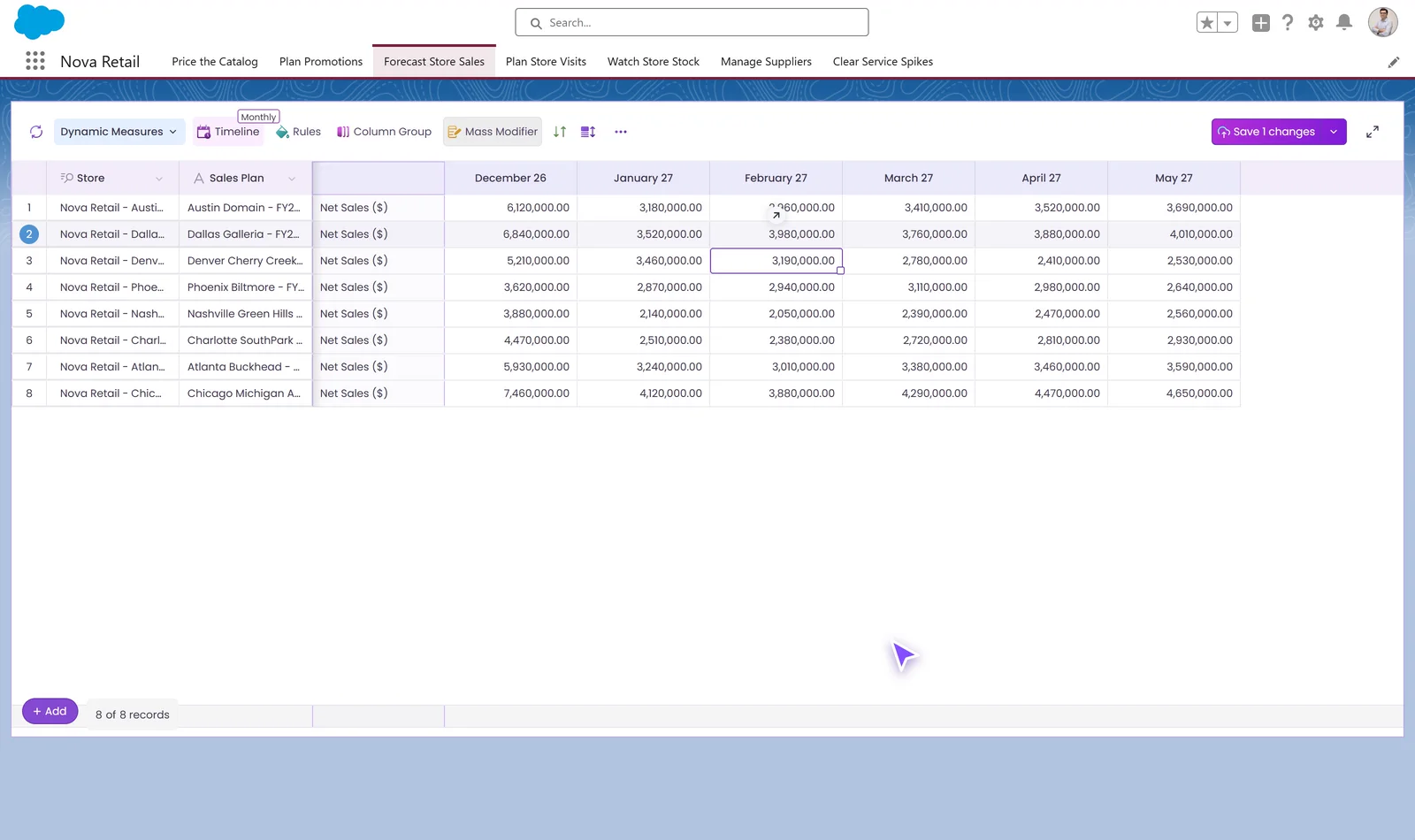
Store forecasts, visits
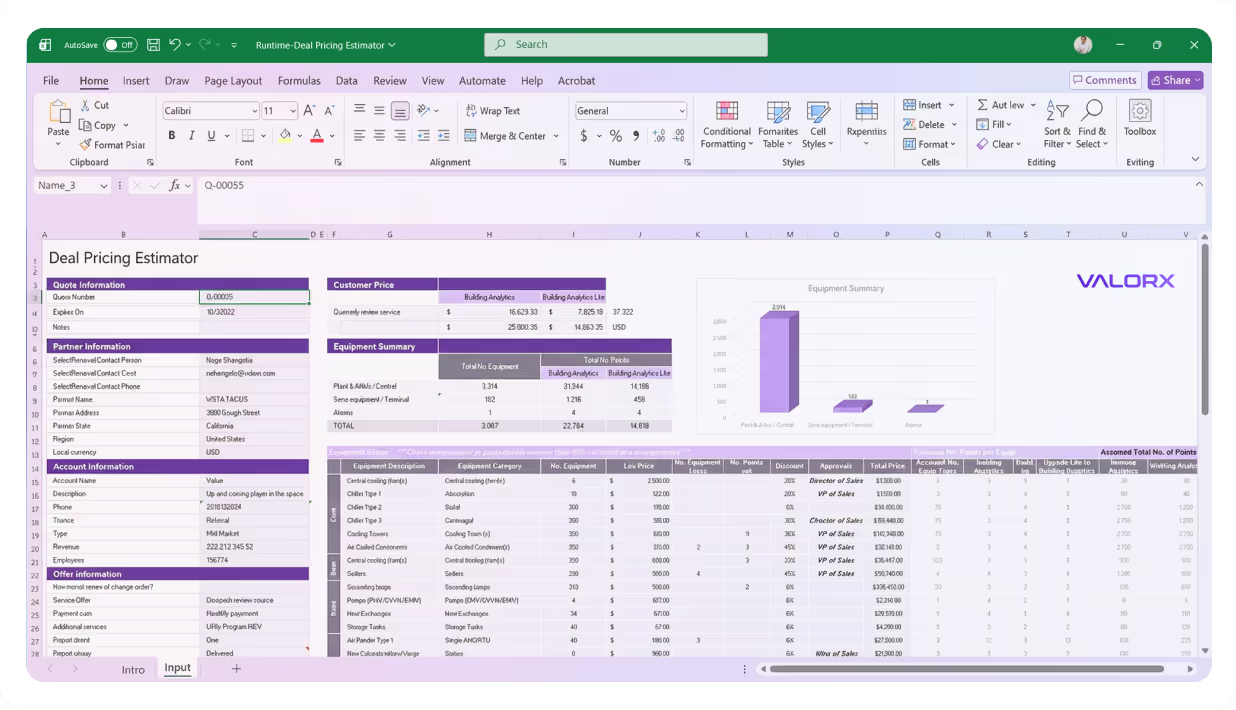
Access all your favorite Excel features
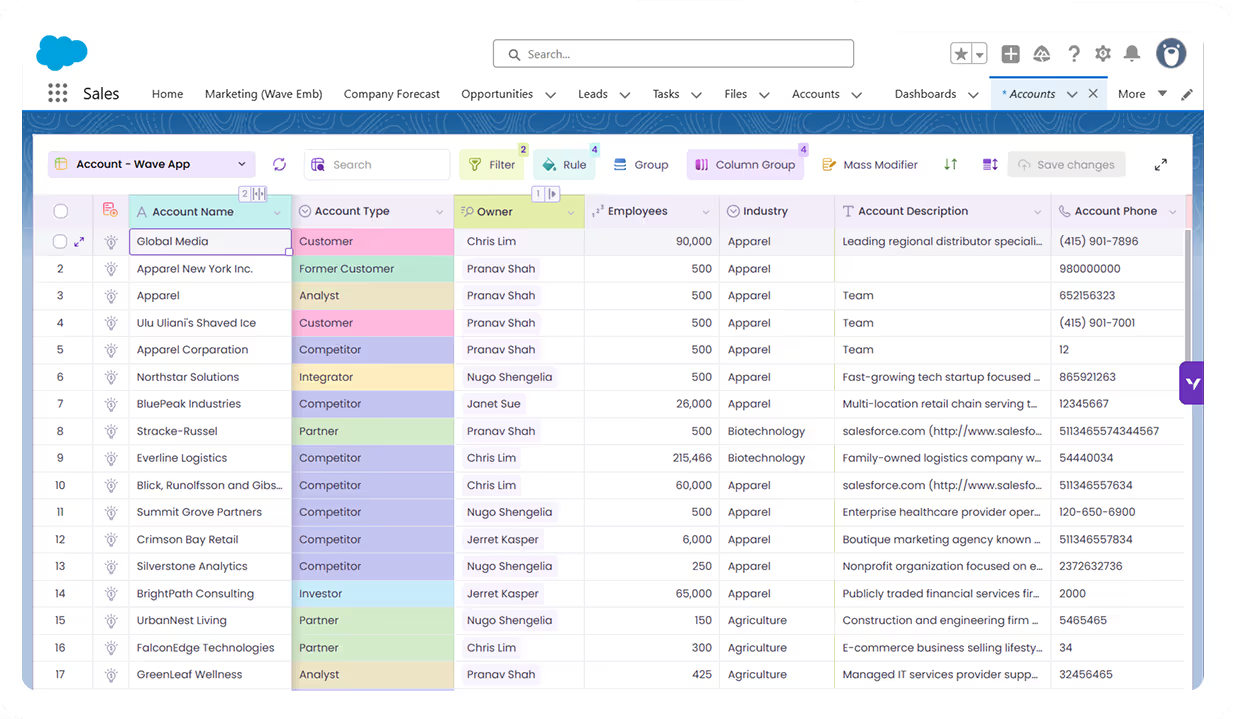
From simple drag-and-drop to powerful formulas, enjoy all your go-to spreadsheet tools while working directly with your Salesforce data.










Work in Salesforce like you work in a spreadsheet.
See what Valorx adds to Salesforce
The same work, before and after Valorx.
Without Valorx
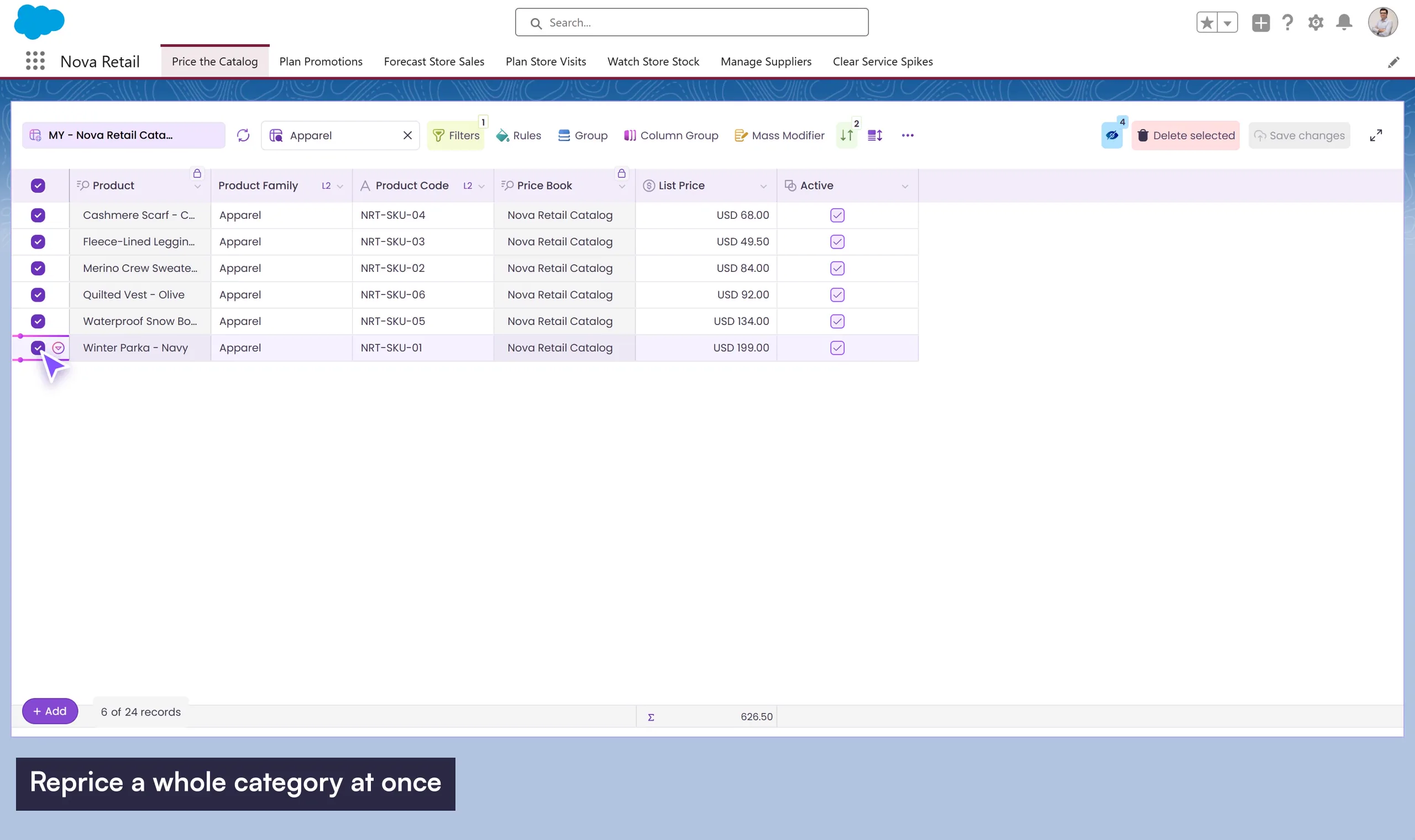
Price changes typed product by product
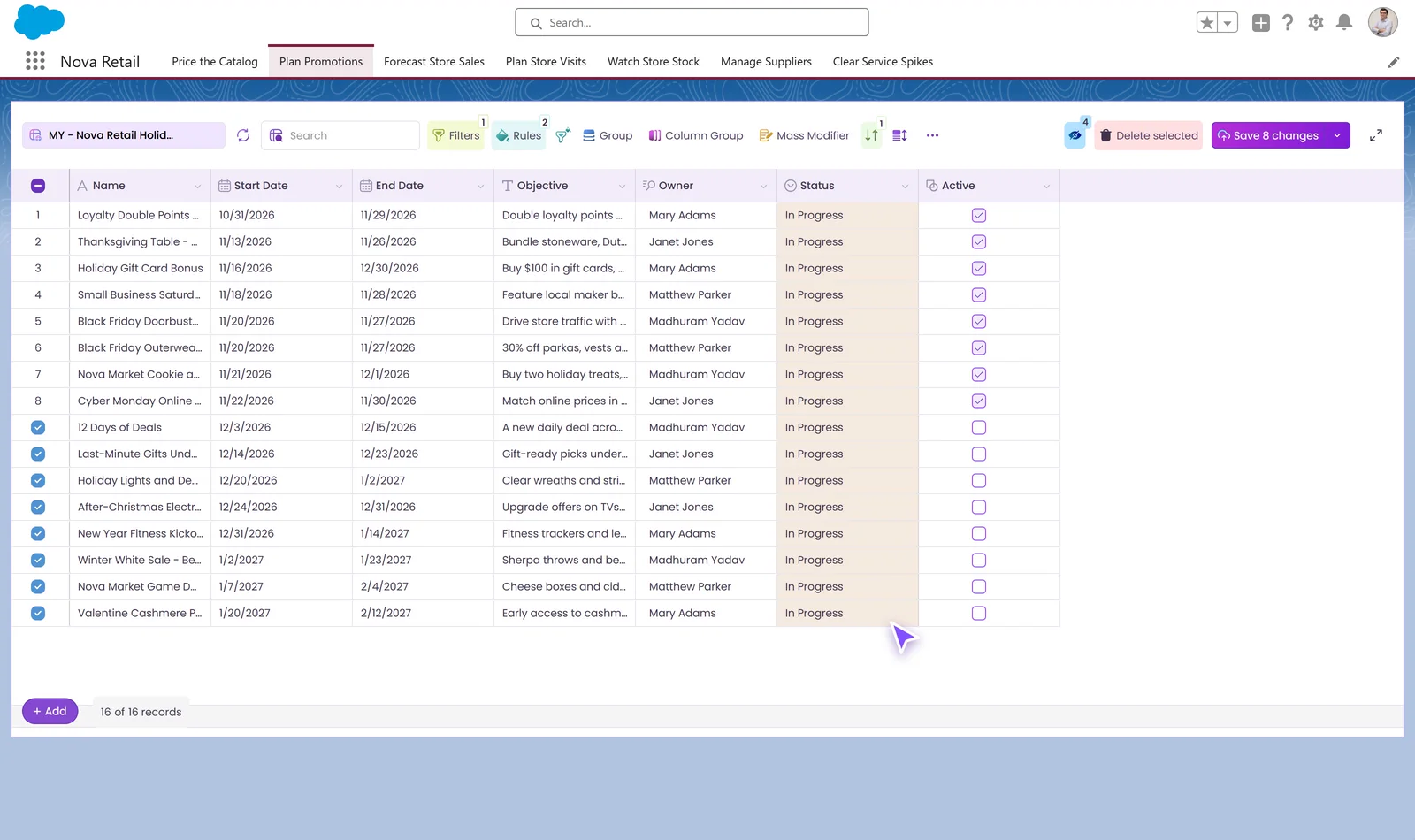
Promotions switched on one record at a time
Overdue store visits found by scrolling
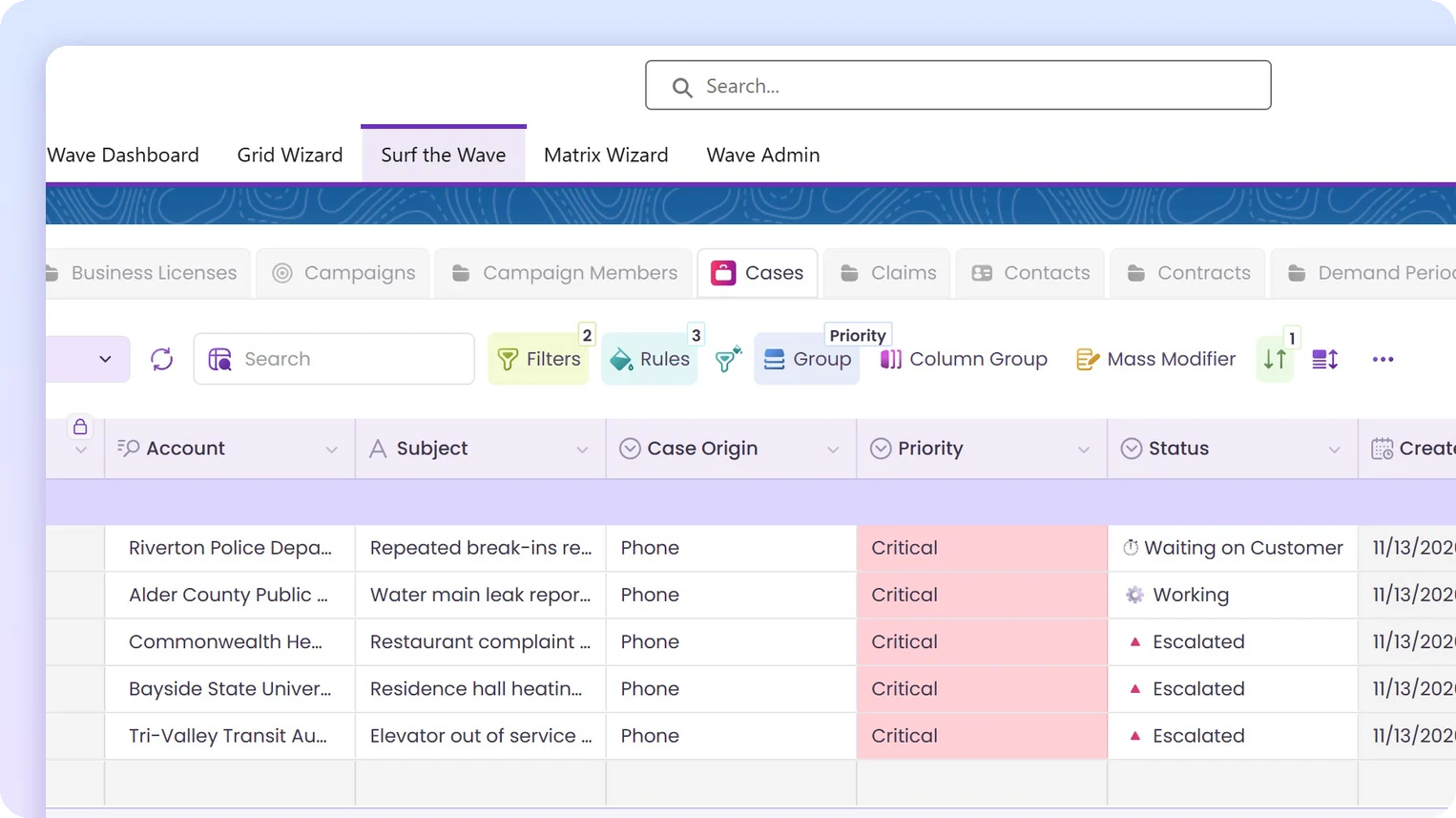
Holiday case spikes worked one case at a time
With Valorx
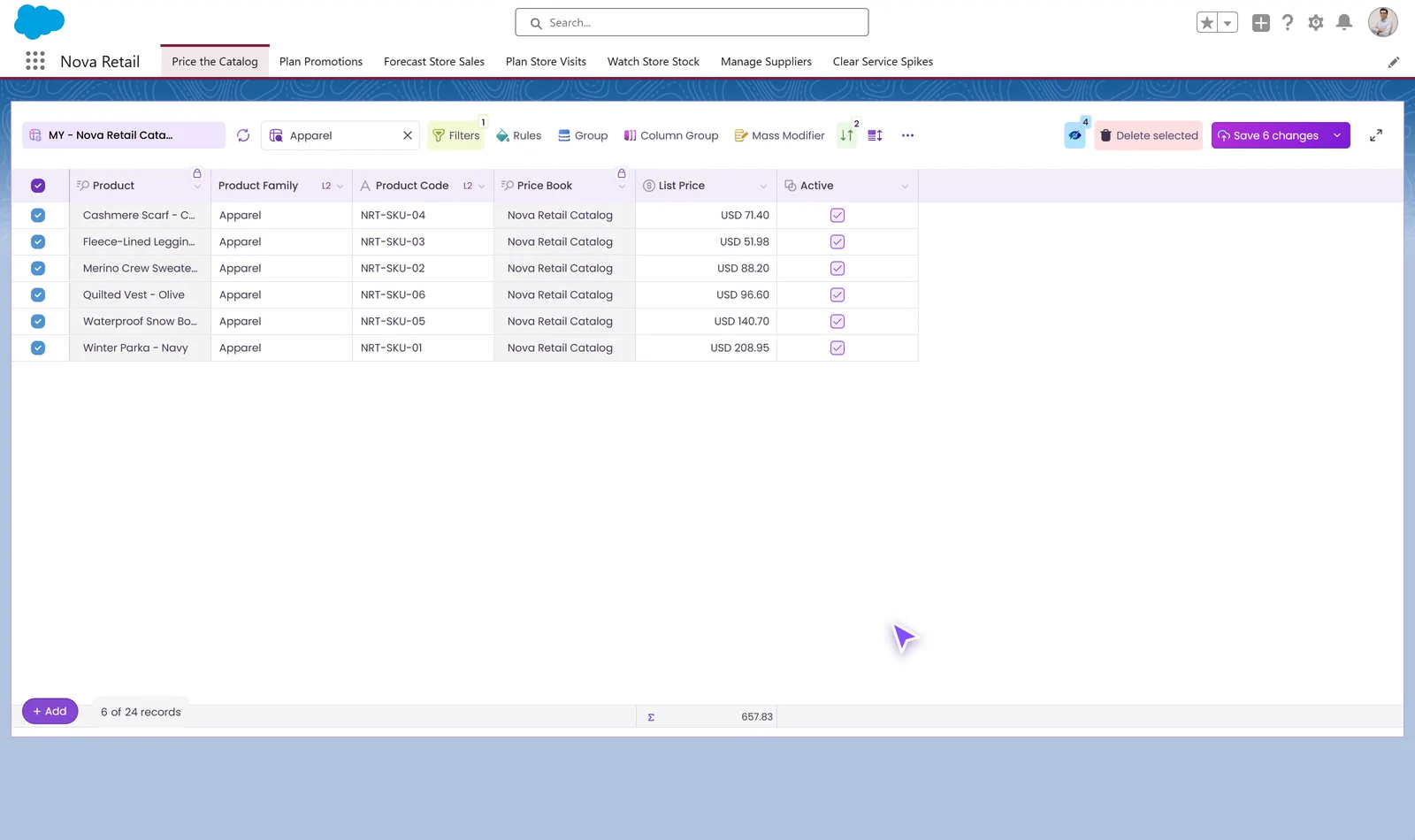
A whole category repriced in one step
Eight promotions launched together
Overdue visits in red, reprioritized at once
Ten cases picked up in one step

Frequently asked questions
Can we reprice a whole product category at once?
Yes. Open your price book entries in a Wave grid, filter to one category, select its products and raise or lower the list price by an amount or a percentage with Mass Modifier. You review every change before you save it to Salesforce.
How do we launch many promotions together?
Draft promotions show in one grid, colored by status. Select the ones that are ready and set them all to In Progress in one step, then save.
Can we plan store sales by month in Salesforce?
Yes. Wave Matrix lays out each store's sales plan by month, so a planner can type a new number into any store and month and save it straight back to the opportunity lines behind it.
Which Salesforce objects does Valorx work with for retail?
The ones your team already uses, including products, price book entries, promotions, opportunities, visits, product items, locations, contracts and cases. Valorx works on standard and custom objects alike.
When should our team use Fusion instead of Wave?
Use Wave when your team works inside Salesforce. Use Fusion when a pricing or store plan already lives in Excel: Fusion connects that workbook to Salesforce, so the same prices, promotions and plans update from Excel.
Does Valorx respect our Salesforce security?
Yes. Valorx runs inside your org on your existing profiles, permission sets and sharing rules. People only see and edit the records Salesforce already lets them see and edit.












Choose the workflow you need:
Try Wave in browser Extension
Connect Wave directly with your browser

Try Wave in Salesforce
Integrate Wave in Salesforce

Try Fusion In Excel
Easily use Fusion within Excel

Excel
Salesforce
Browser