Manage Revenue Cloud with Spreadsheet Ease
Spreadsheet interface for CPQ. Model pricing. Run what-ifs. Forecast with live Salesforce data. Handle 2,000+ quote lines without timeouts.
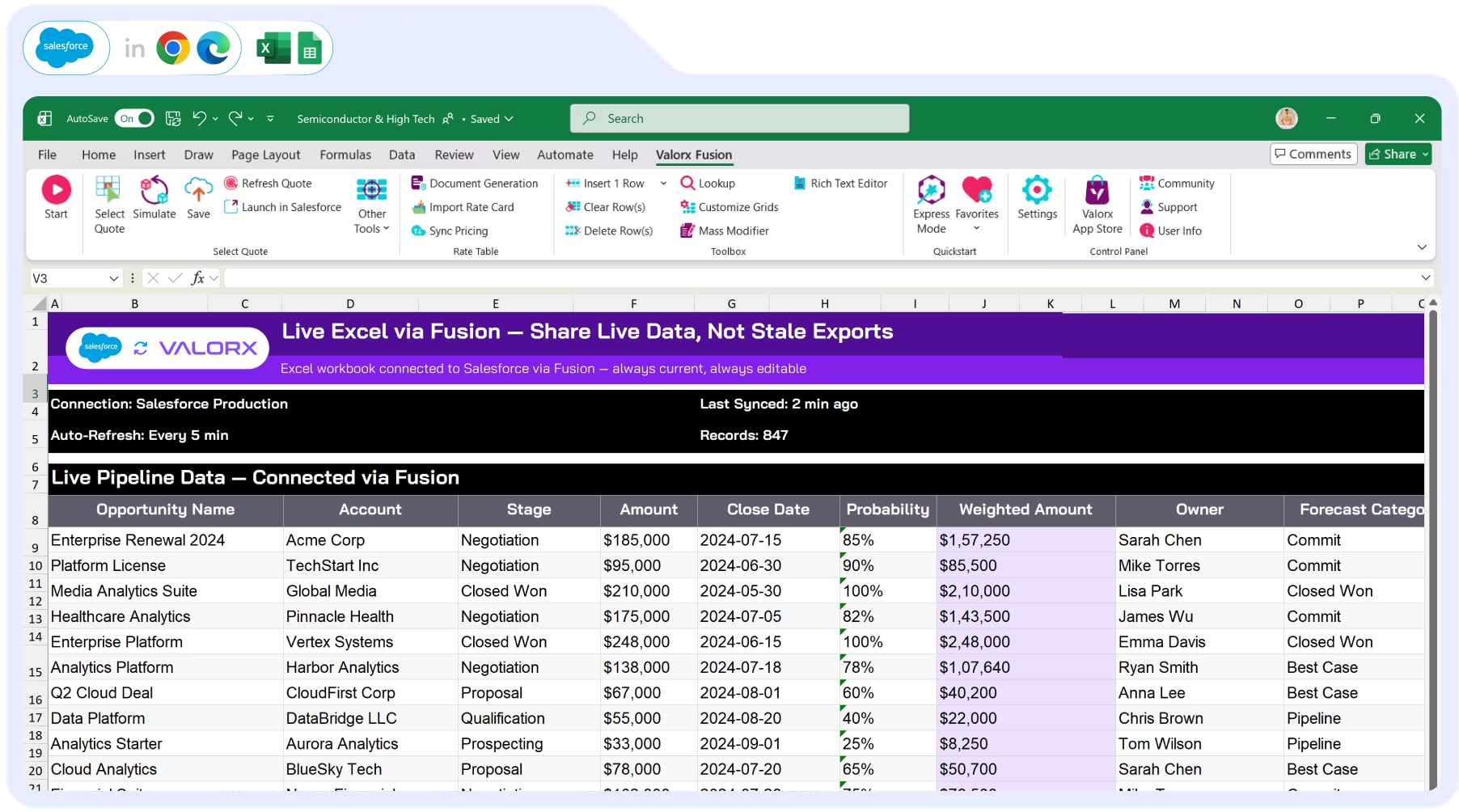
Enhancing Salesforce for industry leaders












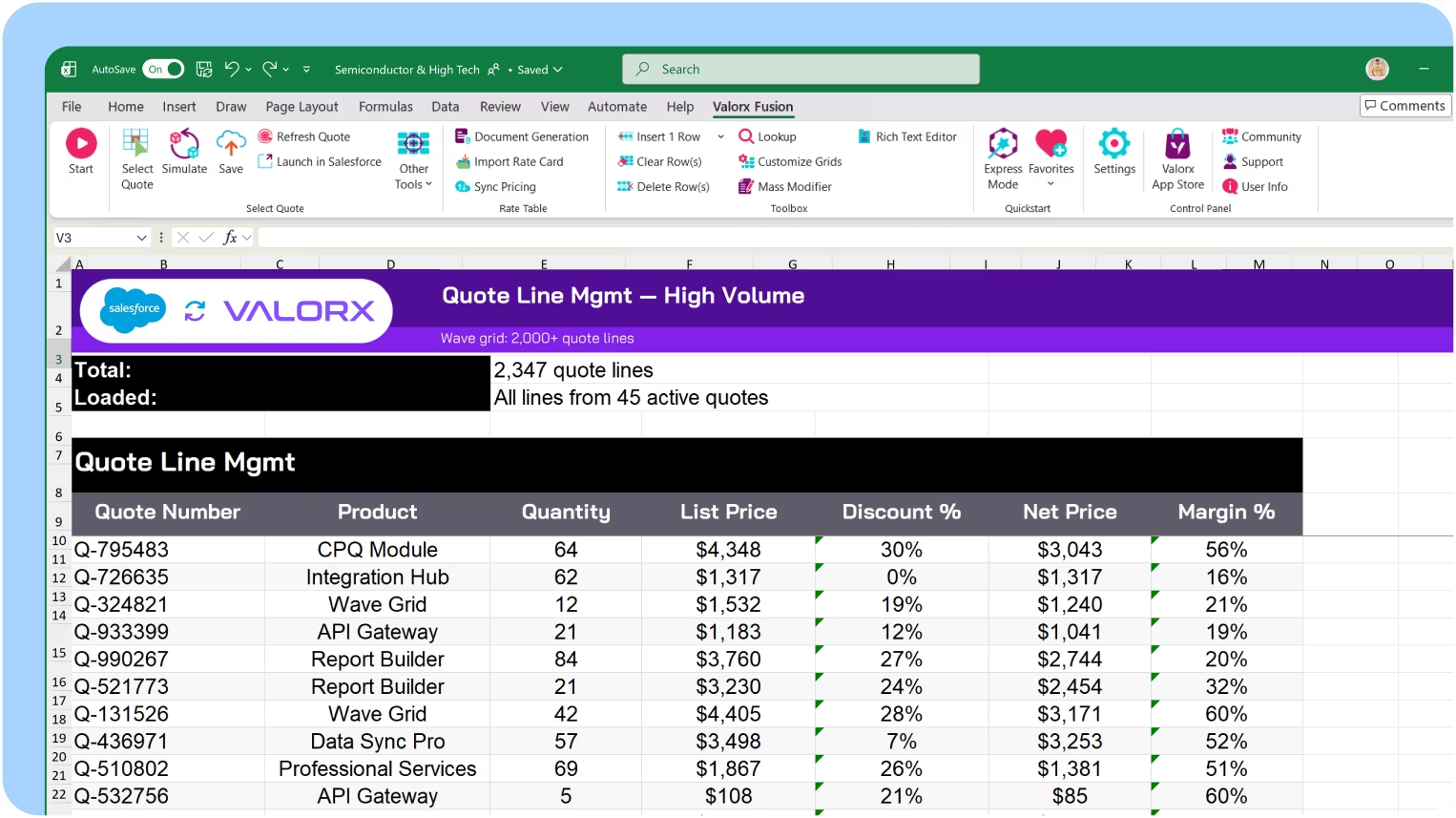
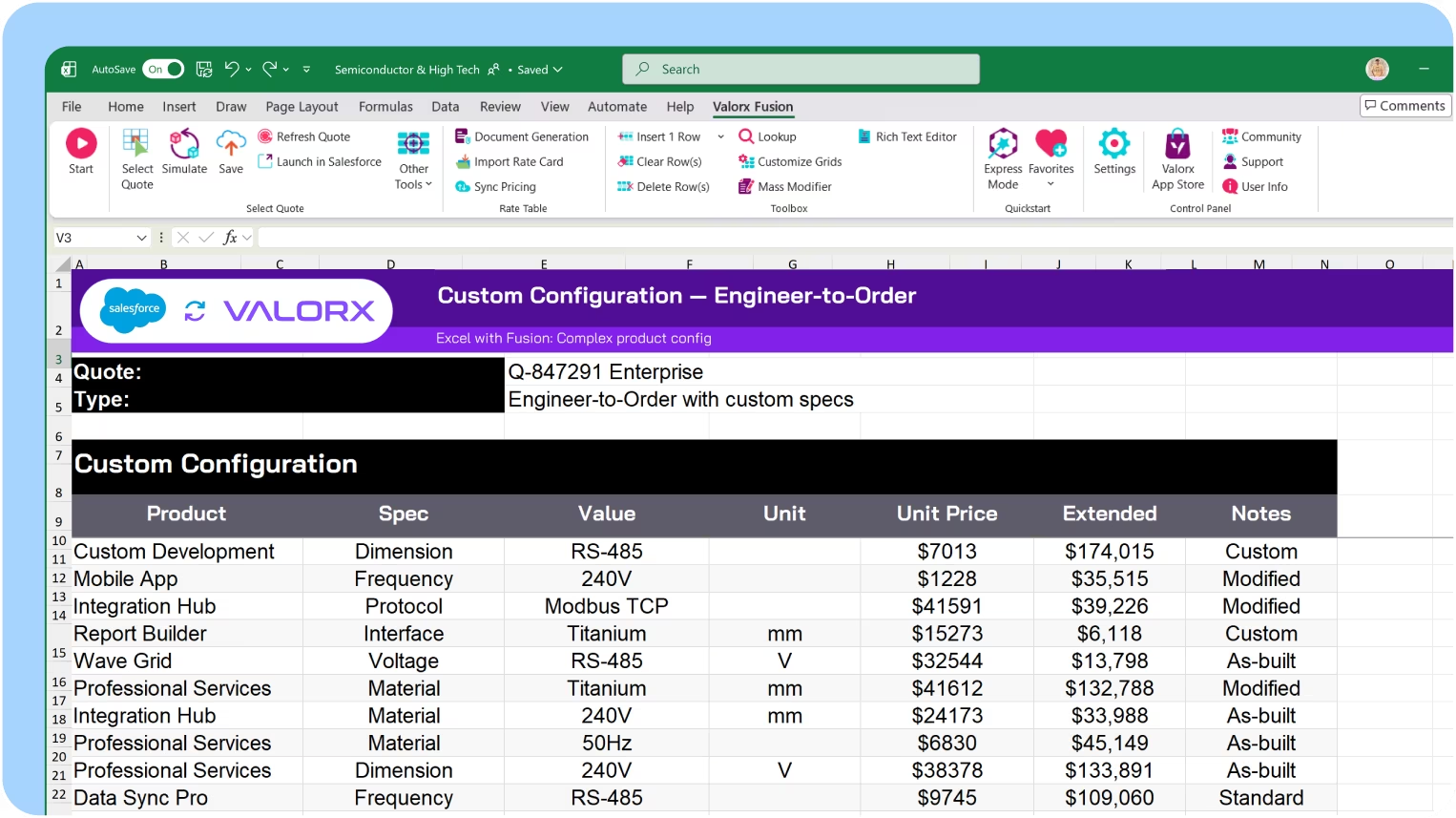
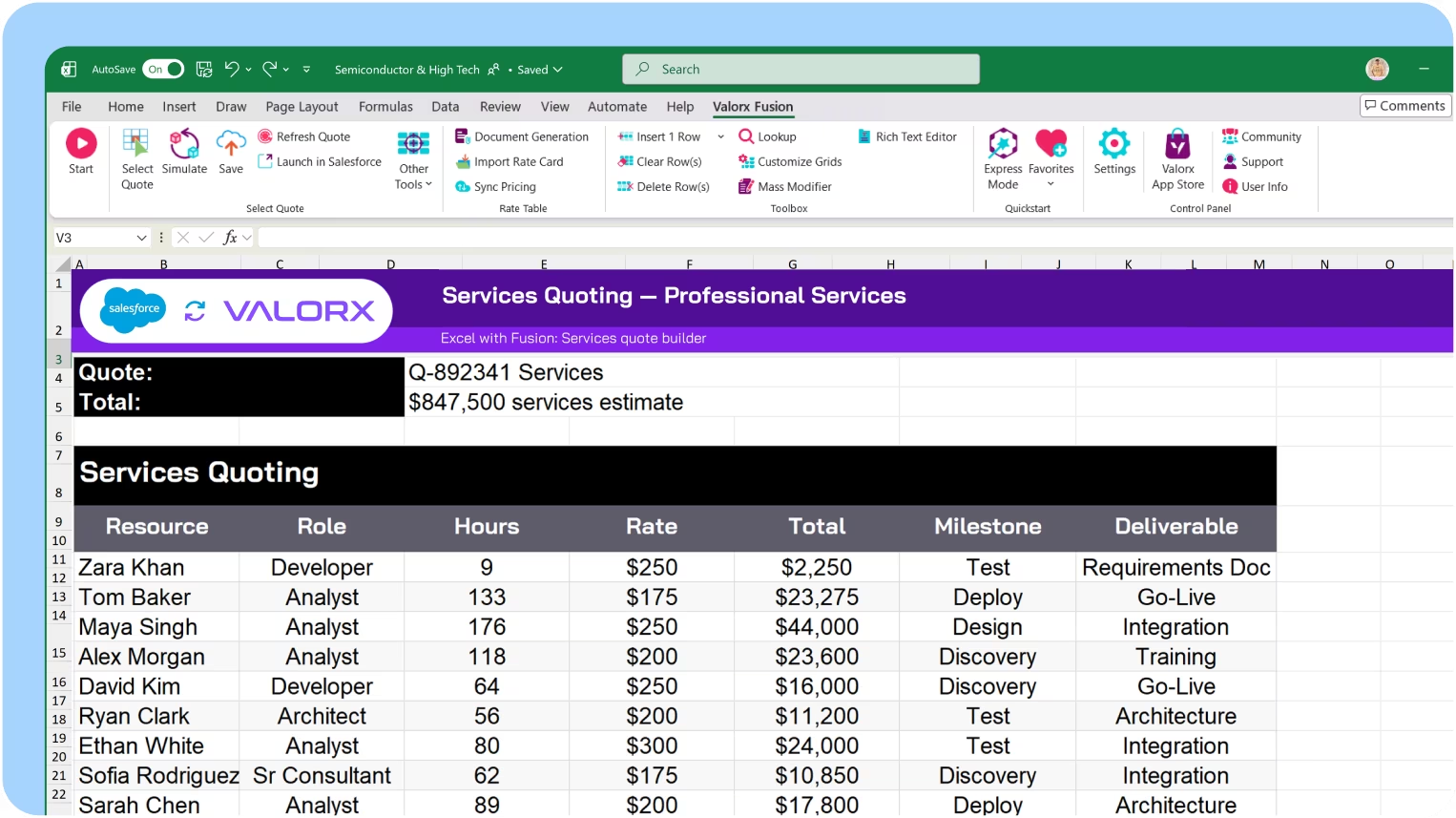
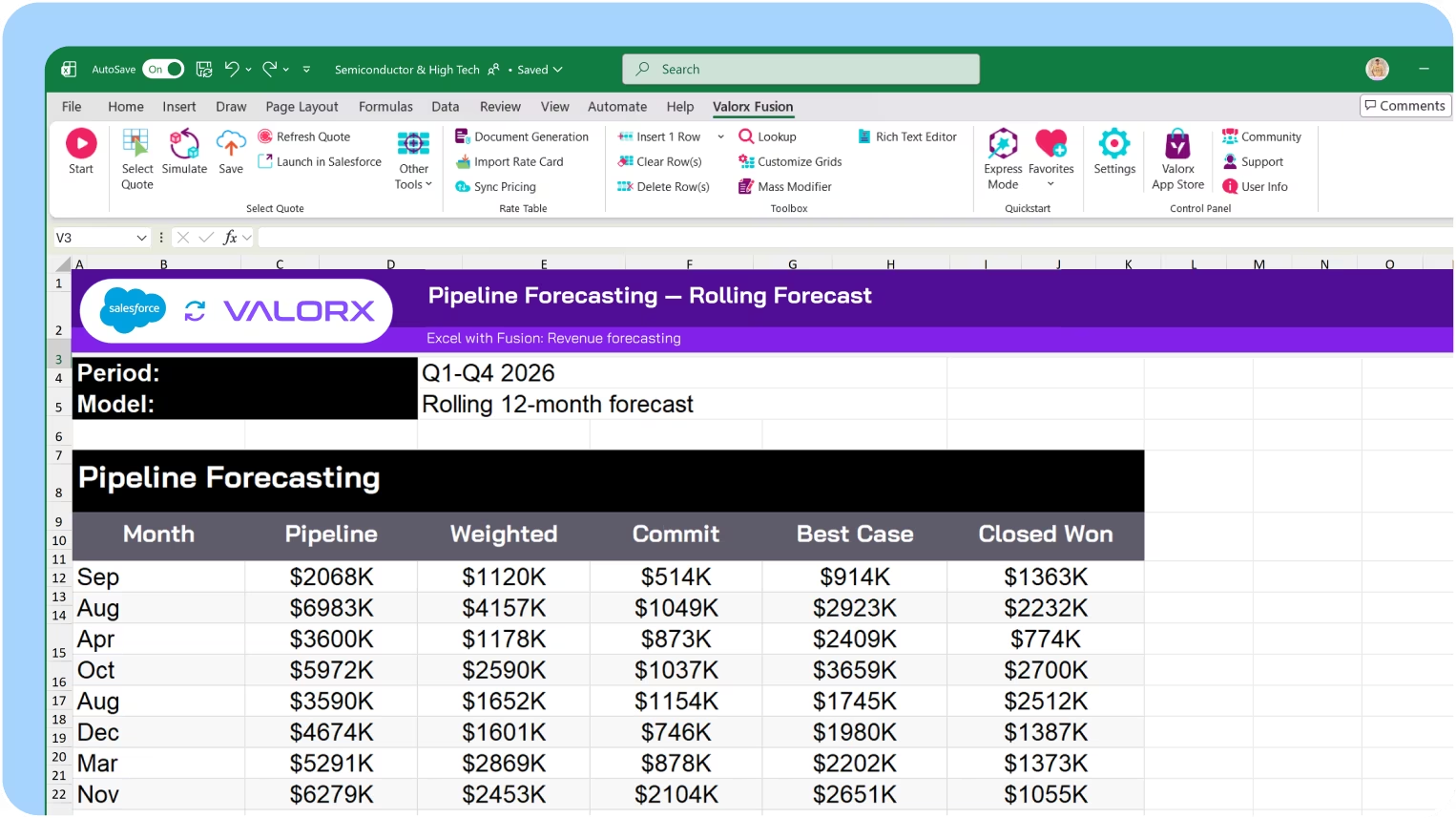
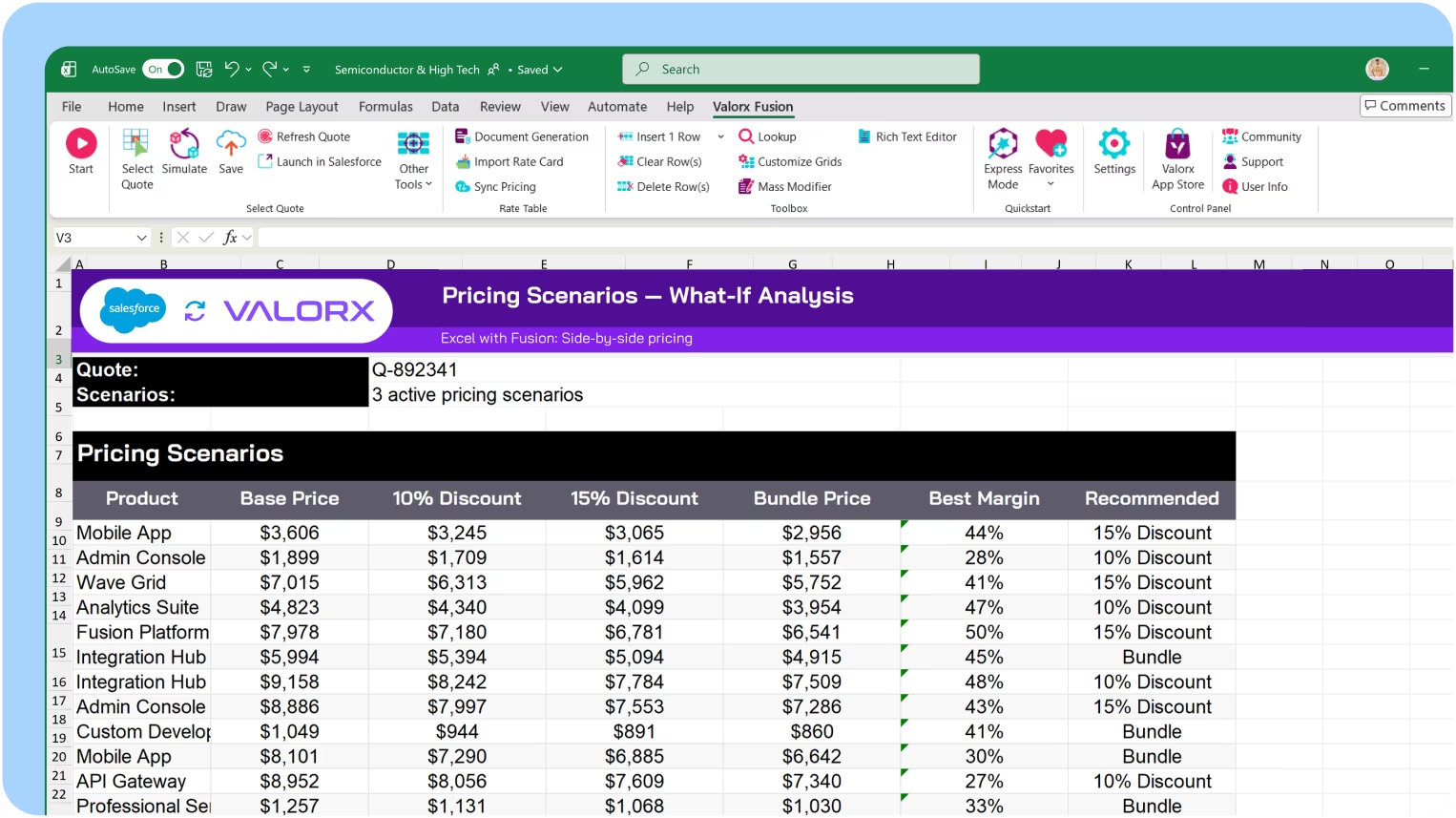
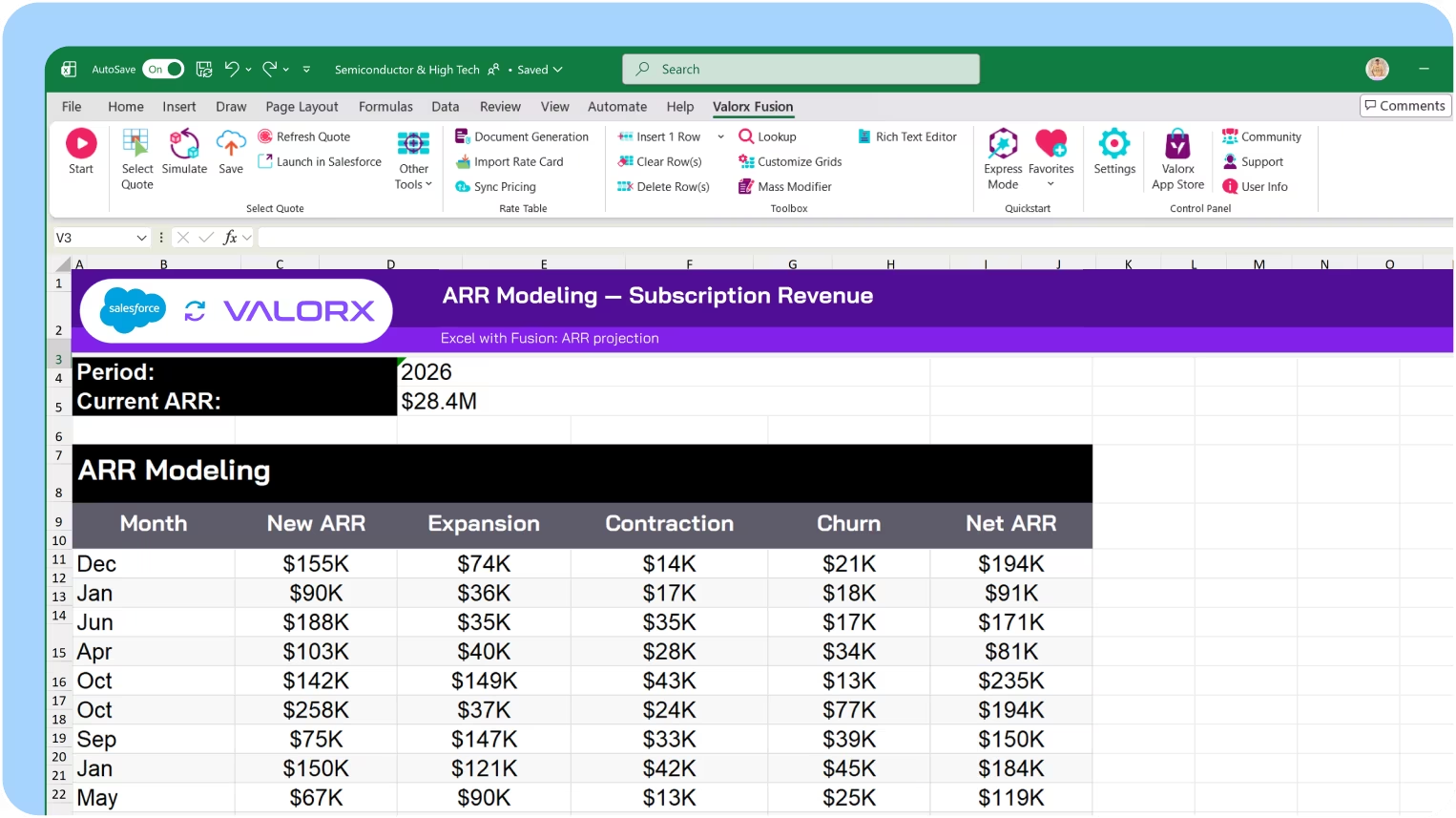
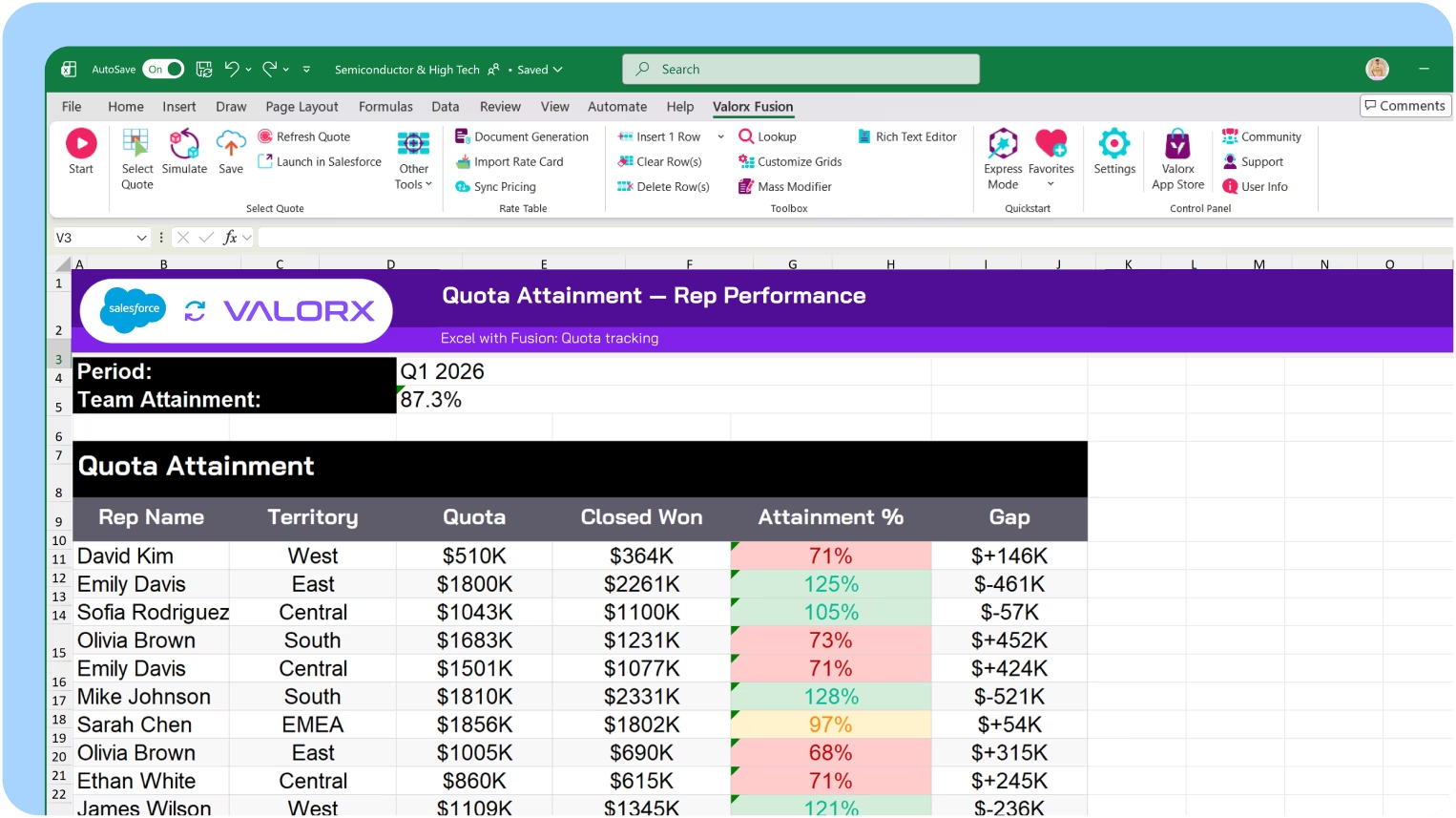
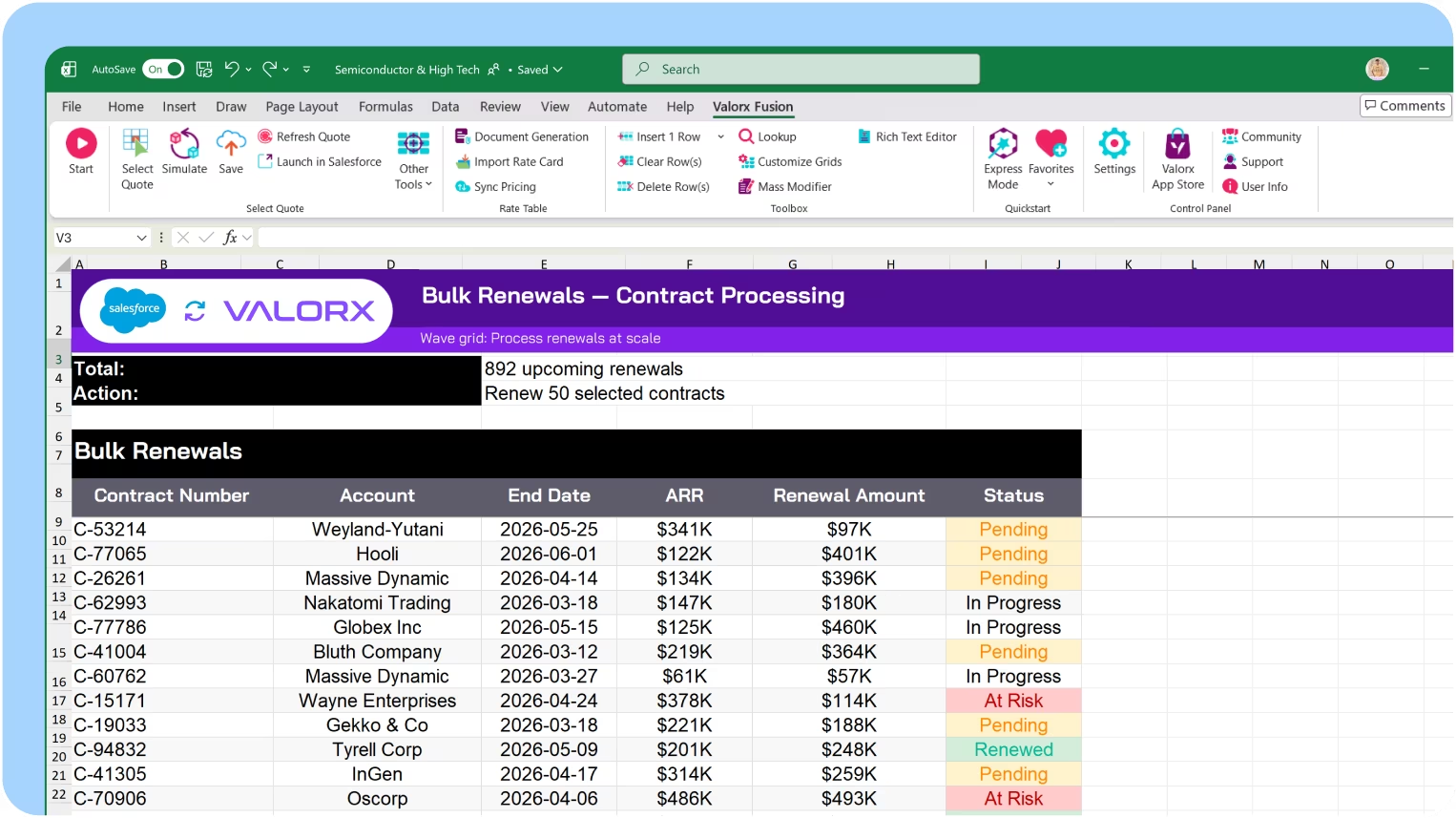
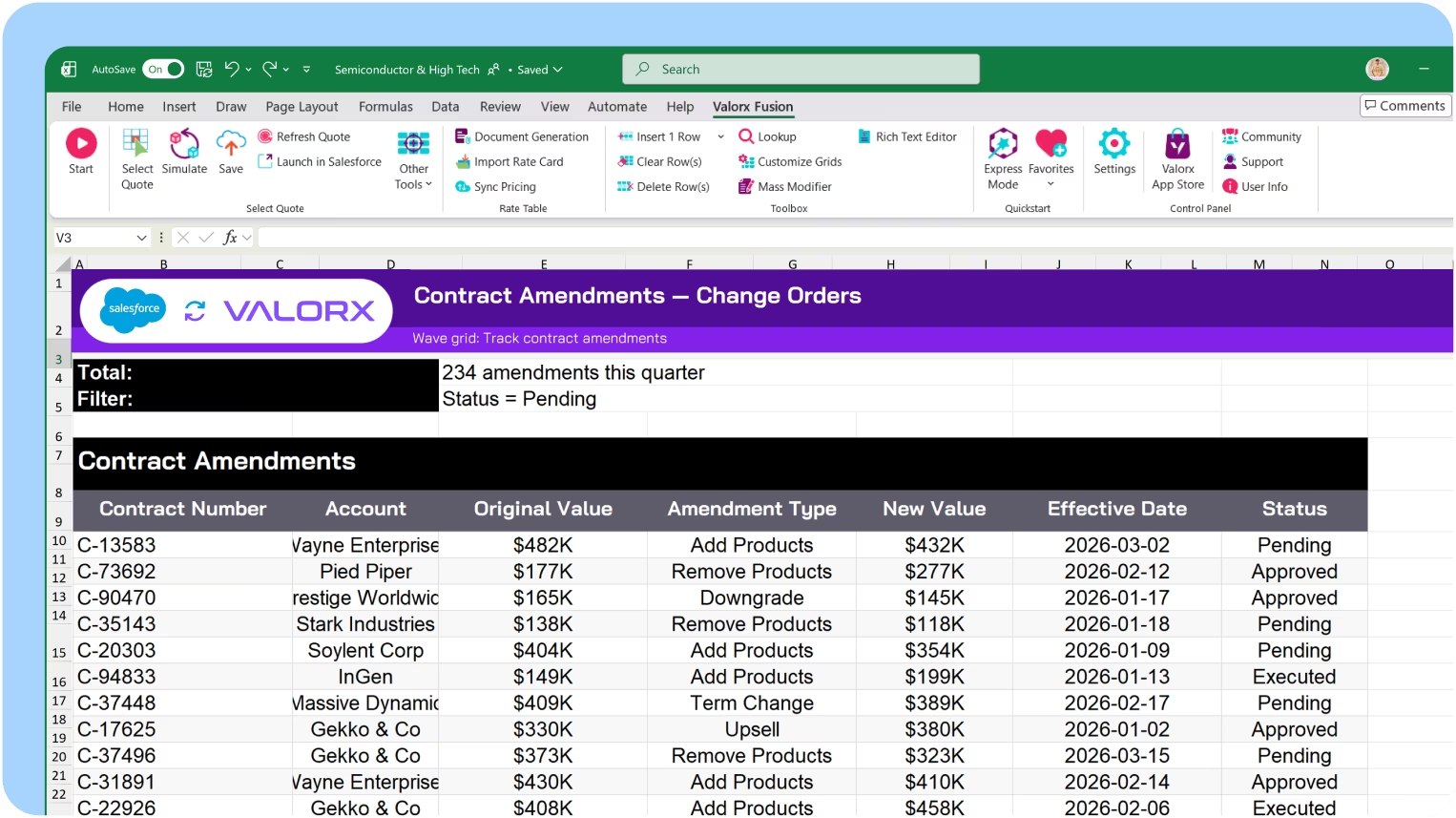
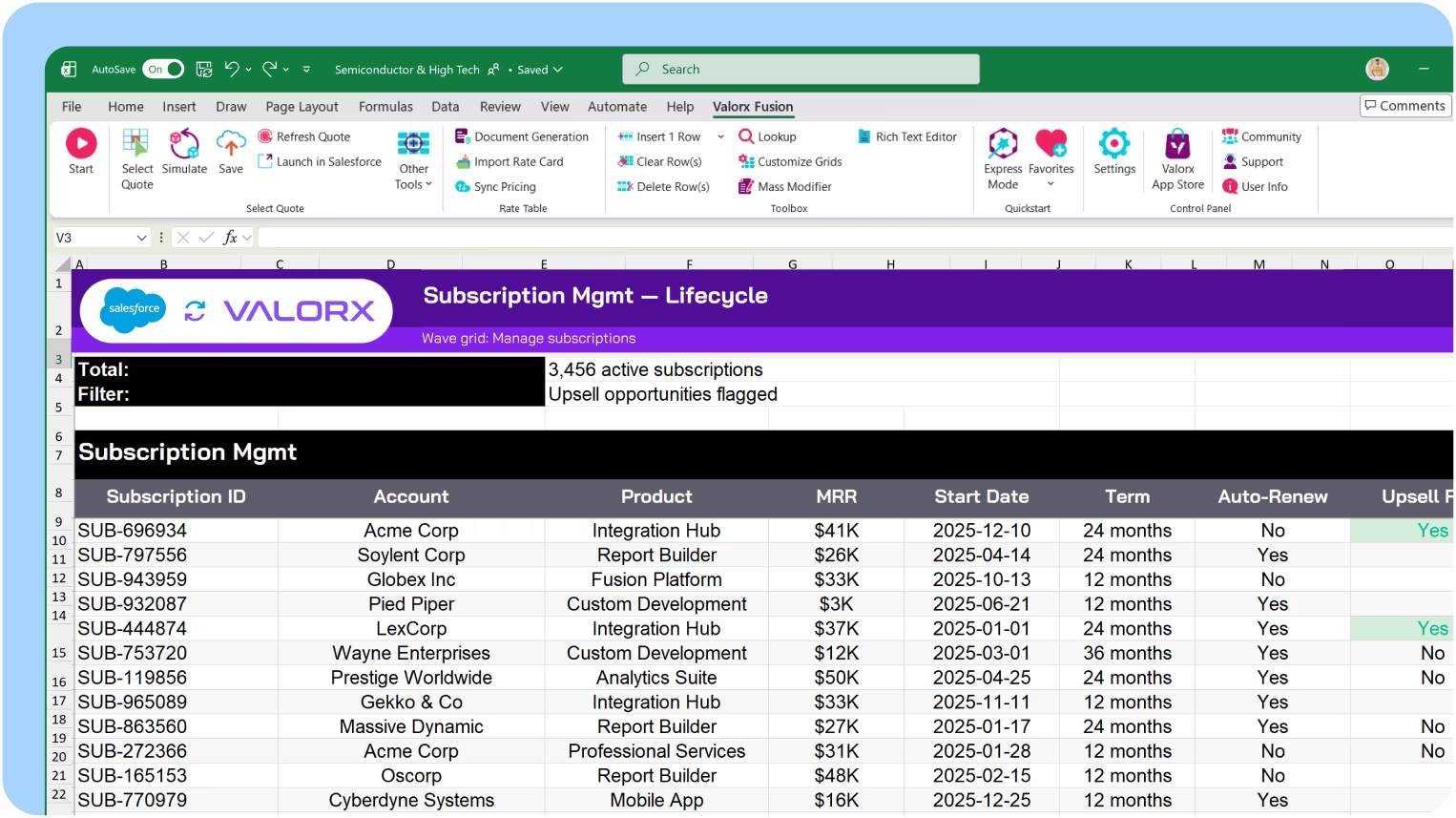
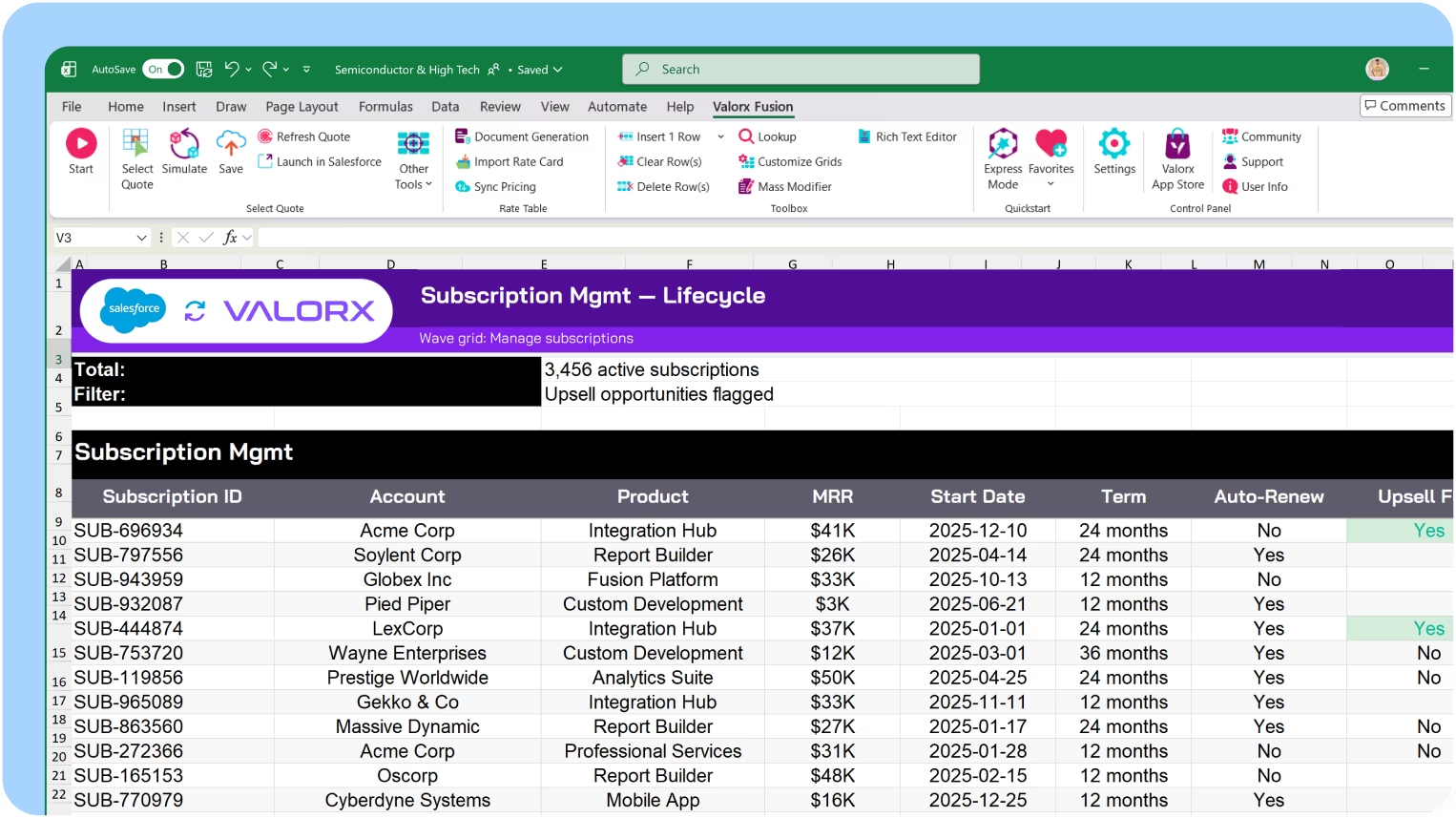
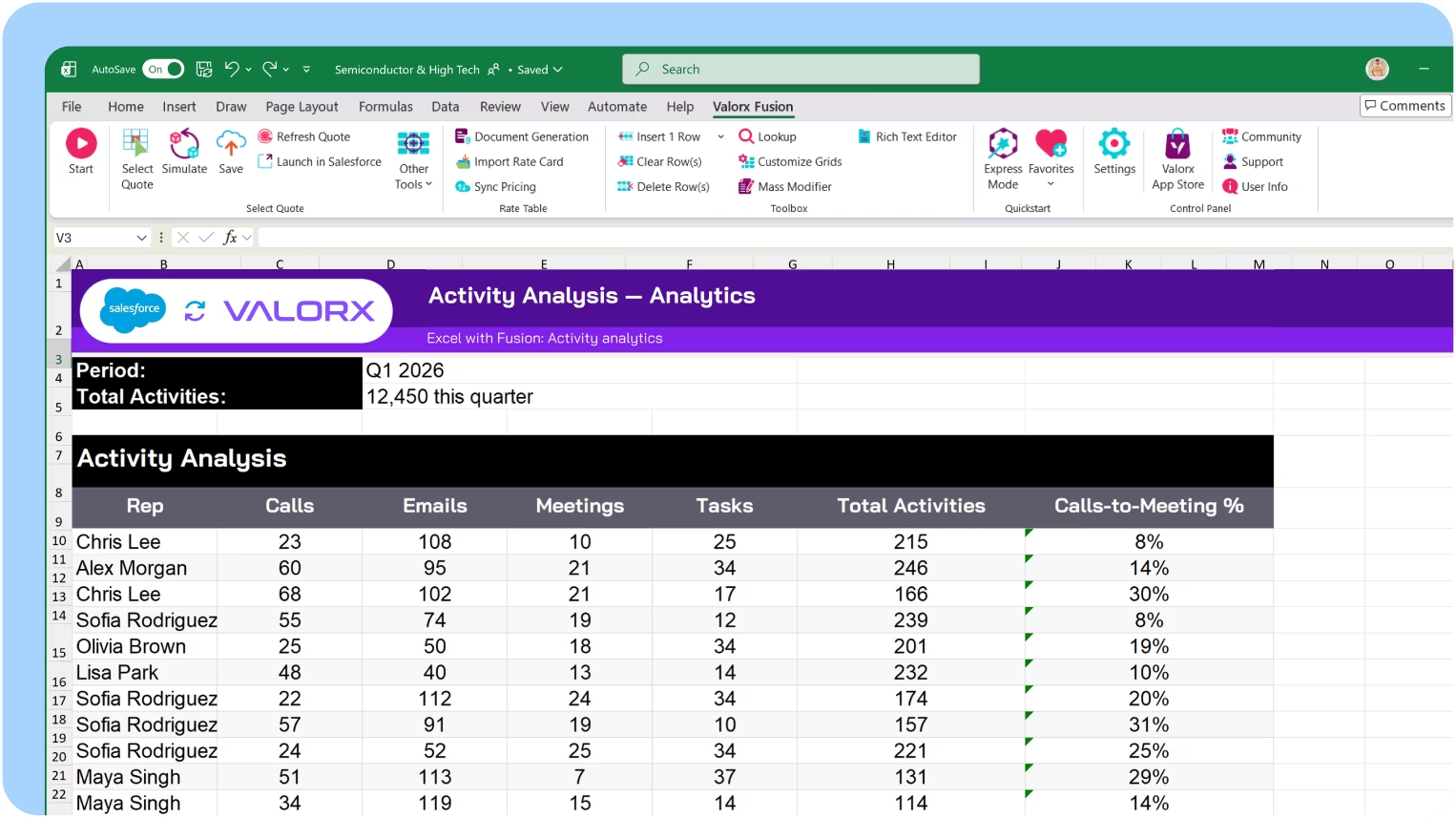
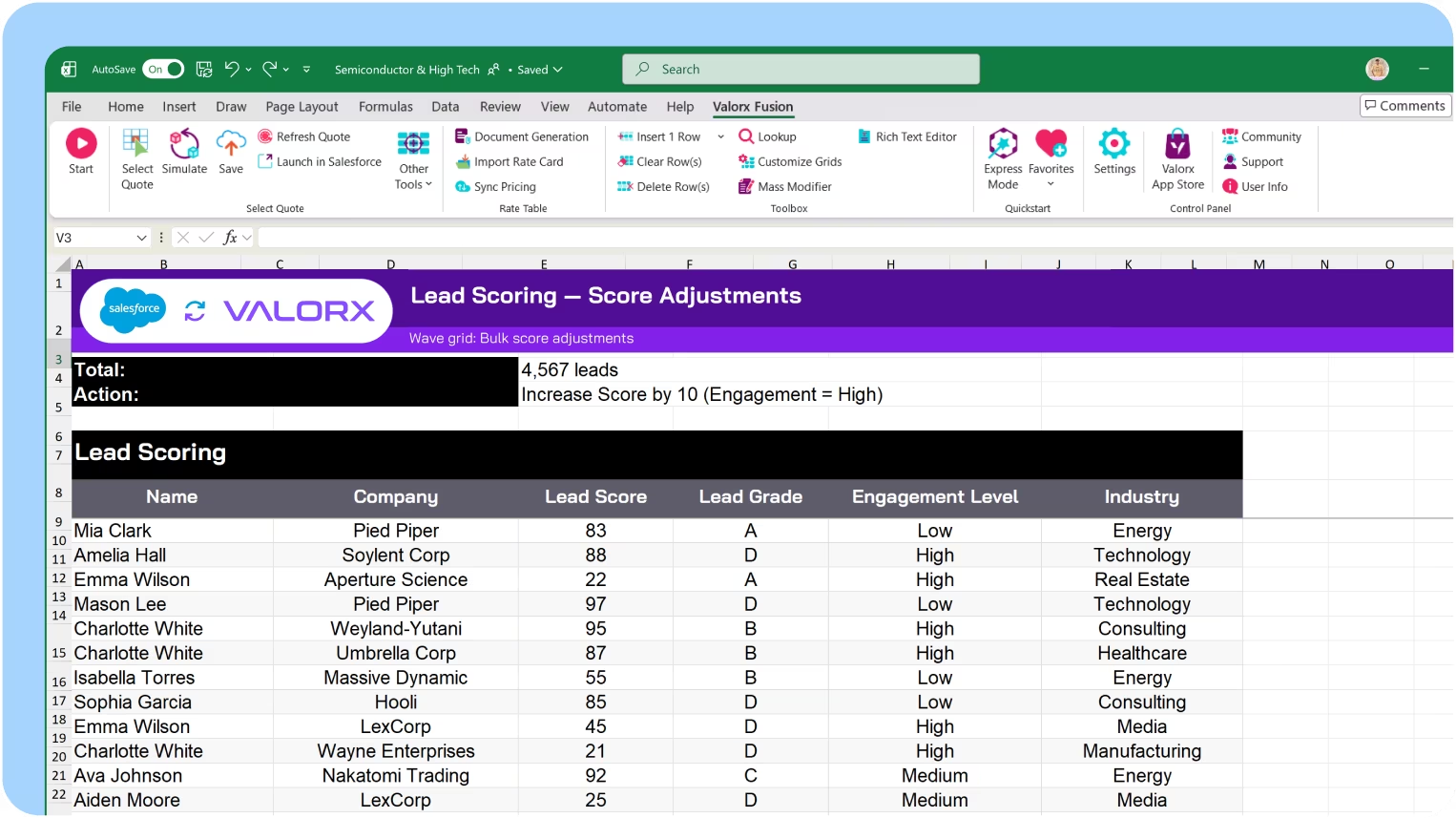
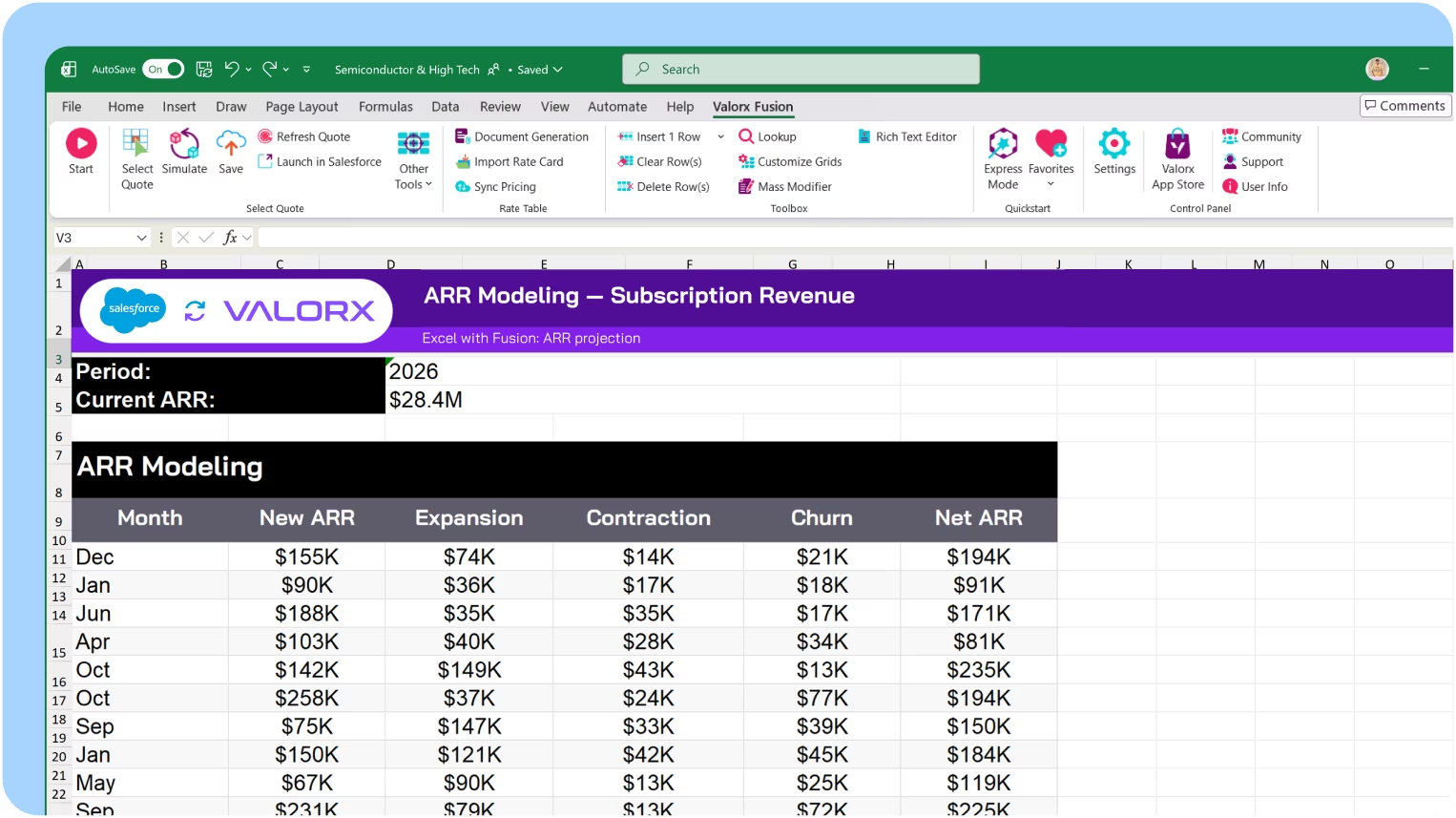
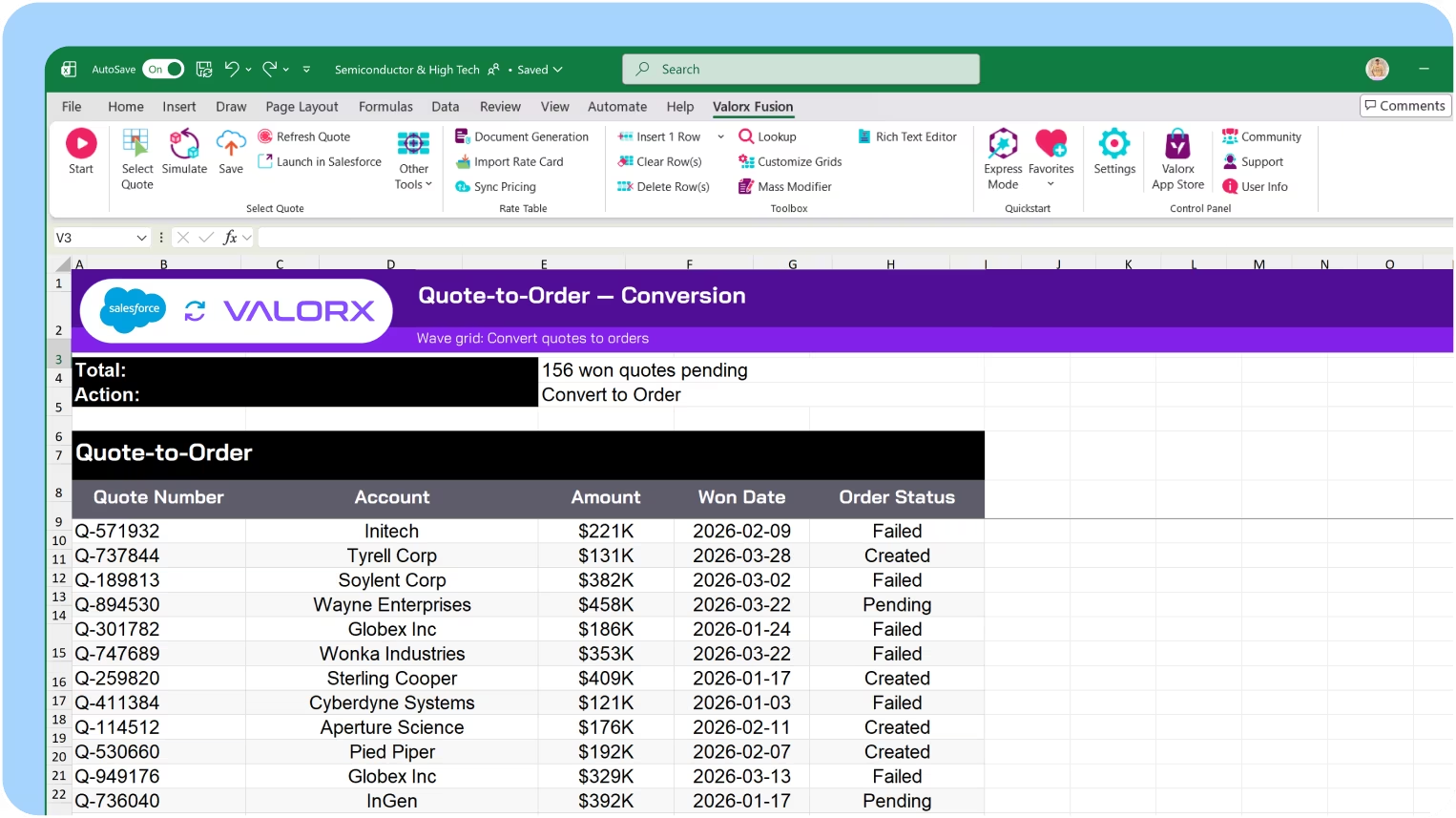
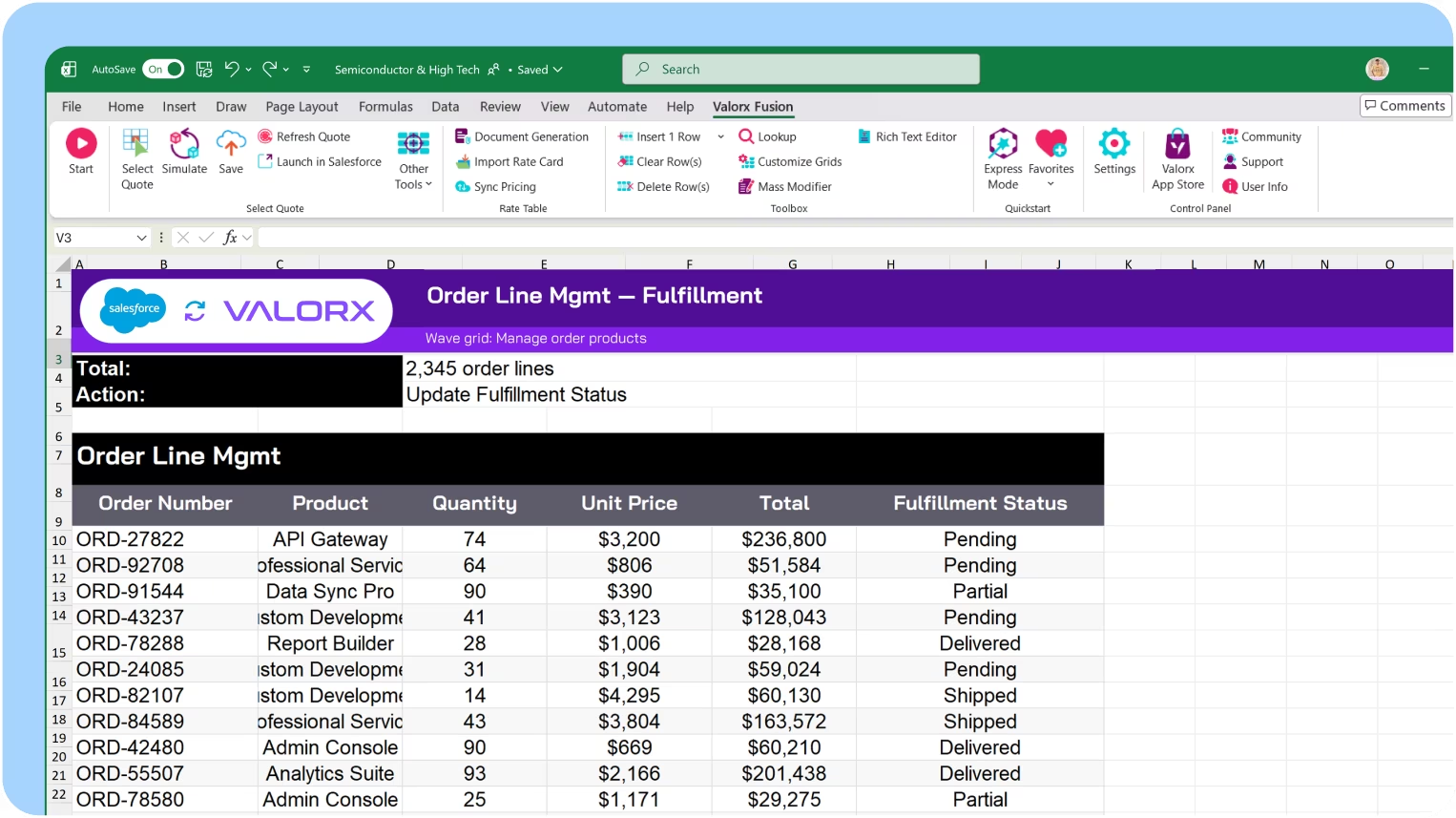
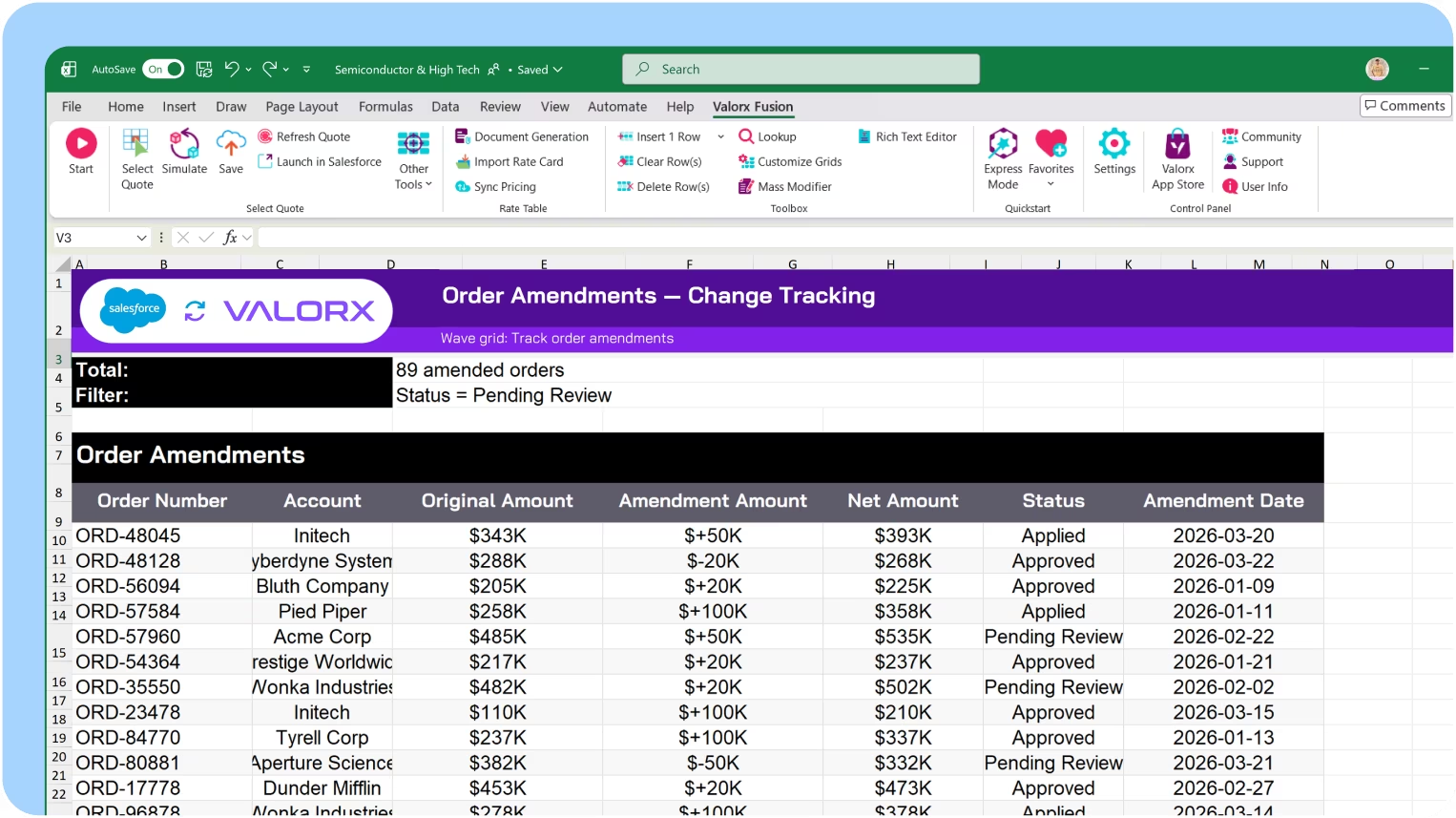
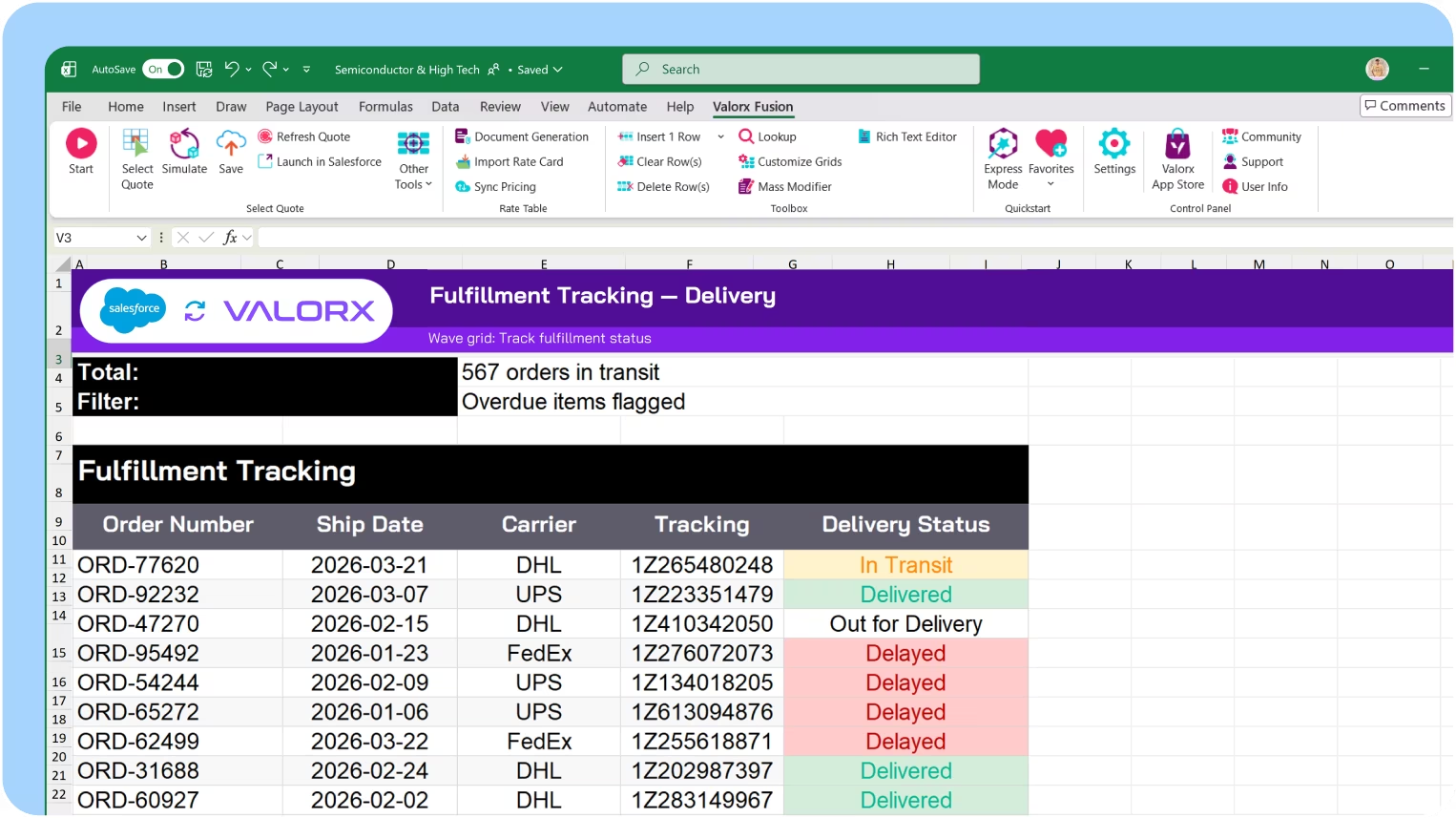
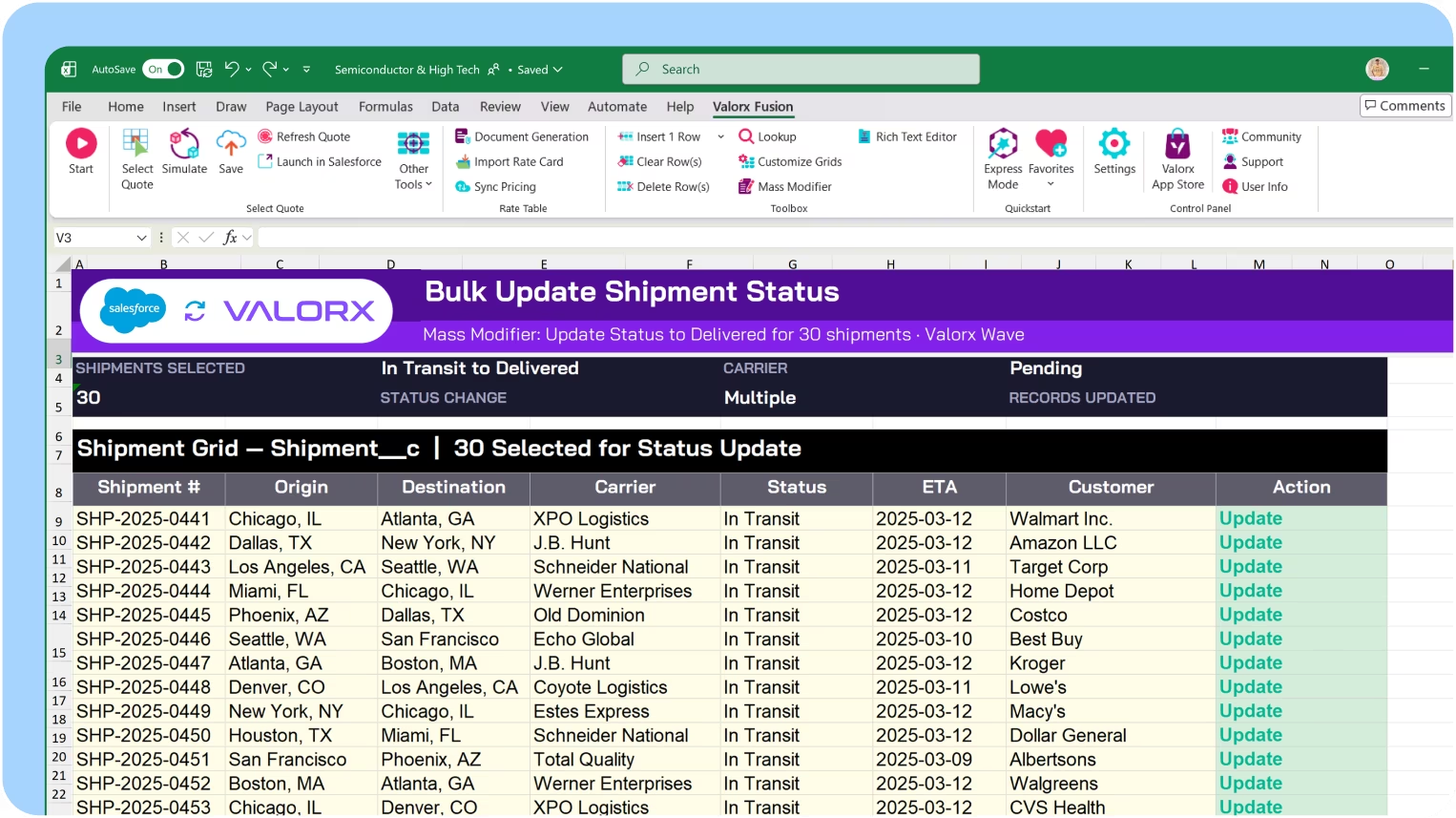
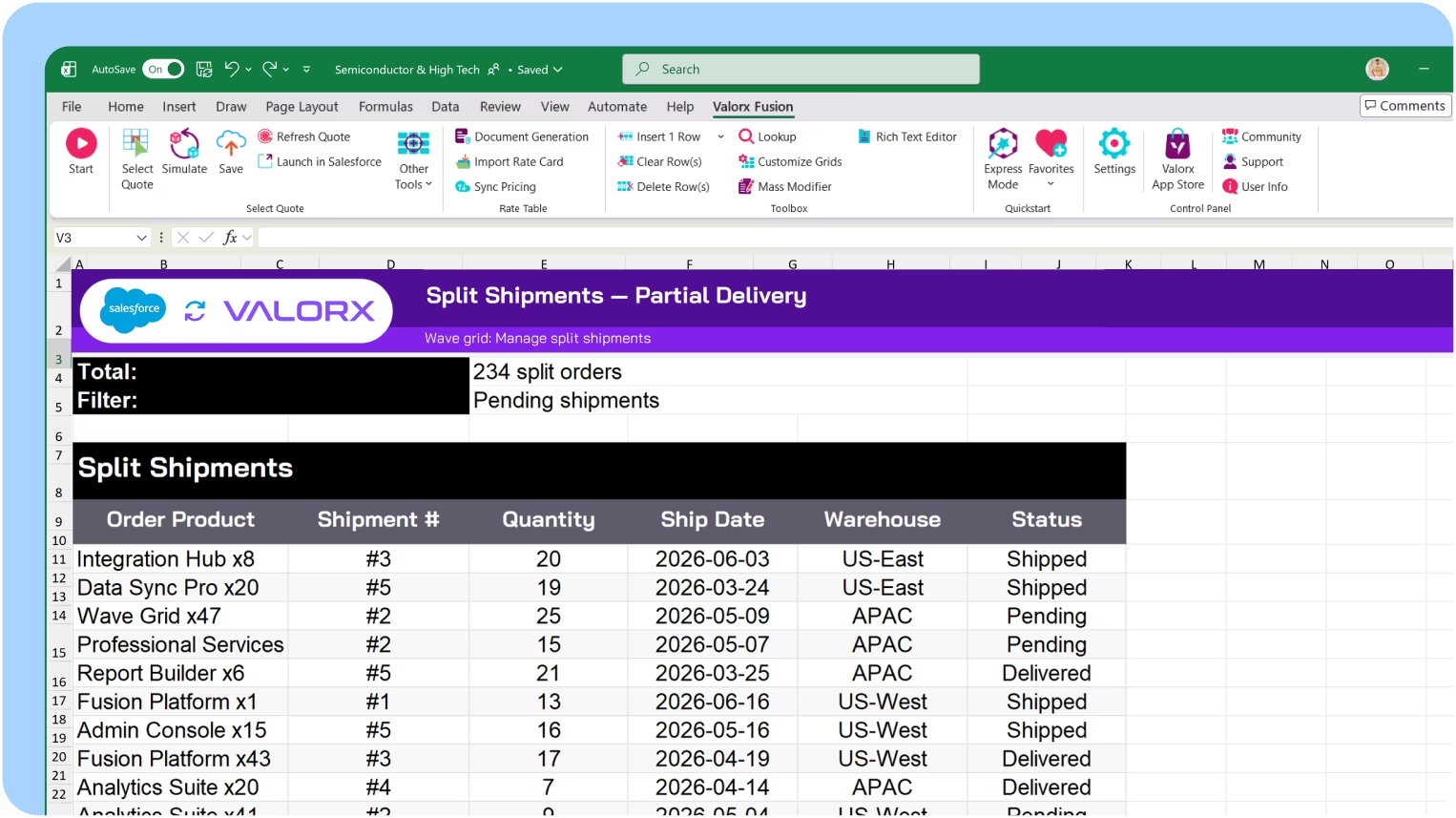
How fast Salesforce can actually feel.
If you can do it in spreadsheet,
you can do it in Valorx.
you can do it in Valorx.
Book a demo
<00 days
to production
00x
faster revenue forecasting in Salesforce
1000+
quotes updated in one go

Built for every team that works with revenue
Industries that need revenue visibility across its accounts, opportunities, customers in one view.
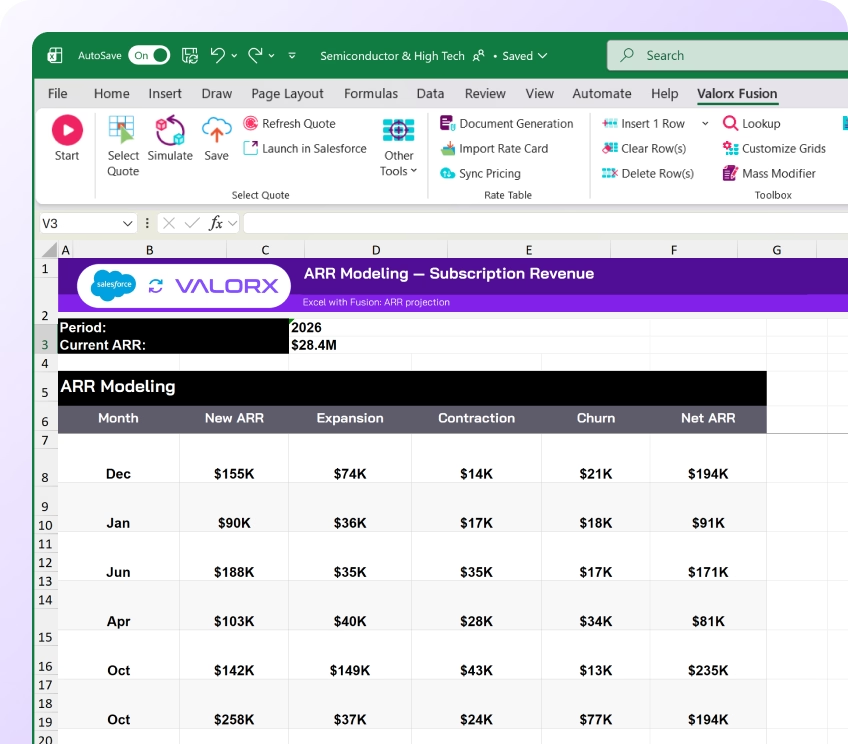

Technology & SaaS
Subscription renewals, usage-based pricing, ARR forecasting. Multi-year ramp deals with hundreds of line items.
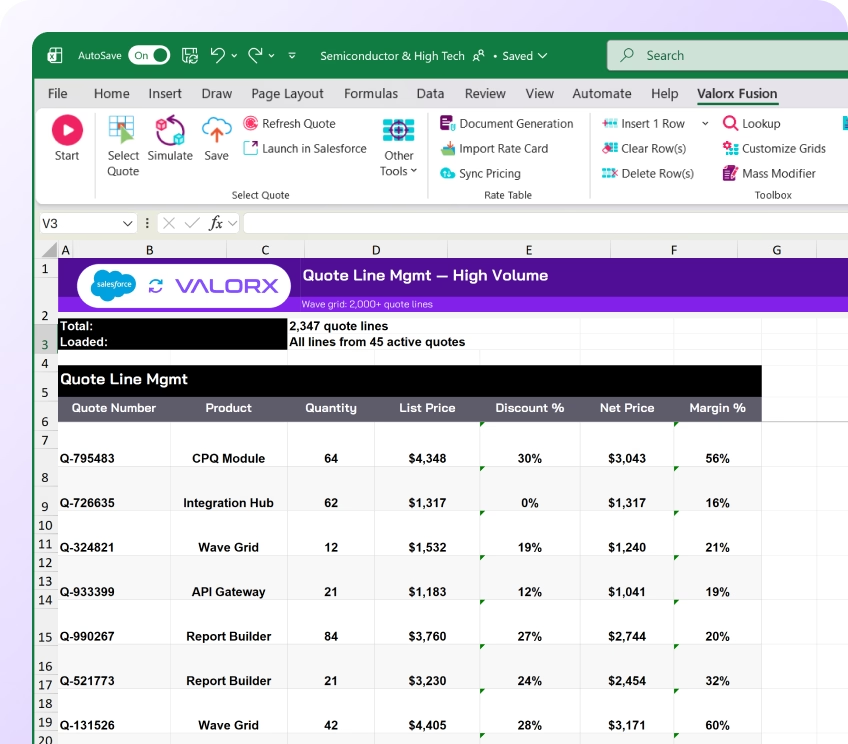

Financial Services
Complex product bundles, compliance tracking, multi-year deals. Offline modeling for regulated products.
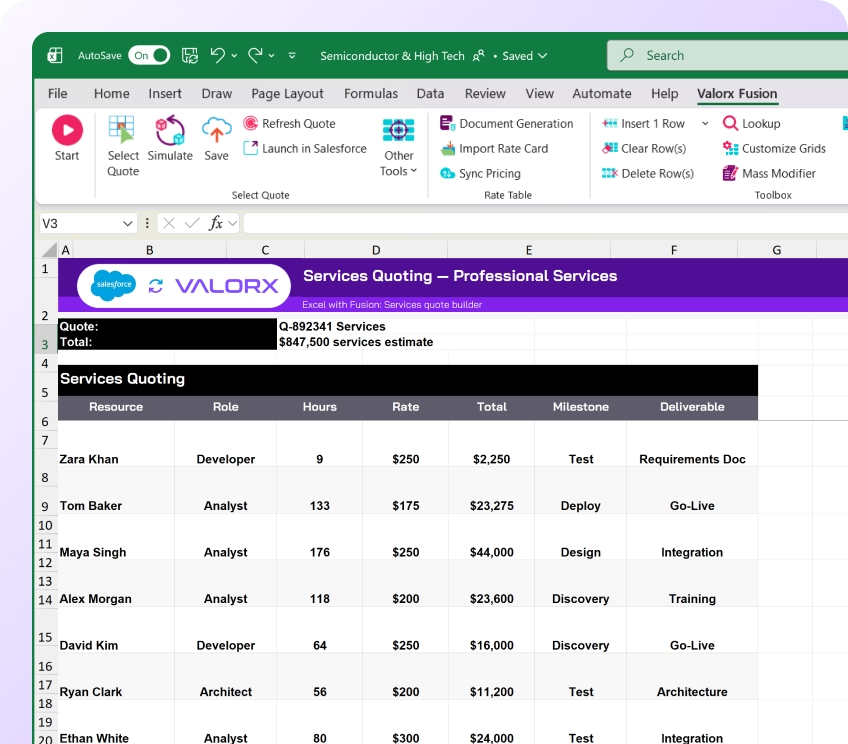

Professional Services
Resource-based quoting, utilization tracking, project pricing. Excel's formula flexibility for services quotes.
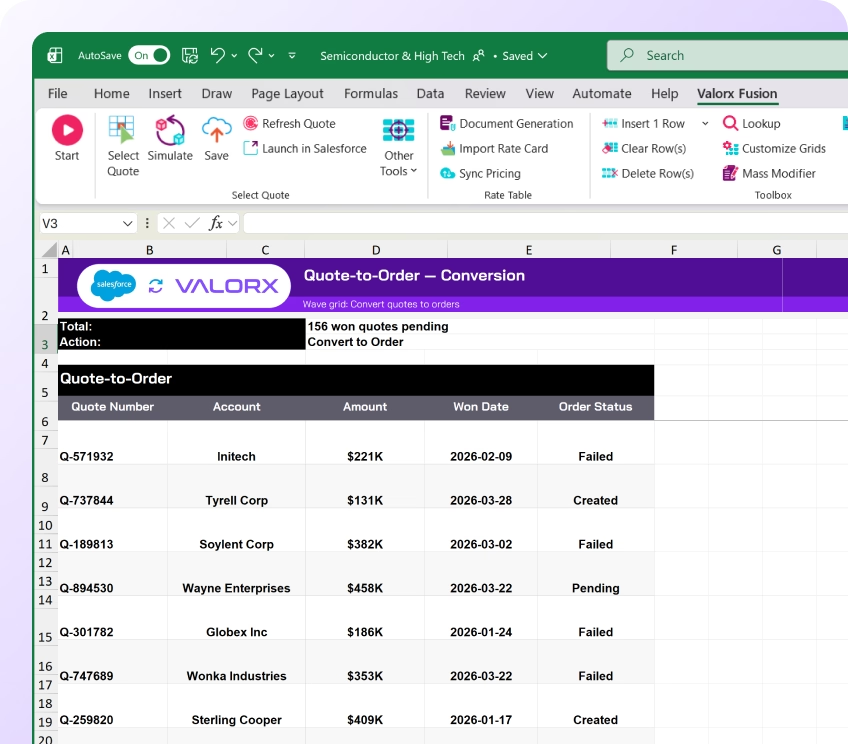

Manufacturing
High-volume quotes, BOM complexity, pricebook maintenance. Annual price updates across 10,000+ entries.
Work in Salesforce like you work in a spreadsheet.
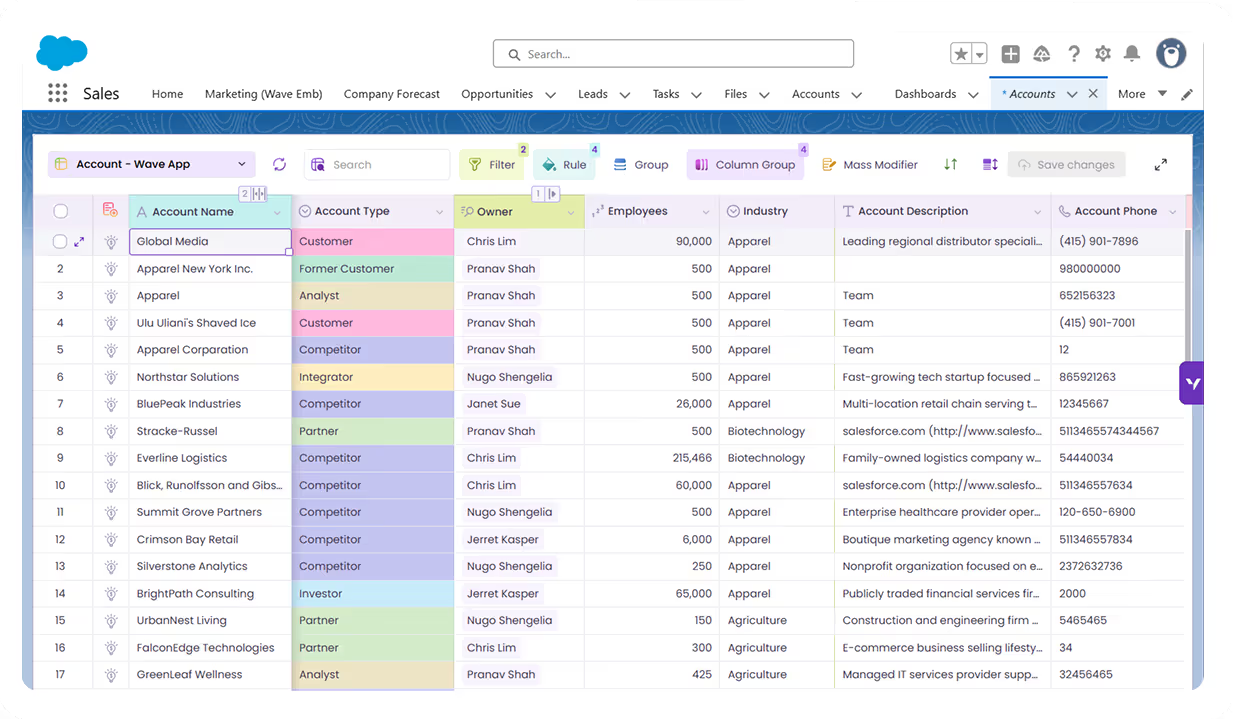
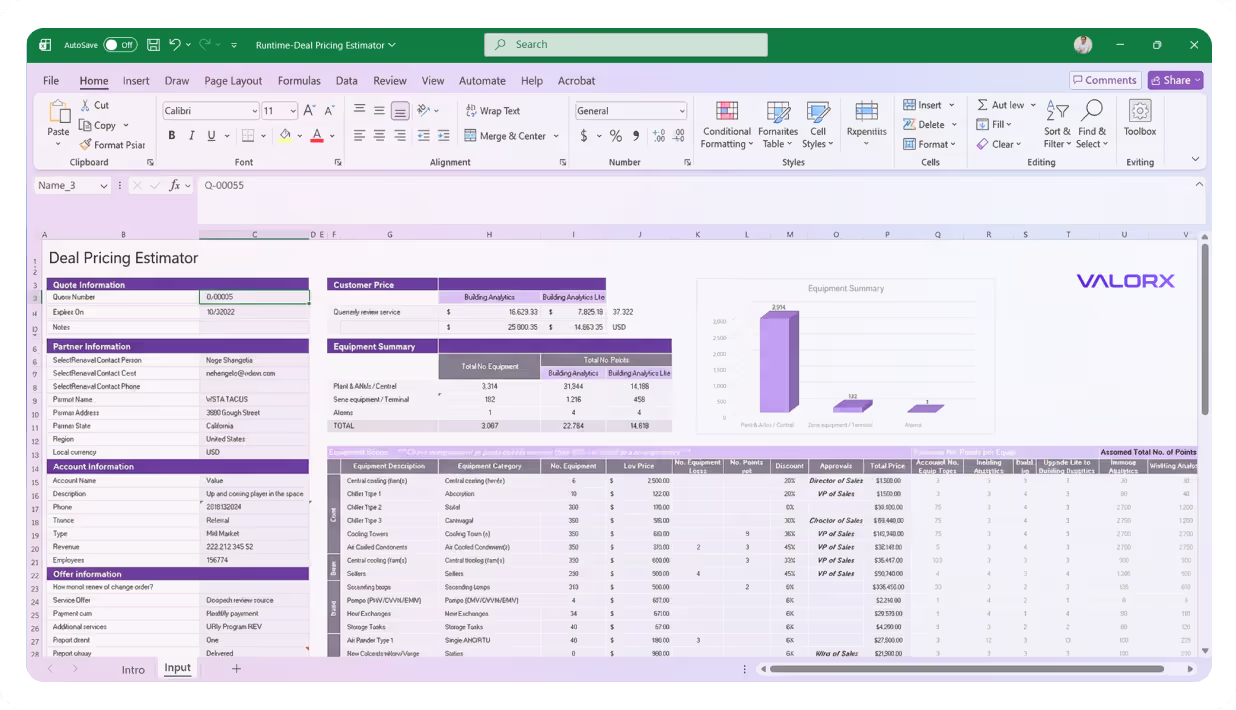
See what Valorx adds to Salesforce Revenue Cloud
Get more from your Salesforce investment with solutions built specifically to fix Revenue Cloud limitations.
Without Valorx
Limited to a couple thousand quote lines before timeouts
Slow user adoption due to unfamiliar interface
Forecasts built from exported, stale data
Pricing scenarios one at a time—slow, manual
With Valorx
10,000+ quote lines in Excel—no timeouts, no limits
Excel and grid interface your team already knows
Forecasts connected to live Salesforce data
Parallel what-if scenarios in seconds





Frequently asked questions
How does Wave help with forecasting?
Wave lets you edit Account Forecast records in bulk—update planned quantities across
accounts, products, and time periods in one grid. Conditional formatting highlights variances
between planned and actual.
When should I use Fusion instead of Wave for forecasting?
Use Fusion when you need complex calculations, seasonal adjustments, or what-if scenarios
that require Excel's formula capabilities. Fusion syncs live with Salesforce, so your models
stay connected to Manufacturing Cloud data.
Does Valorx respect Salesforce security?
Yes. All permissions, sharing rules, and validation rules are enforced. Users only see and edit
data they have access to.
How fast can we deploy?
Wave deploys in minutes as a managed package. Fusion requires Excel add-in installation.
Most teams are live within 14 days.














Choose the workflow you need:
Try Wave in browser Extension
Connect Wave directly with your browser

Try Wave in Salesforce
Integrate Wave in Salesforce

Try Fusion In Excel
Easily use Fusion within Excel

Excel
Salesforce
Browser