Wave at a Glance
Take a quick tour of Wave in Salesforce: drag columns, filter, color-code, copy-paste and add records in a spreadsheet-style grid.

Try it yourself
Salesforce data in a spreadsheet-style grid
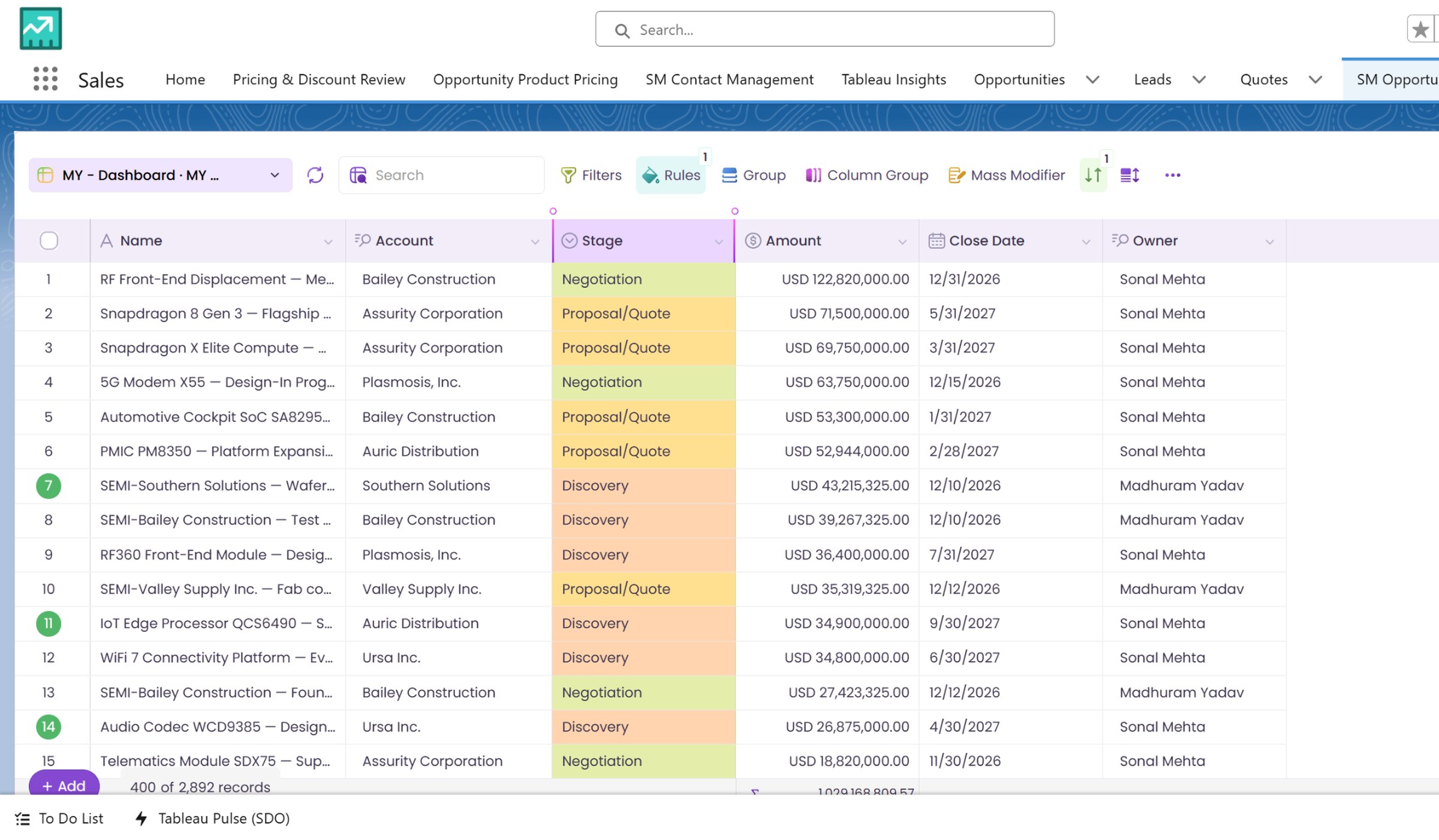
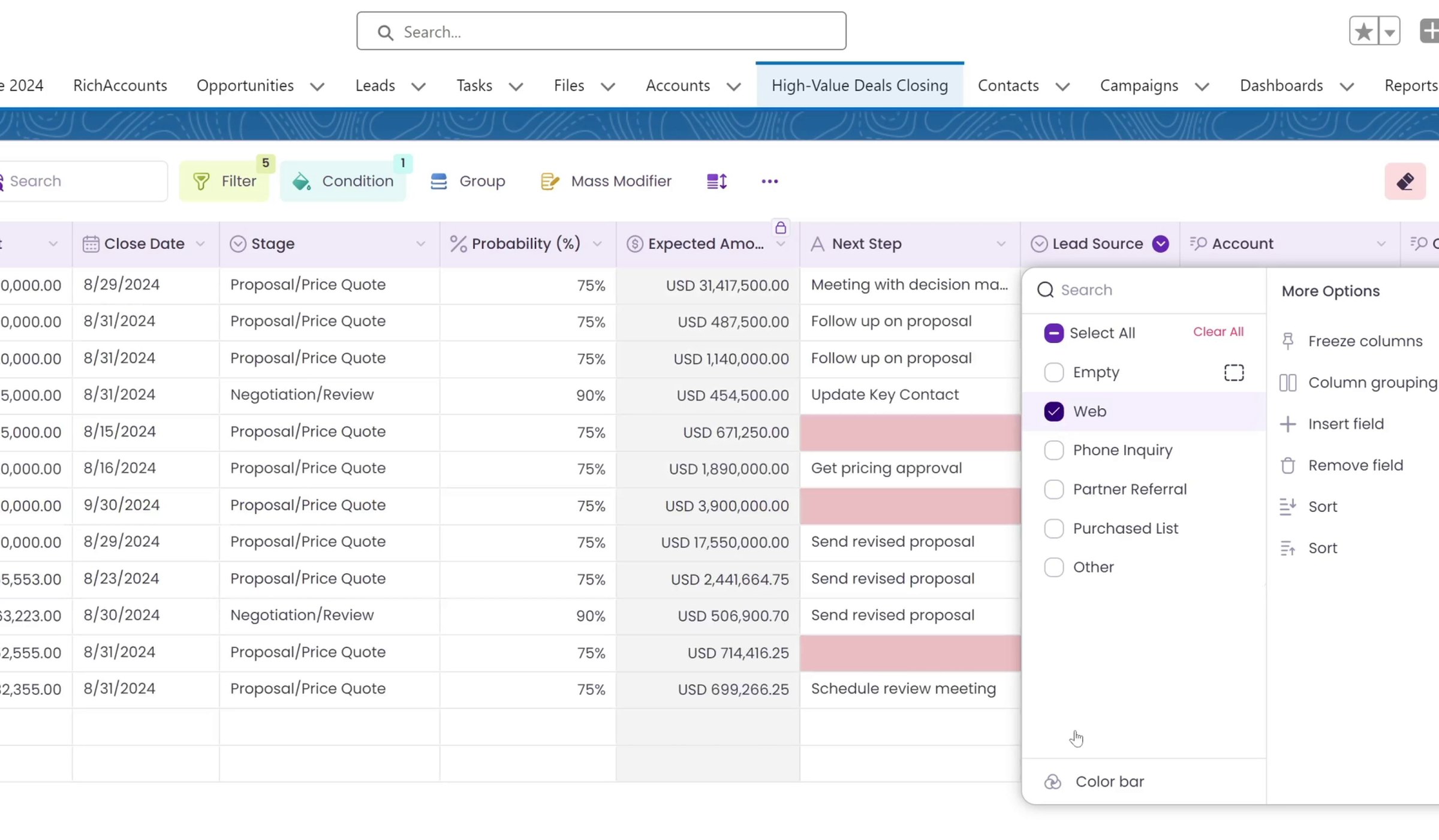
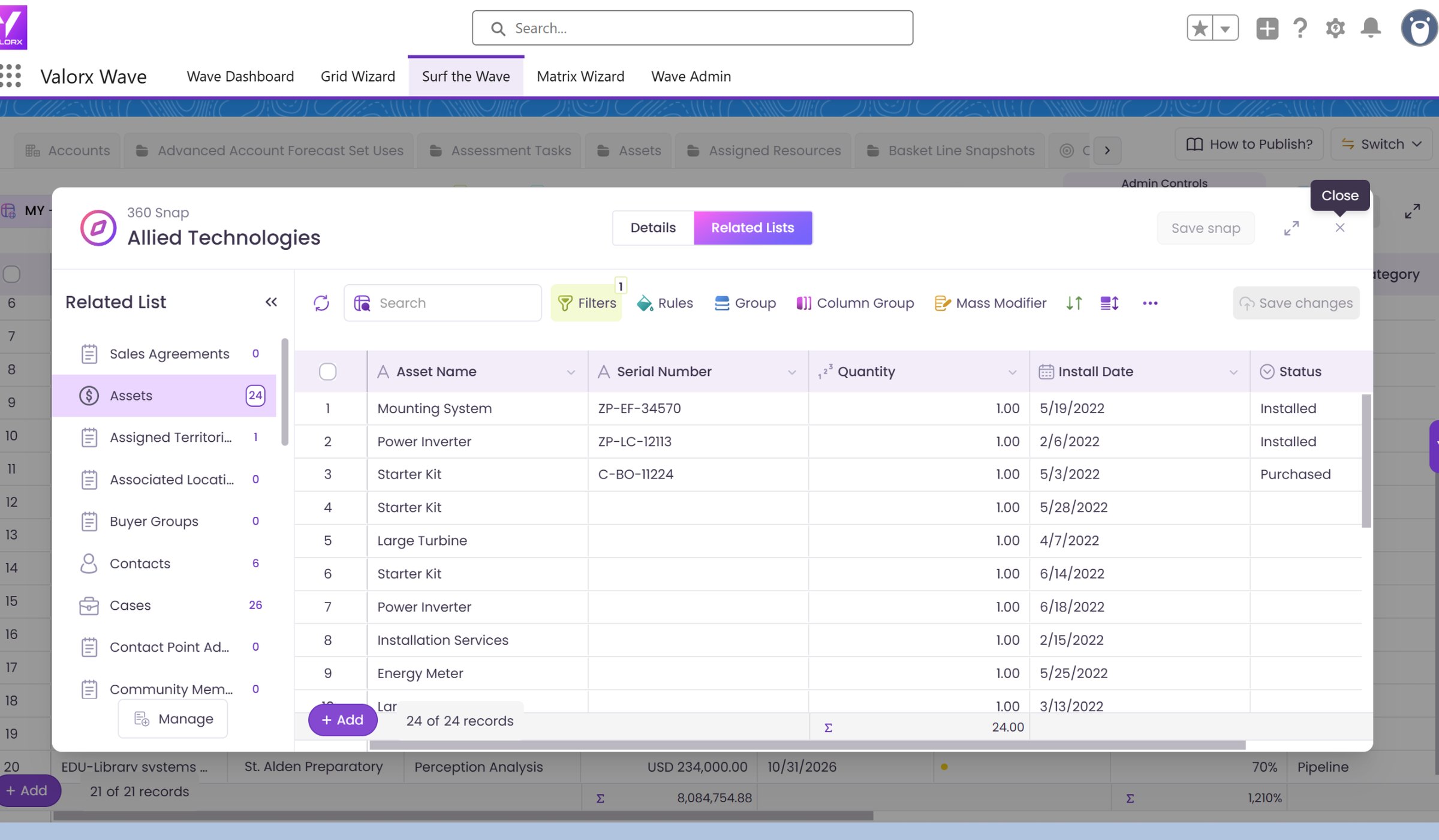
This walkthrough tours Wave in Salesforce. It starts from a standard list view, then opens the same records in a Wave grid where you drag and drop columns, filter and sort, apply conditional formatting, copy and paste with Ctrl/Cmd+C and Ctrl/Cmd+V, add new rows and see how Wave handles errors when saving back to Salesforce.
Ready to try it in your own org?
Install Wave free and build your first grid in minutes, or book a demo and we will walk through your use case.