Using 360 Snap
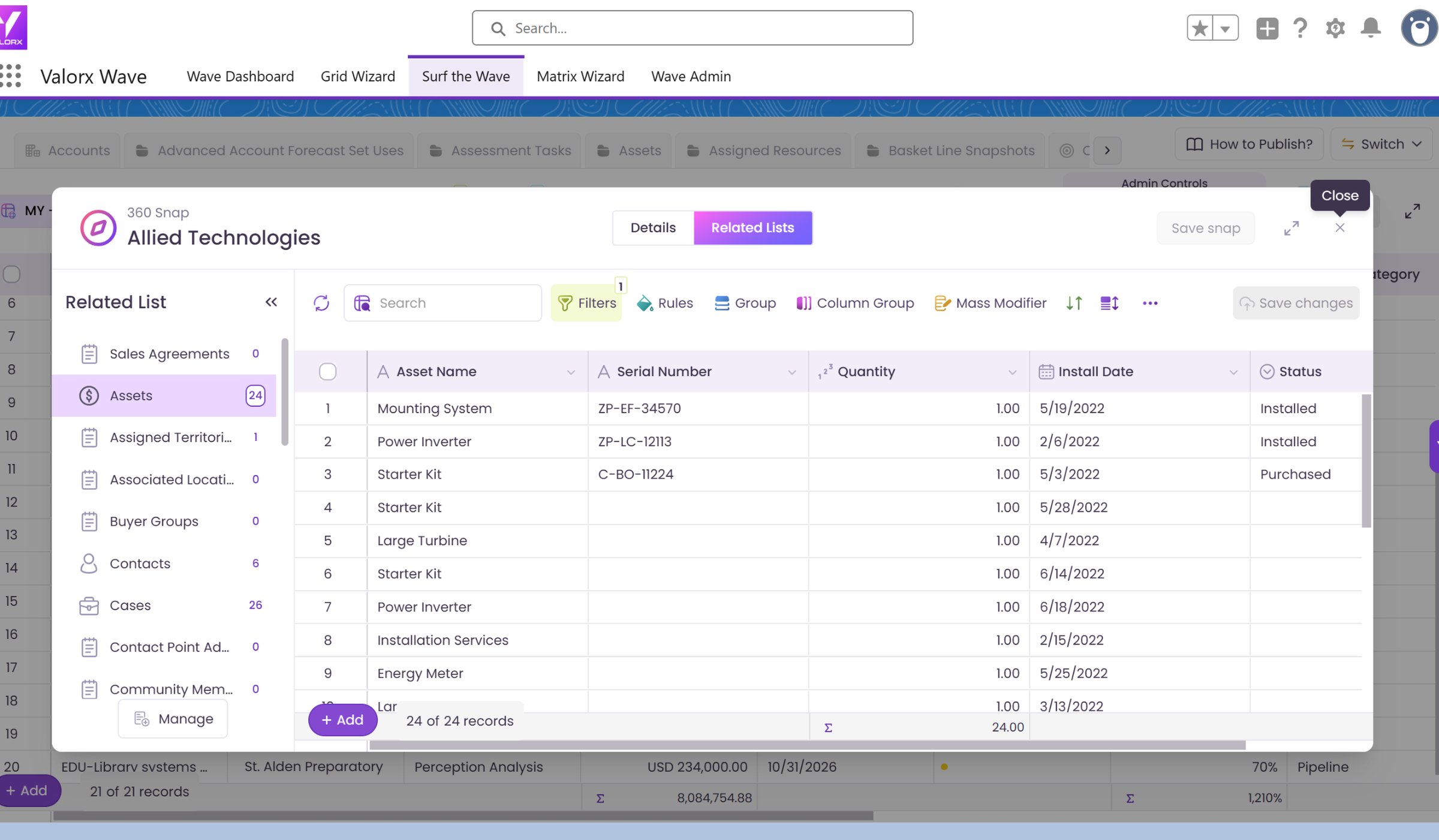
Open a record from your grid in 360 Snap and edit its details and related lists in one view.
Try it yourself
Details and related lists in one panel
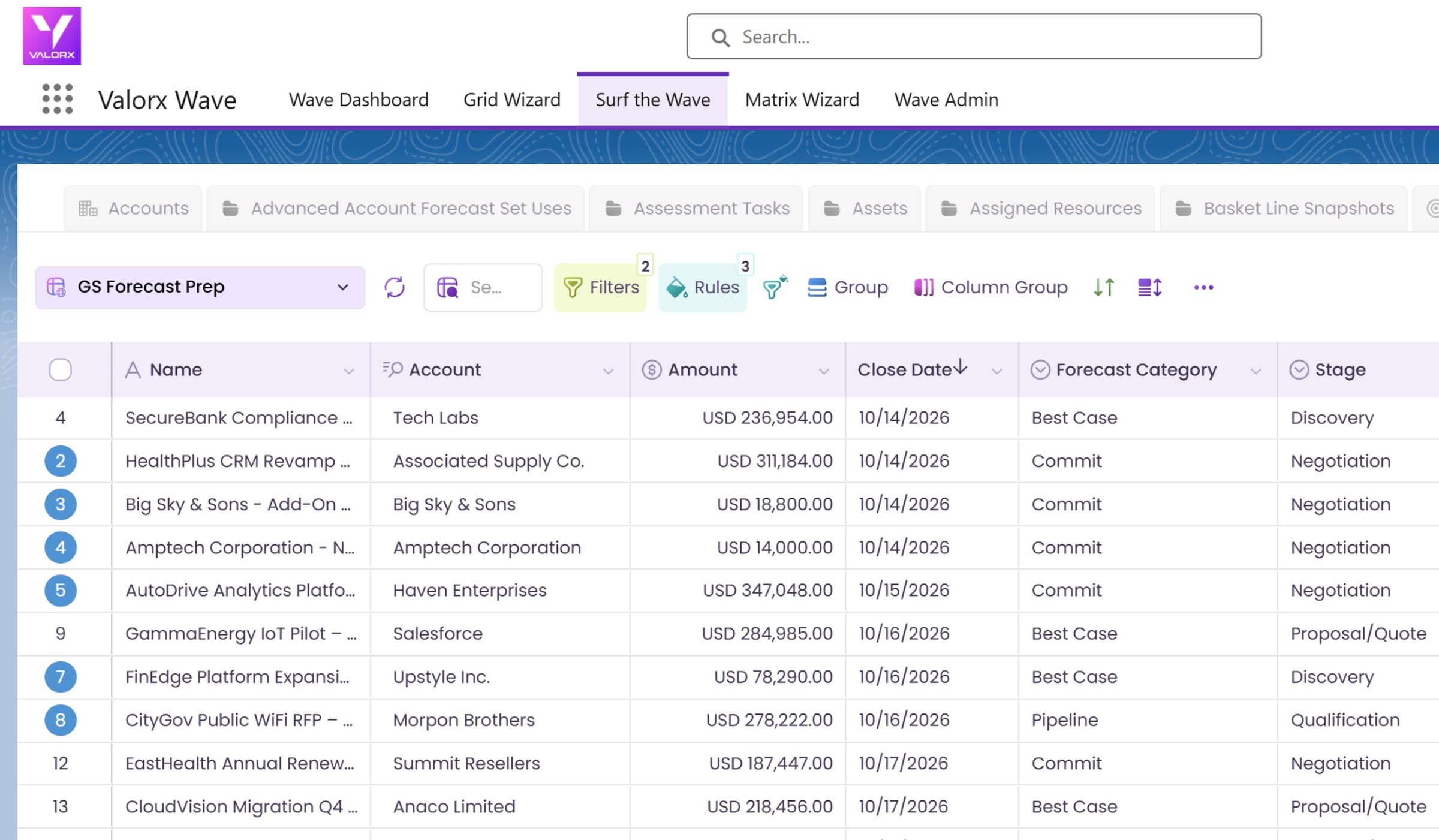
This walkthrough shows 360 Snap in Wave: from an opportunity grid, choose View in 360 Snap on the related account. A panel opens with the account details and its related lists, such as sales agreements, assets and cases, all in one view and editable inline, without leaving the grid.


Ready to try it in your own org?
Install Wave free and build your first grid in minutes, or book a demo and we will walk through your use case.