Publishing an App
Put a grid you have built on a Salesforce Lightning App Page so your team opens live, editable data from the app launcher.

Try it yourself
Publish a Wave grid as a Salesforce app page
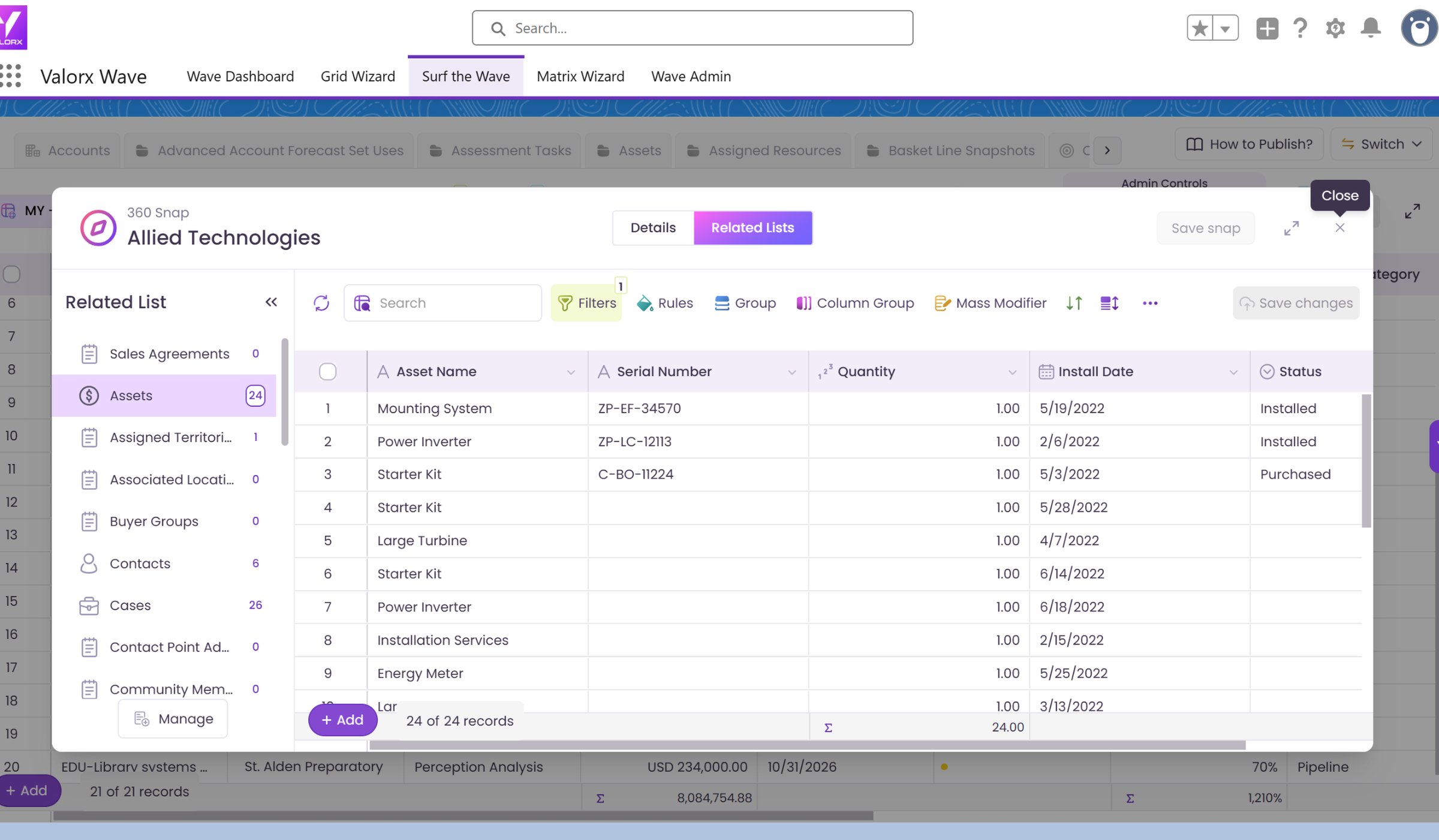
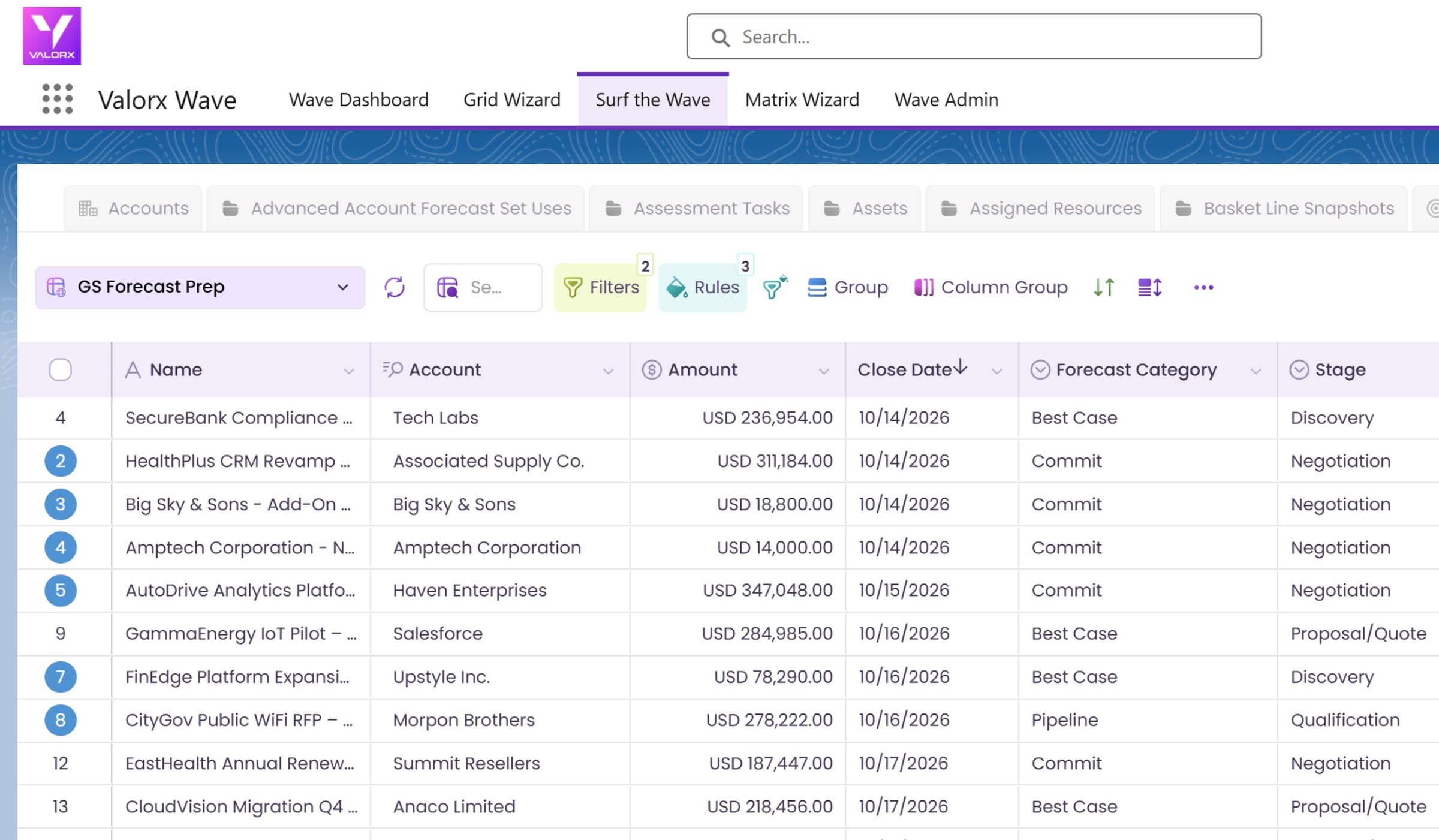
This walkthrough shows how to take a grid you have already built and publish it in Salesforce. Create a new App Page in Lightning App Builder, drop in the Valorx Grid component, pick your grid, then save, activate the page in your Sales app and open it from the app launcher.

Ready to try it in your own org?
Install Wave free and build your first grid in minutes, or book a demo and we will walk through your use case.