+
.svg)
Salesforce Data Quality & Dedupe Checklist
Find the records dragging down your Salesforce org — duplicates, missing owners, incomplete fields, and stale data — in one audit, with a cleanup checklist that counts itself. For admins who want a clean org without guessing where to start.
Free template
Get the template
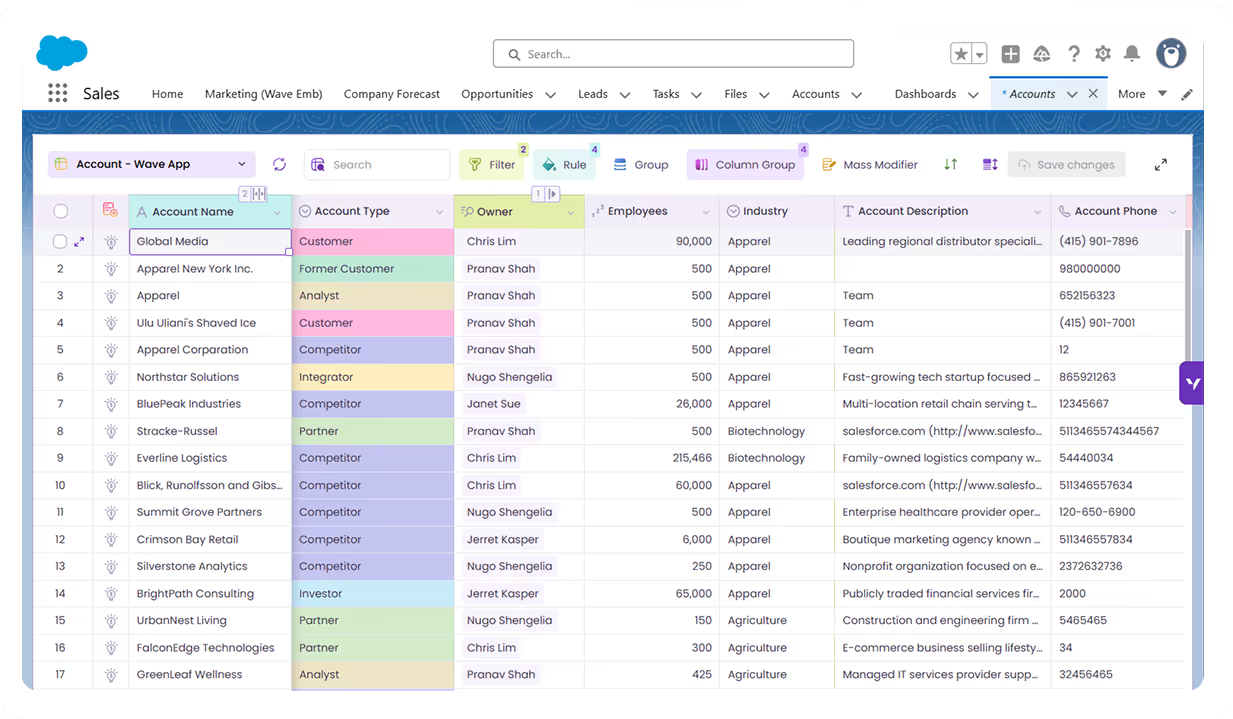
Bring the Salesforce information you need for reviews and planning into one structured working view.
Best for
Built for admins who want a clean org
Use this template when you know the data is messy but not where to start. It audits records, scores each one, and gives you a checklist that tracks itself.
- Org cleanup — find the records with real problems instead of eyeballing list views.
- Dedupe projects — flag duplicates and work them down with a running count.
- Data health audits — score records for missing owners, incomplete fields, and staleness.
- Pre-migration checks — clean the data before a bulk update or an org migration.
What’s inside
Audit the records, then track the fix
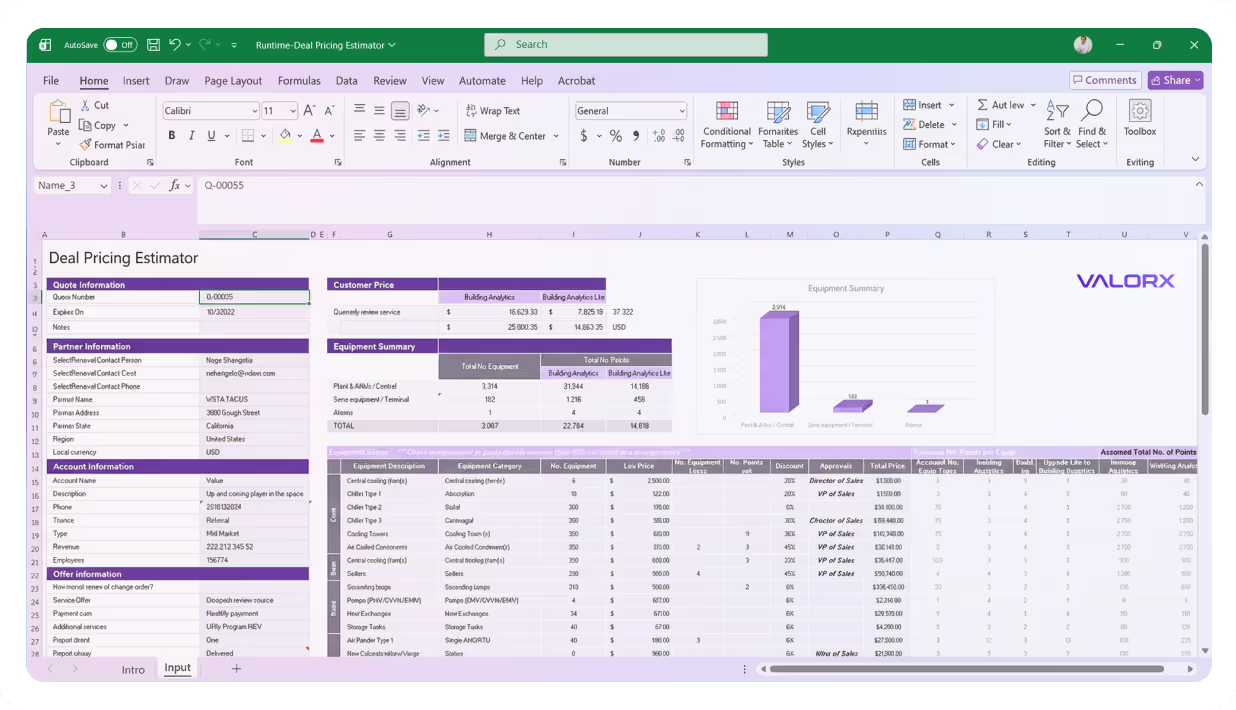
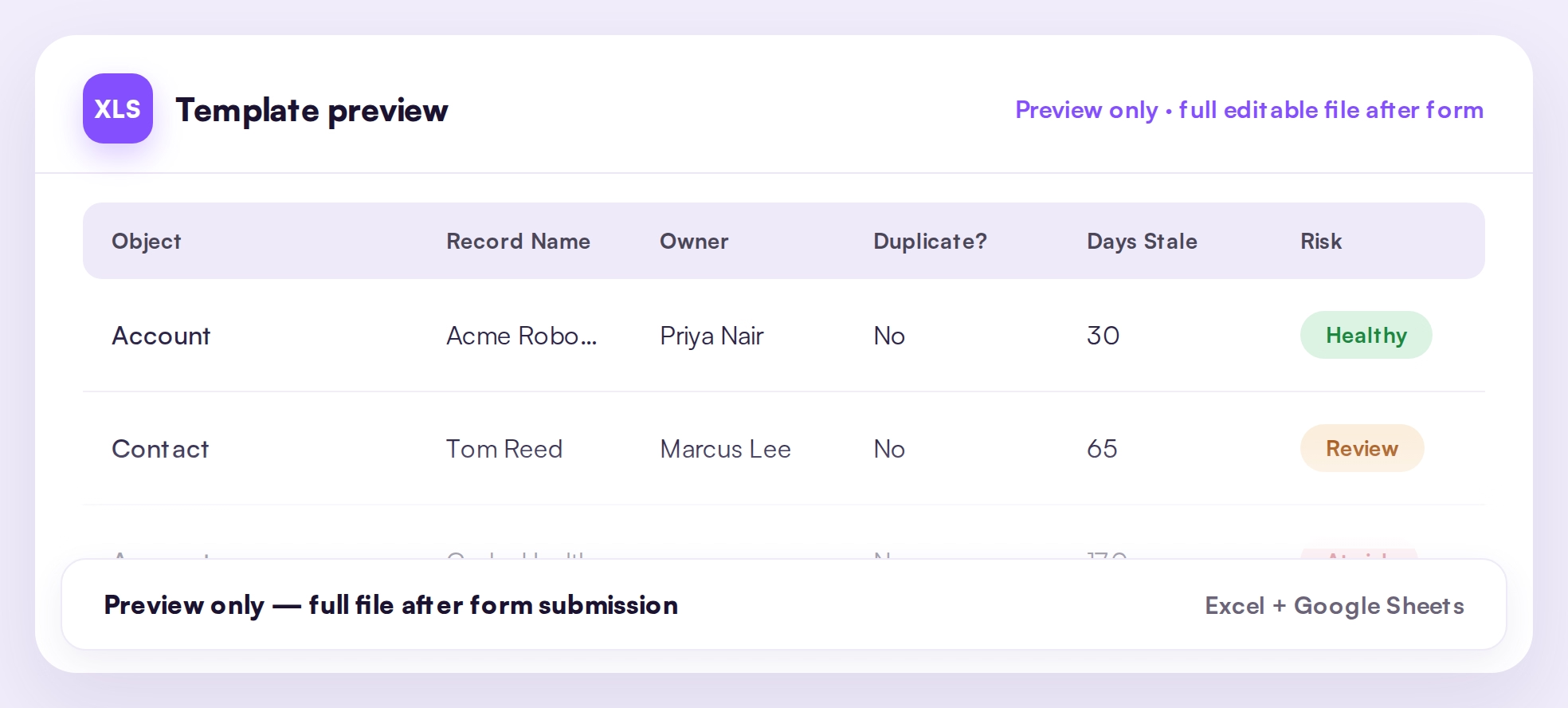
The audit tab scores every record's issue and risk; the checklist tab counts the issues automatically so you can track cleanup to done.
- Record audit fields (owner, key field, completeness, duplicate)
- Days stale and issue, auto-calculated
- Risk level, auto-calculated from owner, duplicate, completeness, staleness
- Suggested action per record
- Self-counting cleanup checklist that pulls from the audit
Field mapping
Intro: The template uses common Salesforce fields plus planning fields many teams keep as custom fields or review notes.
Related templates
More Salesforce templates your team may need
Use these as next downloads on the main Valorx Templates page.
Cross-cloud
Salesforce Data Quality & Dedupe Checklist
Turn the template into a live workflow
A spreadsheet template is a good place to start. When the same work happens every week, Valorx lets your team work directly with Salesforce data, with fewer exports, uploads, and stale copies.