
AppExchange
★★★★★
The spreadsheet UI for
Bulk edit, paste and forecast live Salesforce records in one grid.
Trusted by teams that live in Salesforce
They edit their Salesforce data where it sits, not in exported files.












Access all your favorite Excel features
Every spreadsheet tool you know, on live Salesforce data.

Copy and paste

Filter columns

Drag and drop

Global grids

Custom grids

Sort columns
Column group

Layout

Freeze columns

Global search

Smart import

Manage access
Make Salesforce work the way you want
A spreadsheet for the Salesforce work your team does every day.
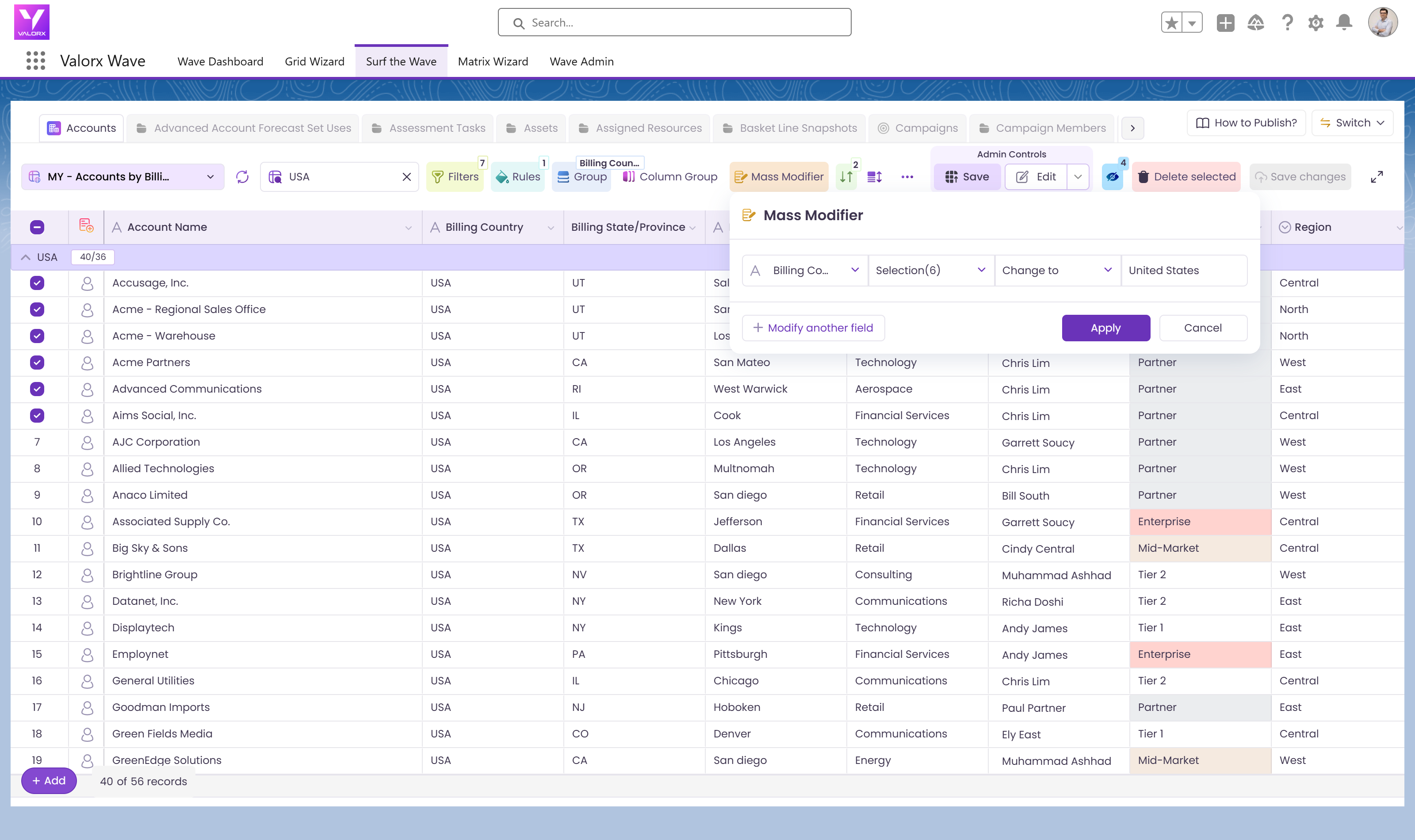
Data clean-up
Group any field by its values and fix a whole group of records in one change, with every edit checked before it saves.
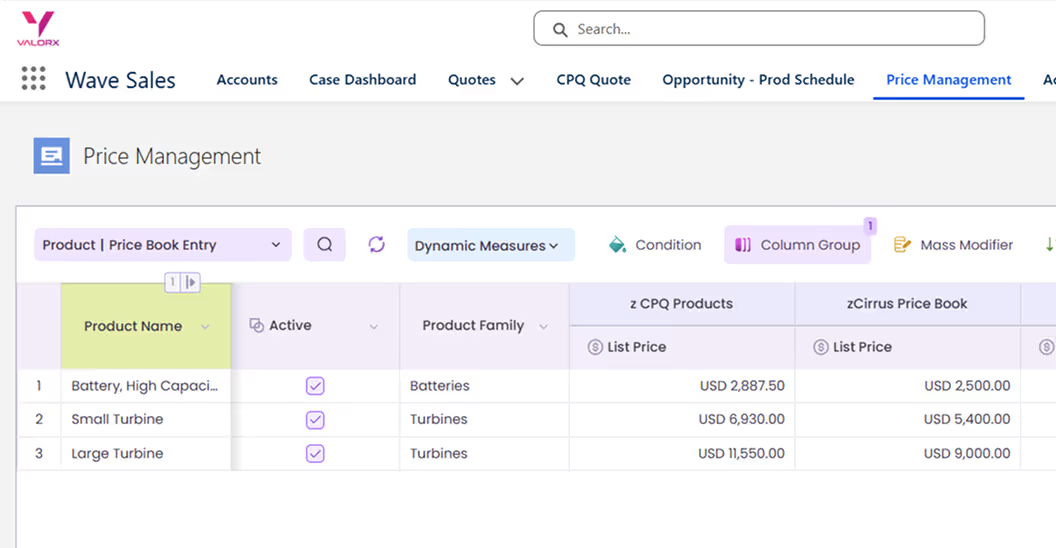
Pricebook management
Update pricing across products, regions, and currencies in one view. Access related lists instantly to edit.
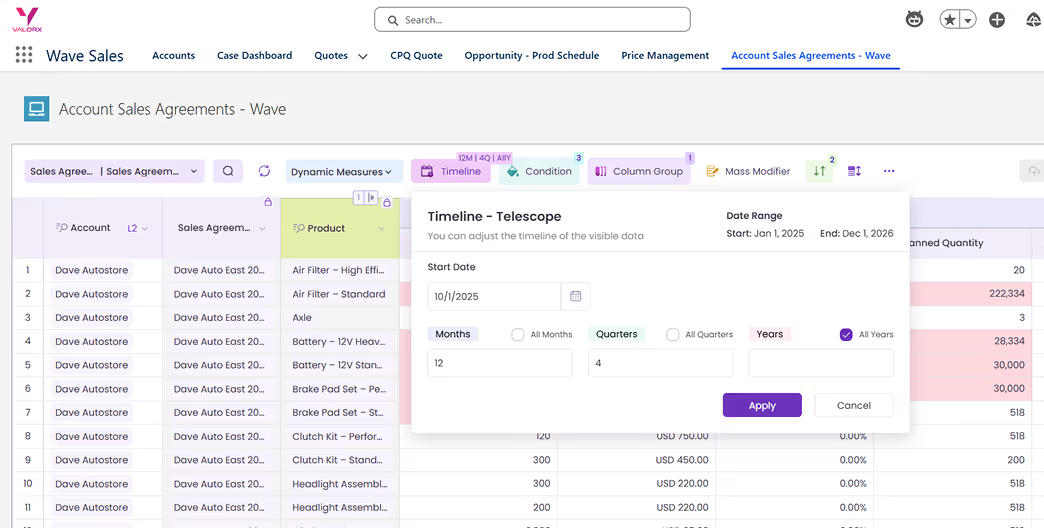
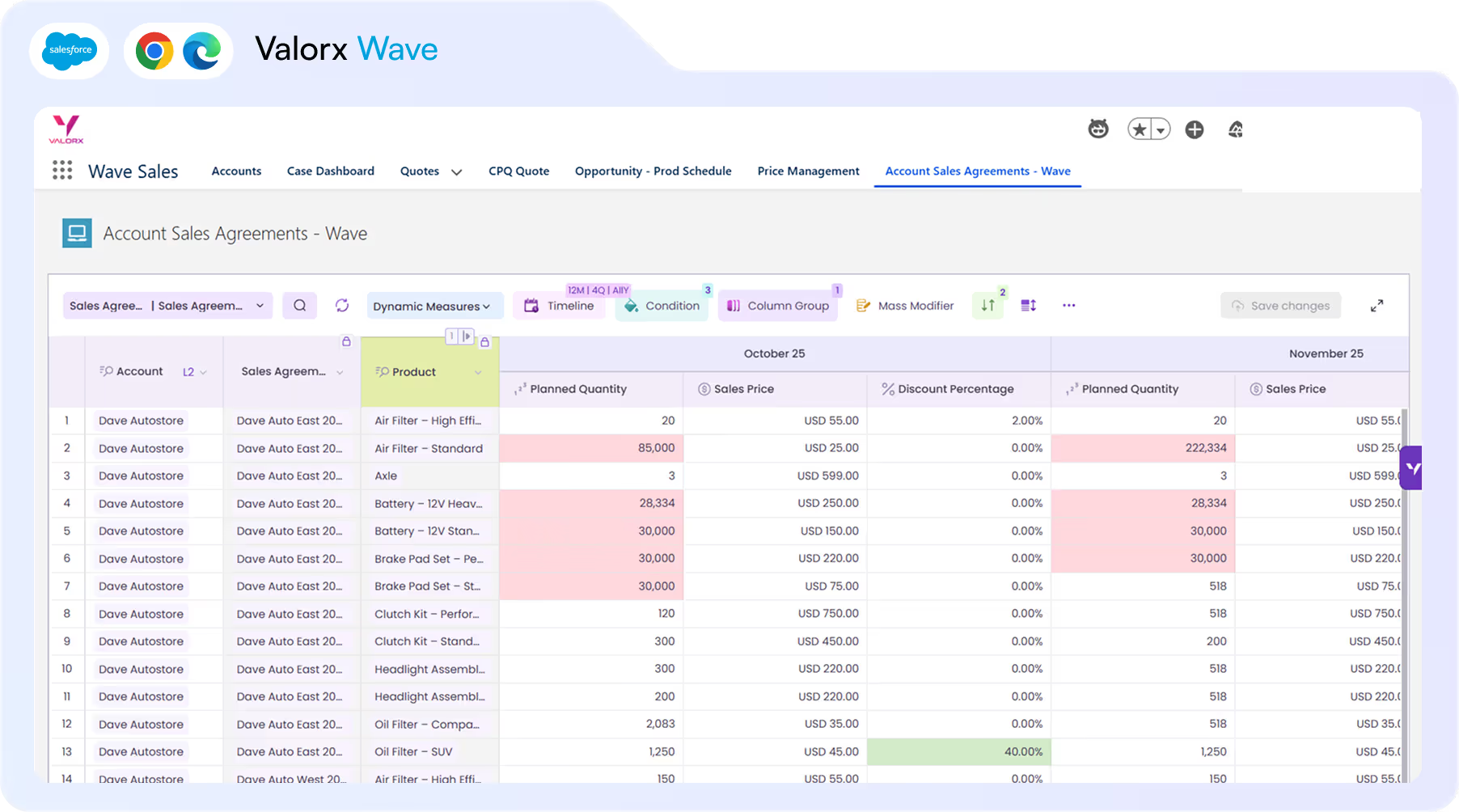
Forecasting
Streamline your process by working with live data across multiple timescales and dimensions in an interface your team already knows.
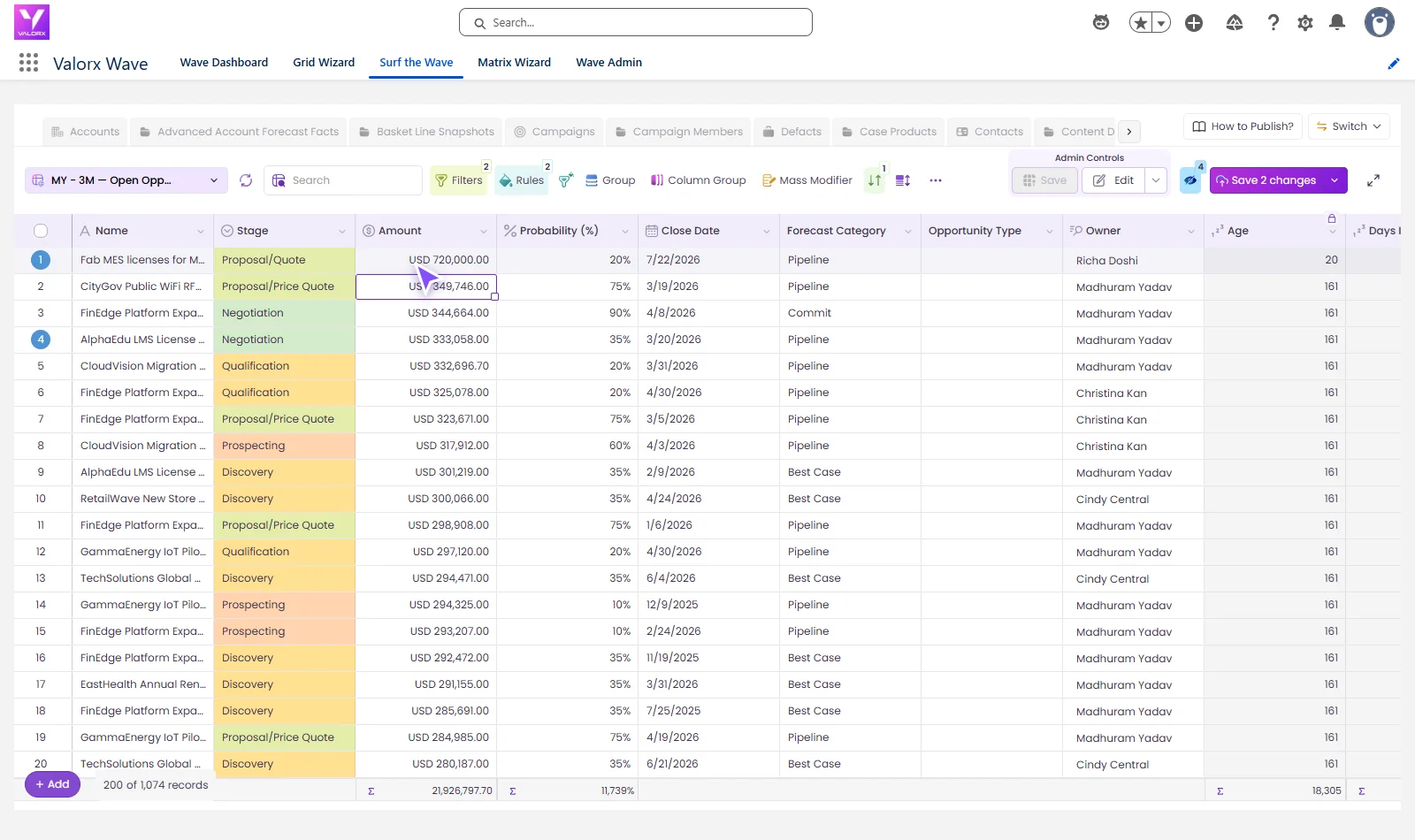
Pipeline management
Save time and ensure accuracy with bulk editing tools that identify errors before they enter Salesforce.
Results from Wave customers
Pick a demo time2 → 65
NVIDIA grids, built by their admin, no code
75%
less time on CMC’s monthly forecast
5.0
on AppExchange, from 11 reviews

Frequently asked questions
If we switch to Wave, do we have to stop using our other tools?
No. Wave runs inside your Salesforce org, next to the tools and workflows you already have.
How does Wave keep our data secure?
Your data never leaves Salesforce. Wave is a managed package that passed the AppExchange security review. Access is by license, role and permission set, and an admin can make any grid read-only.
Who builds the grids?
Your admin, in the Grid Wizard, without code. NVIDIA went from 2 grids to 65 that way. A grid can sit on a tab, a record page or inside a Screen Flow.
Do our users need to be spreadsheet experts?
No. It looks and works like a spreadsheet so it feels familiar, but anyone who can edit a Salesforce record can use it.