Admissions, student success and advancement on Salesforce
Review applications, approve financial aid, support students and steward donor pledges in one Salesforce grid.
Education teams working with Valorx




See how fast Salesforce
can actually feel.
If you can do it in spreadsheet,
you can do it in Valorx.
Book a demo
<00 days
to production
00x
faster updates than one record at a time
0+
departments aligned on one Salesforce view

Built for education teams in Salesforce
Valorx works on the Salesforce objects your teams already use, from applications and aid to student cases and pledges.
Admissions
Applications, events
Financial aid
Aid packages
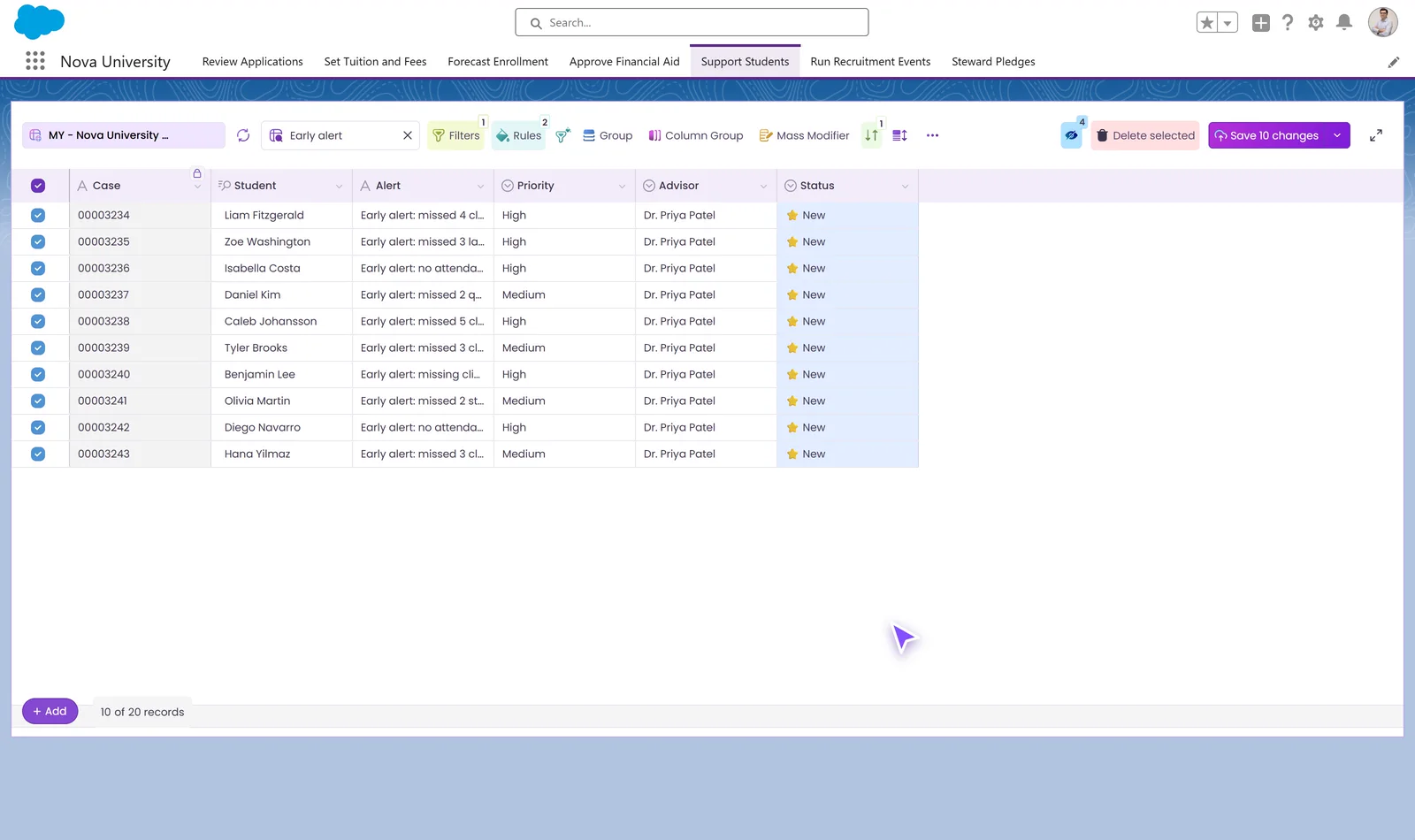
Student success
Early alerts, advising
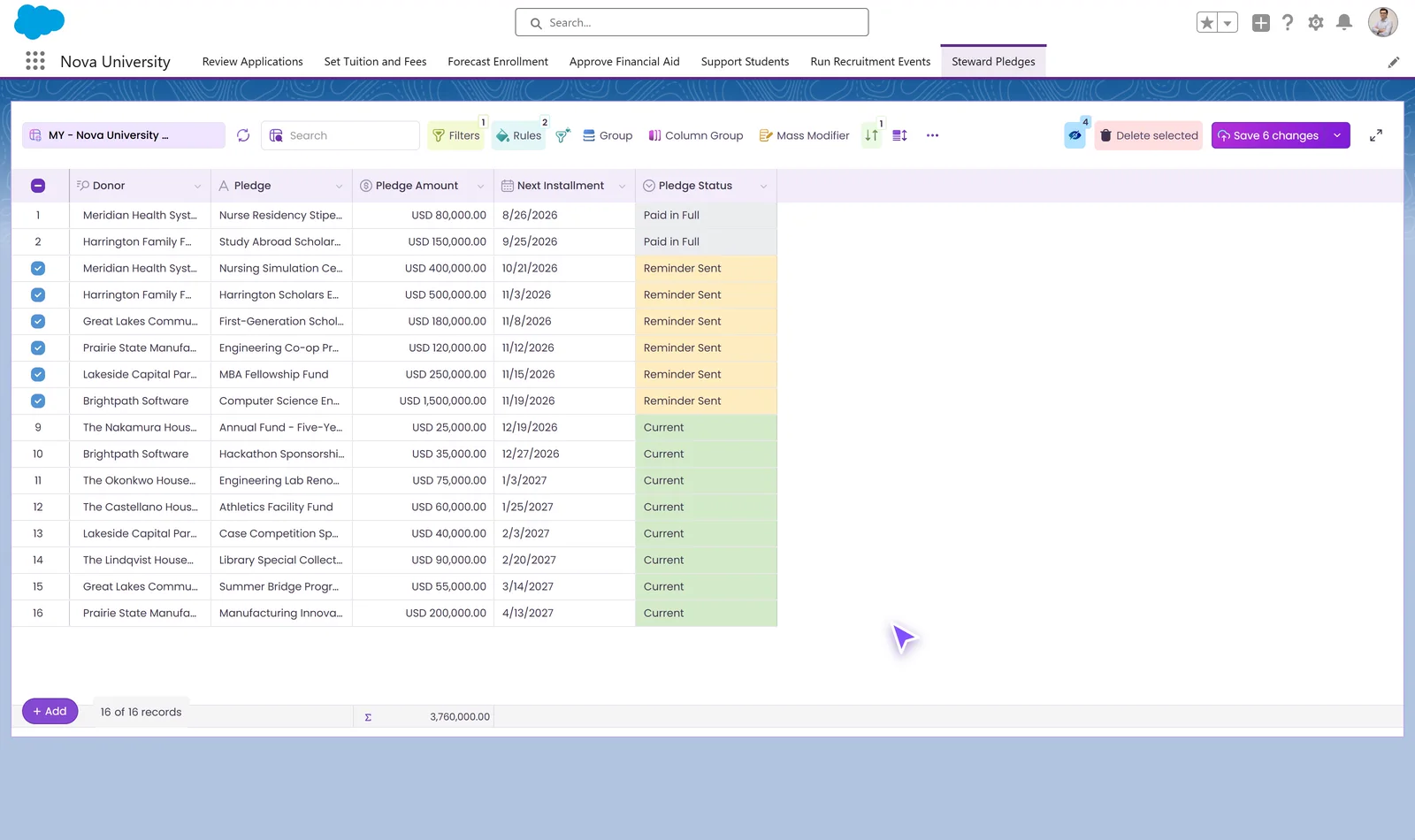
Advancement
Donor pledges
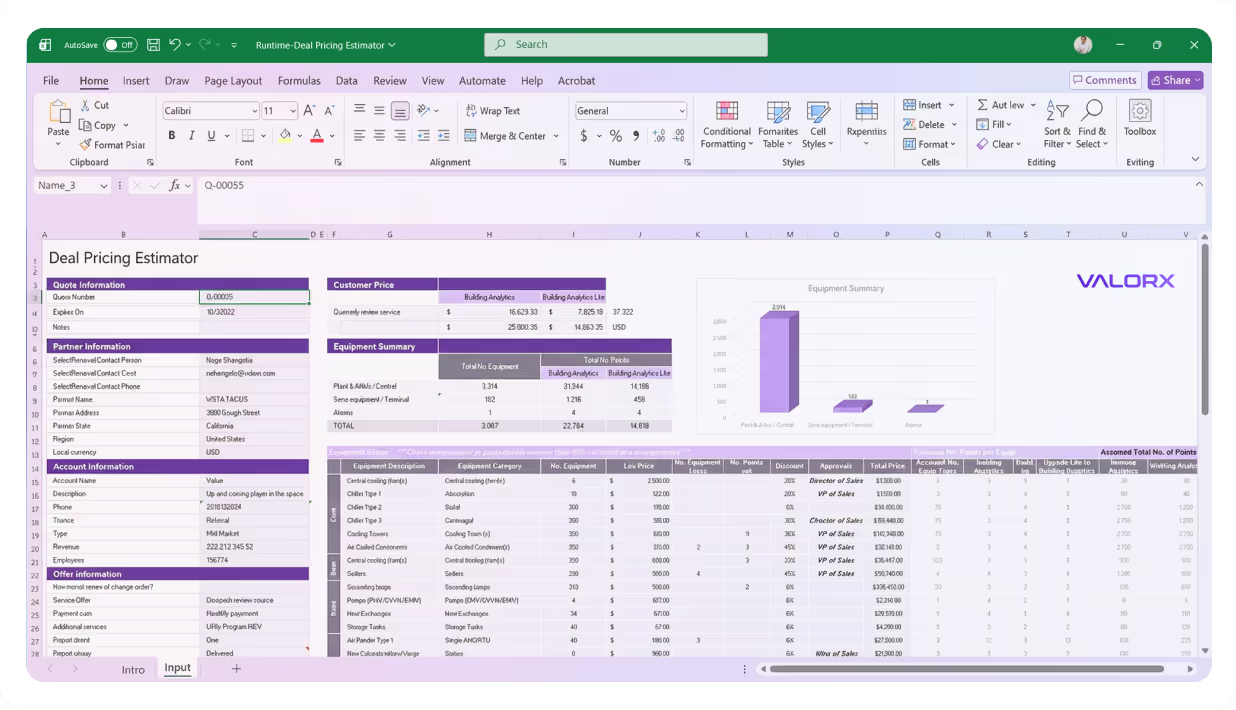
Access all your favorite Excel features
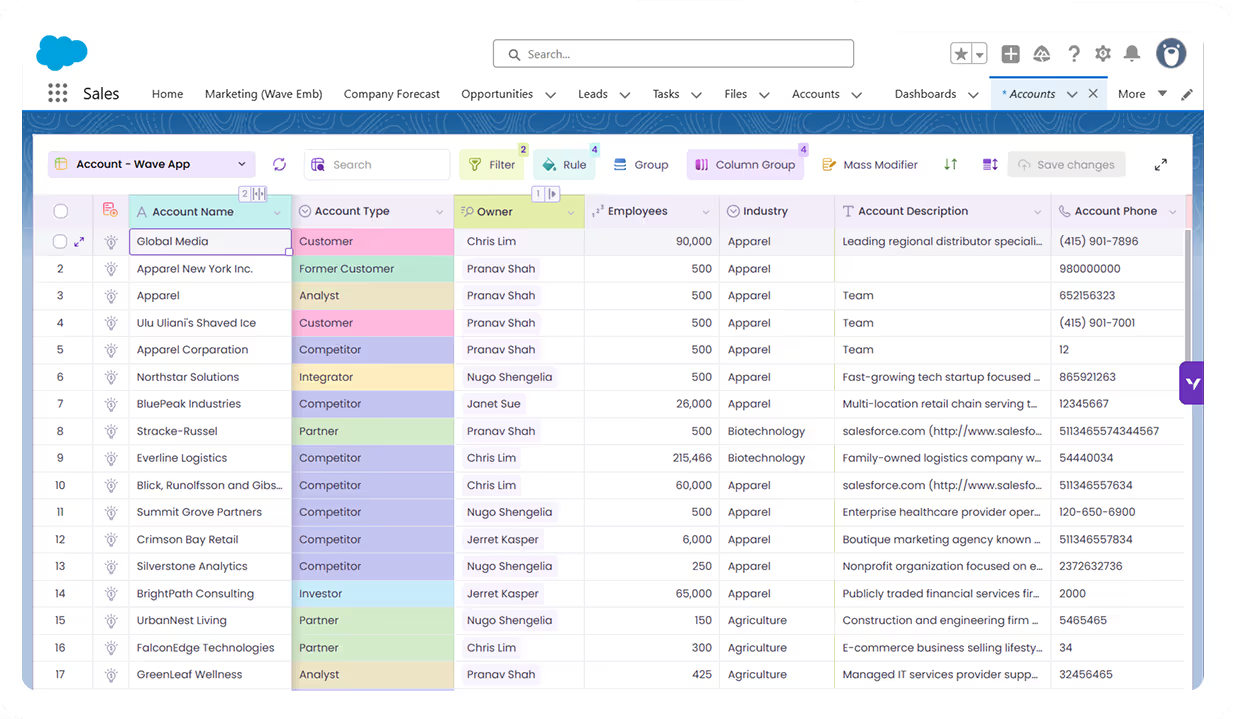
From simple drag-and-drop to powerful formulas, enjoy all your go-to spreadsheet tools while working directly with your Salesforce data.










Work in Salesforce like you work in a spreadsheet.
See what Valorx adds to Salesforce
The same work, before and after Valorx.
Without Valorx
Deadline risks found by scanning every file
Tuition changes typed into each fee
Aid awards checked record by record
Early alerts waiting for someone to notice
With Valorx
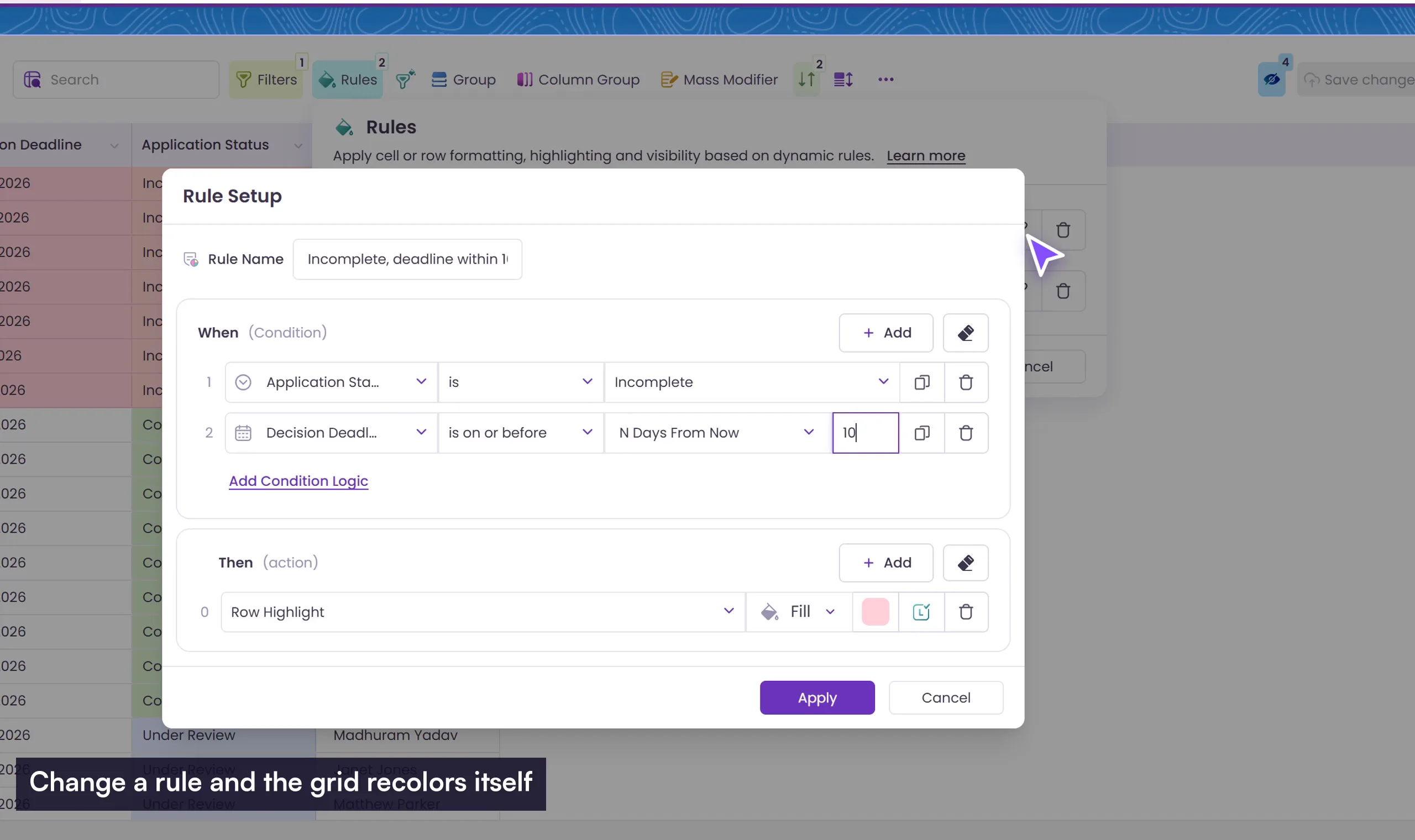
Urgent files flagged by a rule you control
Graduate tuition raised at once
Every award behind a package one click away
Unassigned alerts grouped and in plain sight

Frequently asked questions
Can admissions review many applications at once?
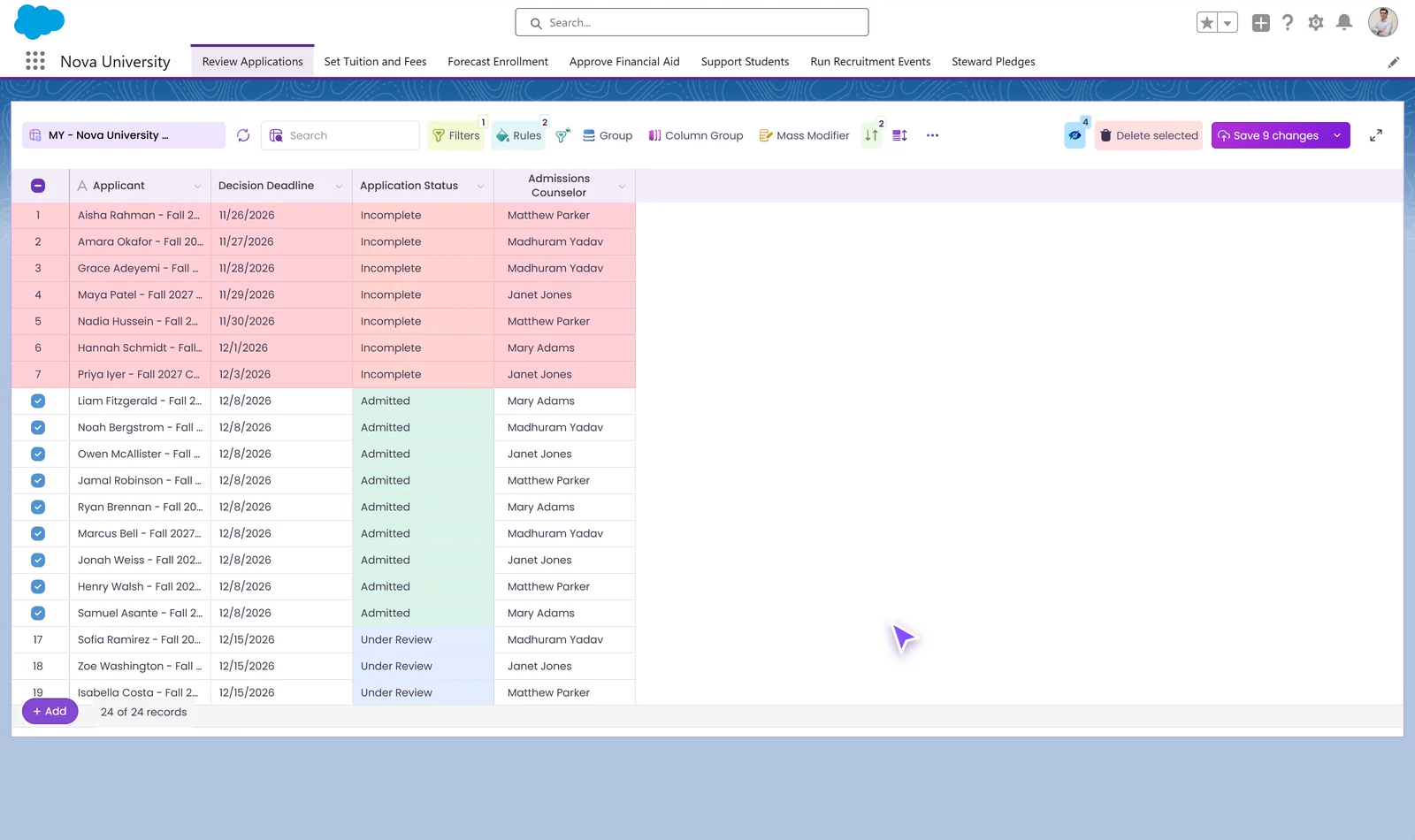
Yes. Applications show in one Wave grid, with incomplete files near the deadline in red. Select the complete files and set their status, counselor or next step for all of them in one step, then save to Salesforce.
How do we update tuition and fees for a new academic year?
Keep each tuition rate and fee as a price book entry. Search for one group, such as graduate programs, select the rates and raise them by an amount or a percentage in one step.
Can our financial aid office approve packages together?
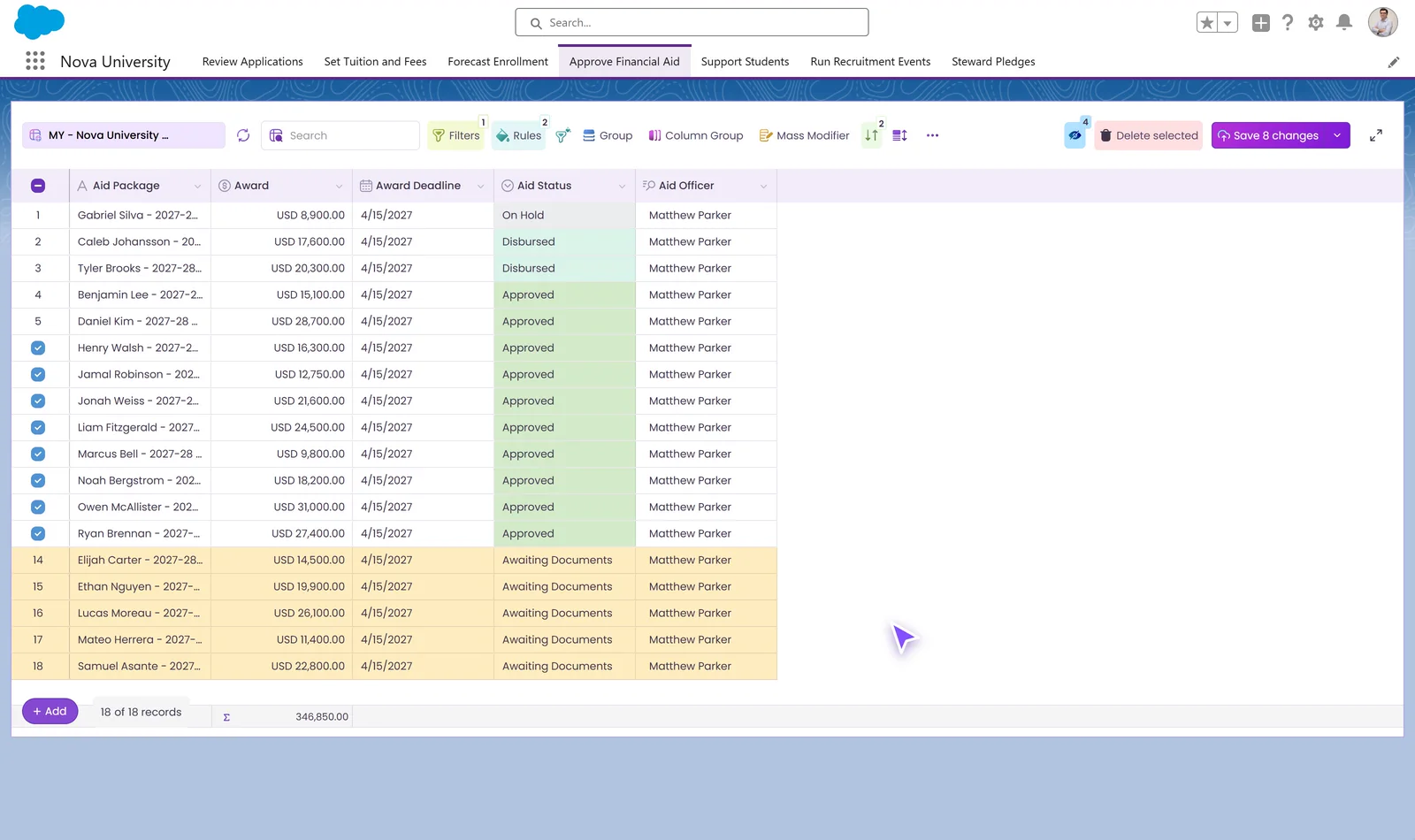
Yes. Aid packages missing documents show in amber, so the ready ones stand out. Select the packages that are ready and set them to Approved in one step, then save.
How do advisors work early alerts?
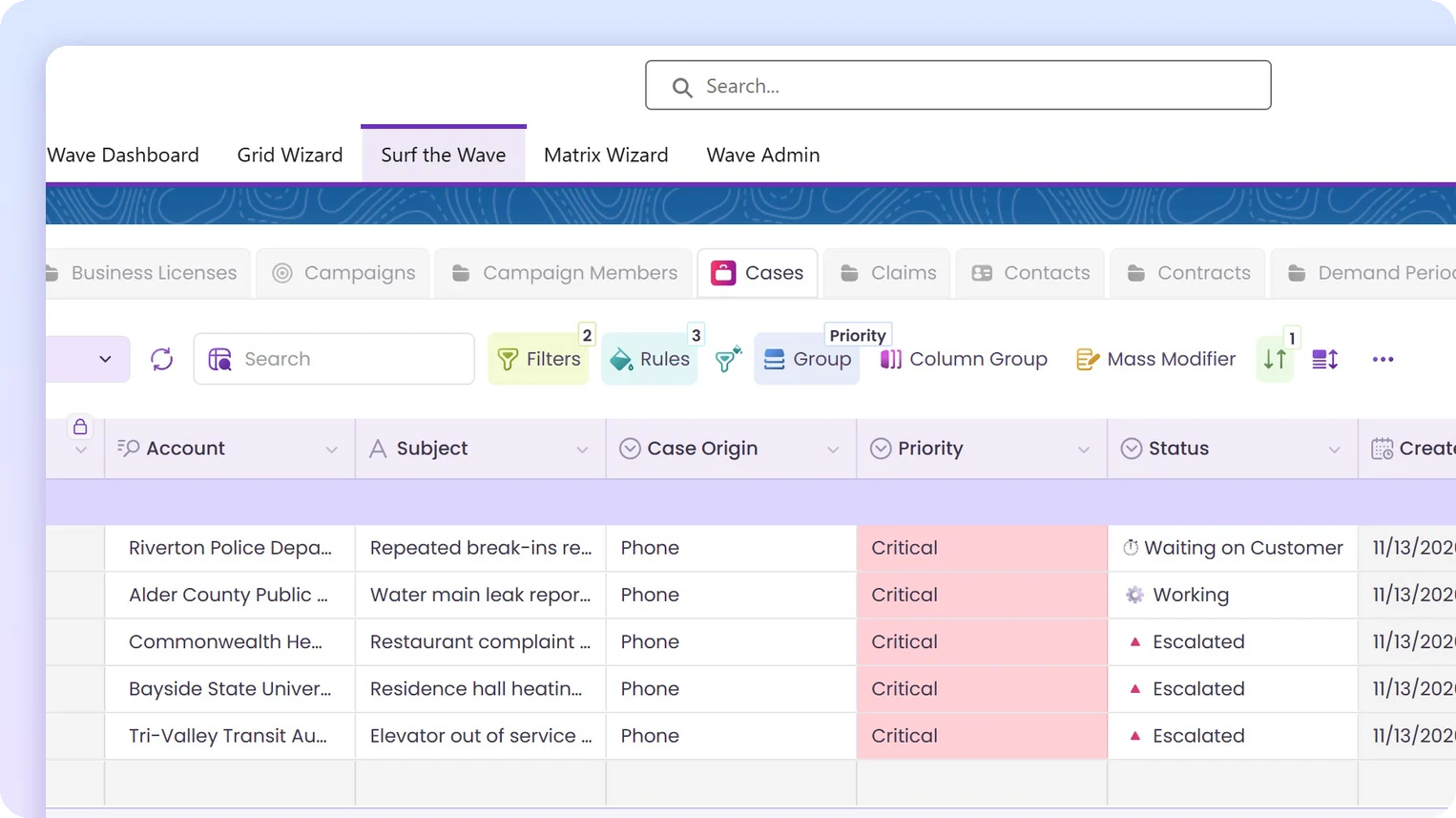
Early alert cases sit in one grid with unassigned alerts in red. Search for the alerts, select them and assign an advisor to all of them at once, so no student waits for someone to notice.
Which Salesforce objects does Valorx work with for education?
The ones your teams already use, including contacts, opportunities, cases, campaigns, price book entries and accounts, plus any custom application, enrollment or gift objects. Valorx works on standard and custom objects alike.
Does Valorx respect our Salesforce security?
Yes. Valorx runs inside your org on your existing profiles, permission sets, field-level security and sharing rules. Staff only see and edit the records Salesforce already lets them see and edit.












Choose the workflow you need:
Try Wave in browser Extension
Connect Wave directly with your browser

Try Wave in Salesforce
Integrate Wave in Salesforce

Try Fusion In Excel
Easily use Fusion within Excel

Excel
Salesforce
Browser